TL;DR:
ThemeWagon has built a number of sophisticated admin and web app templates, among which Phoenix and Falcon stand out the most. Built on the same stack, they differ considerably in design philosophy, feature depth, and applications, including UX approach, layout flexibility, customization, and more. However, the right pick comes down to what your project actually needs.
- Phoenix fits modern SaaS; Falcon fits enterprise applications.
- The right pre-built app can save weeks of development time.
- Phoenix’s 10 layouts offer greater navigation flexibility.
- Falcon’s extensive plugin library reduces integration work for complex applications.
- Falcon’s deeper SCSS system simplifies branding and dark mode customization.
When it comes to premium admin templates, Phoenix and Falcon are two names that have consistently ranked among the top choices in the Bootstrap marketplace. Both offer well-maintained ecosystems, 24/7 support, regular updates, and the essential requirements of admin dashboards. Coming from the same team and built on the same stack, each has developed its own strengths, making the choice between them less obvious than it first appears. And after spending some time with both codebases, it becomes clear that they are also optimized for different goals and project types.
In this article, we’ll highlight the differences between these two popular Bootstrap 5 admin dashboard templates, helping you choose the better fit for your projects.
The Bootstrap 5 Admin Templates: Quick Overview
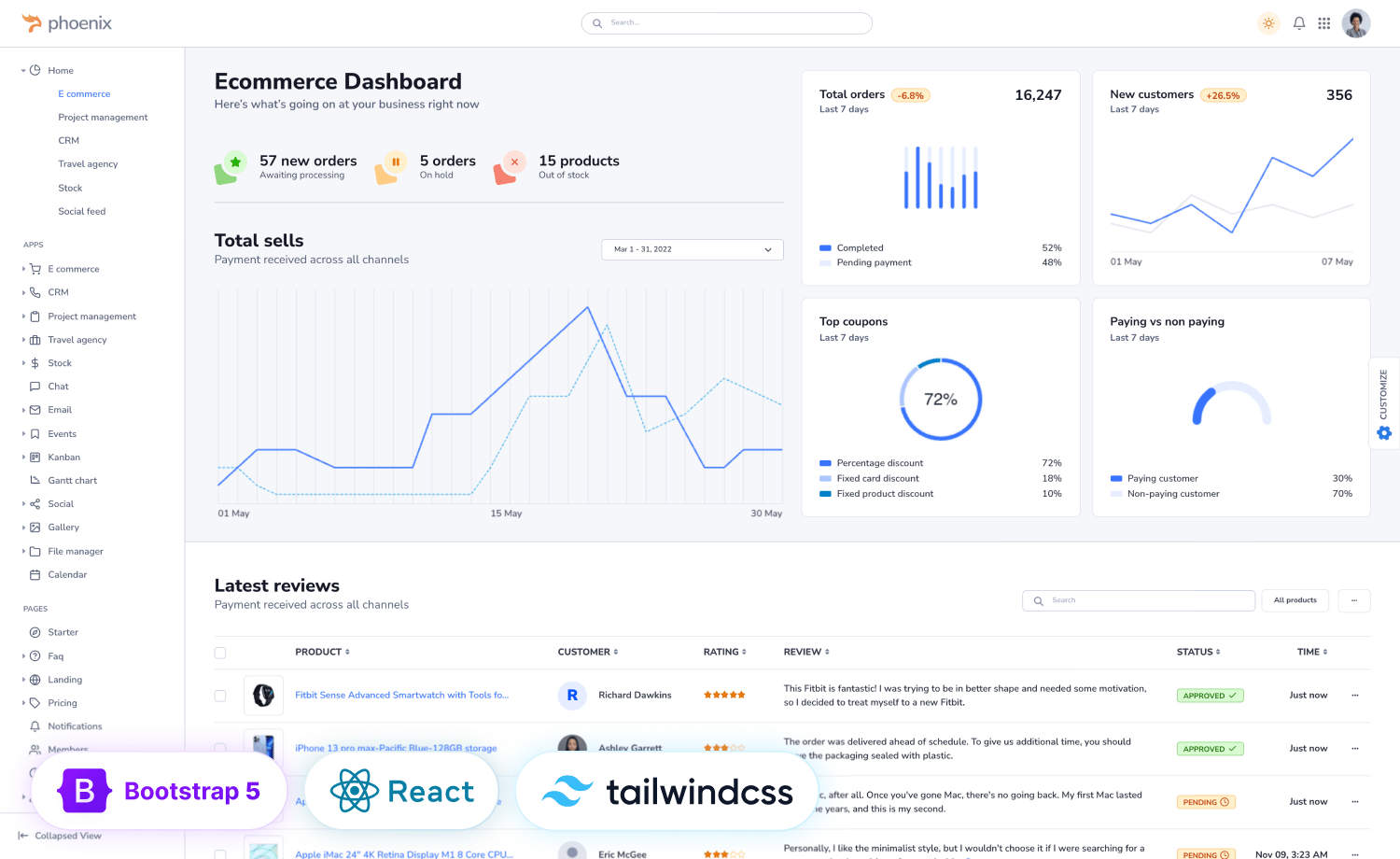
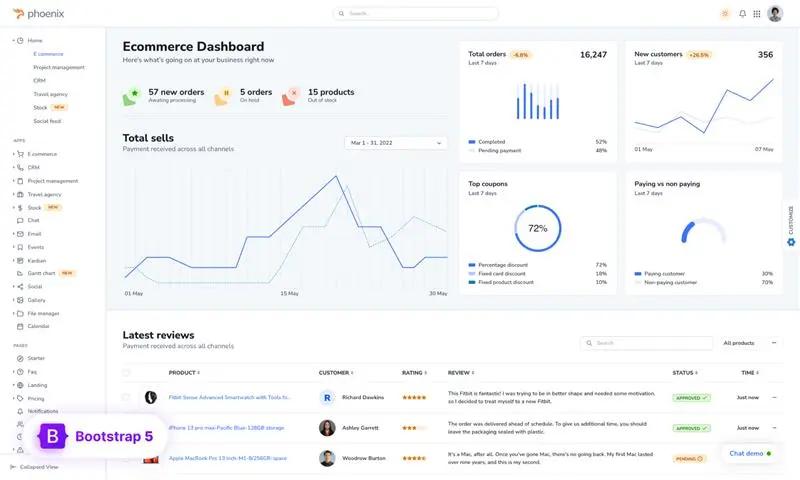
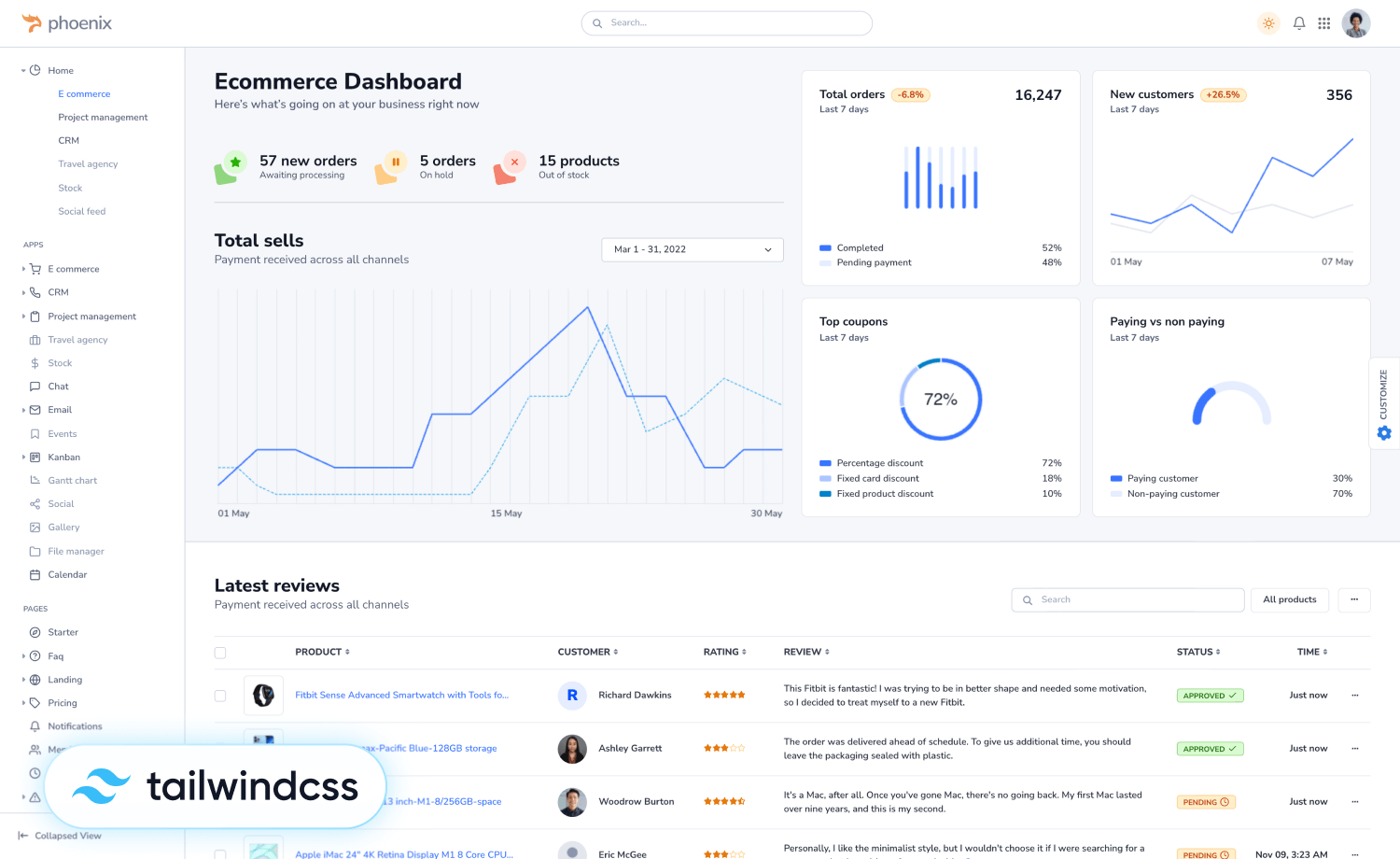
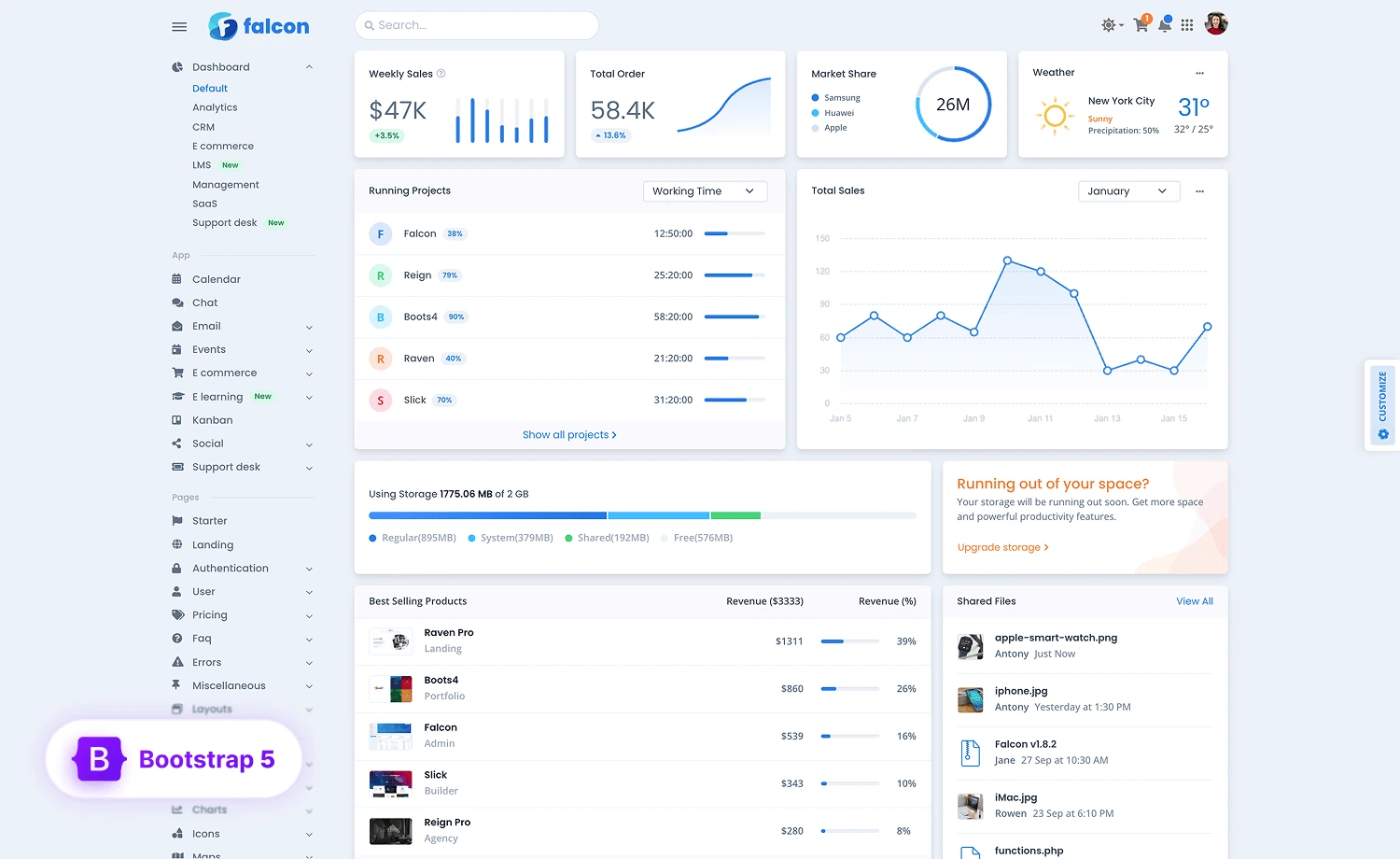
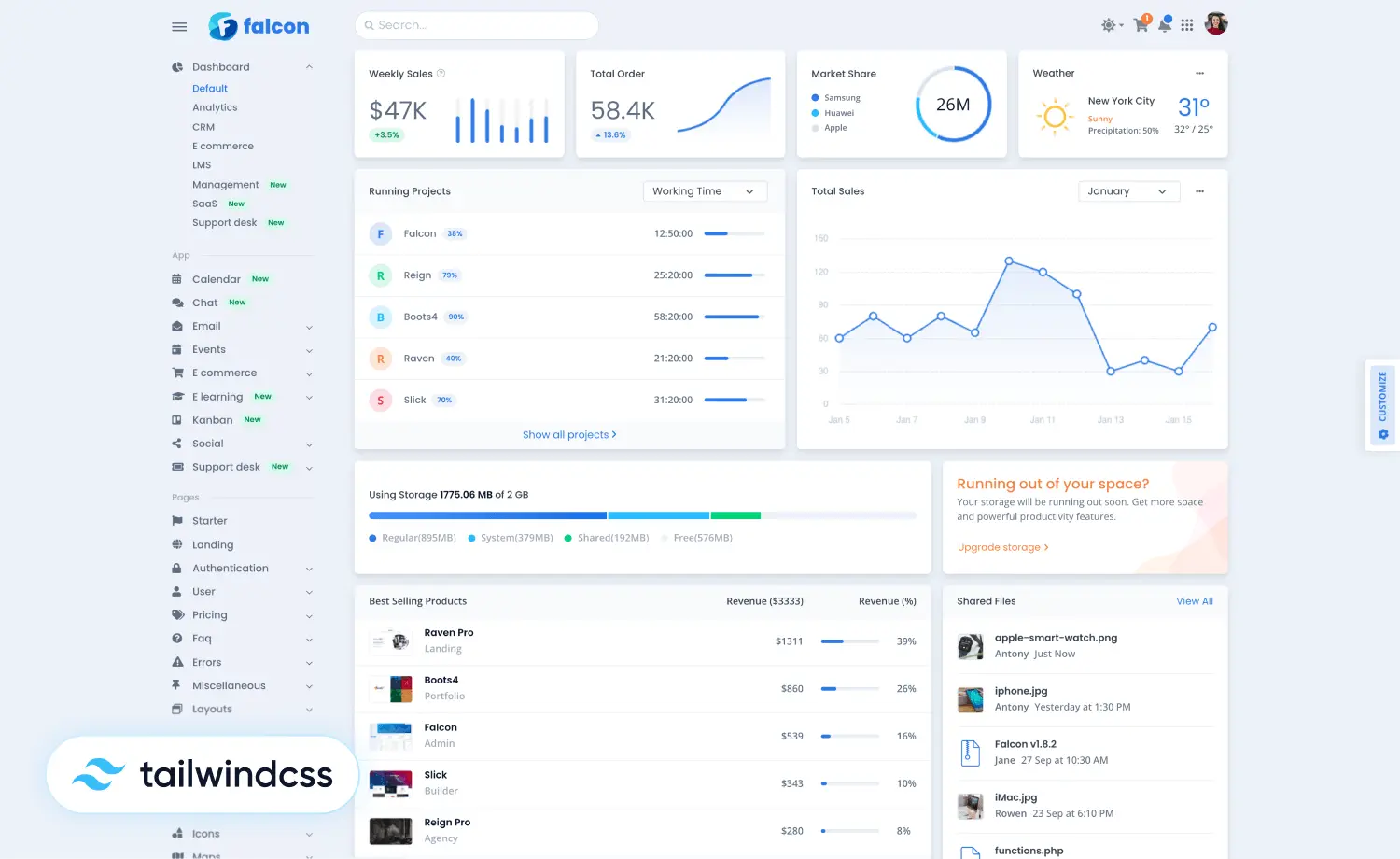
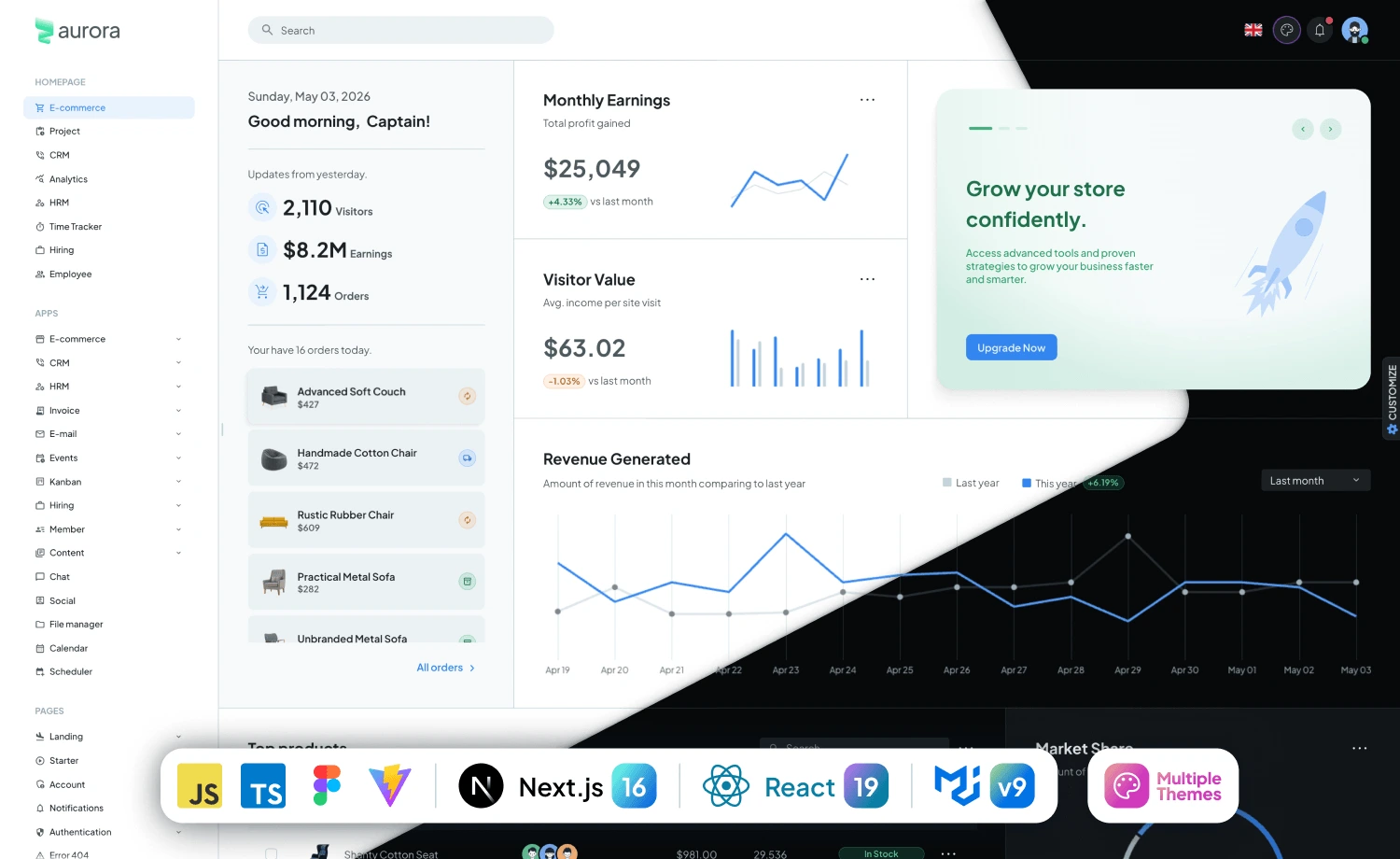
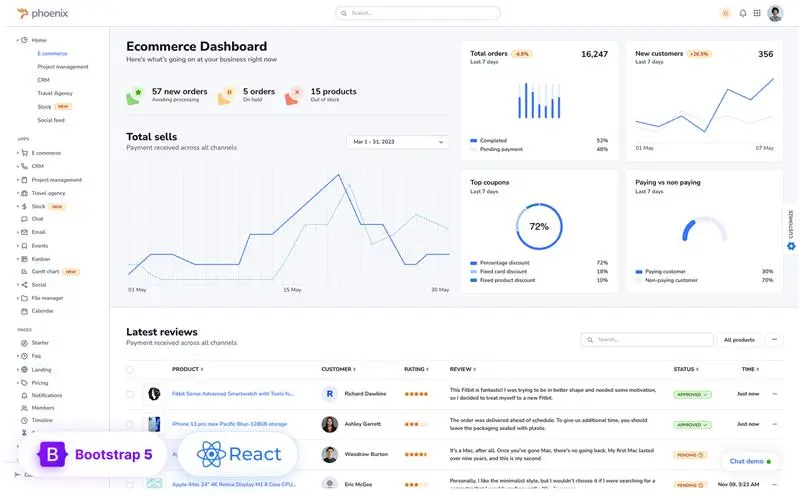
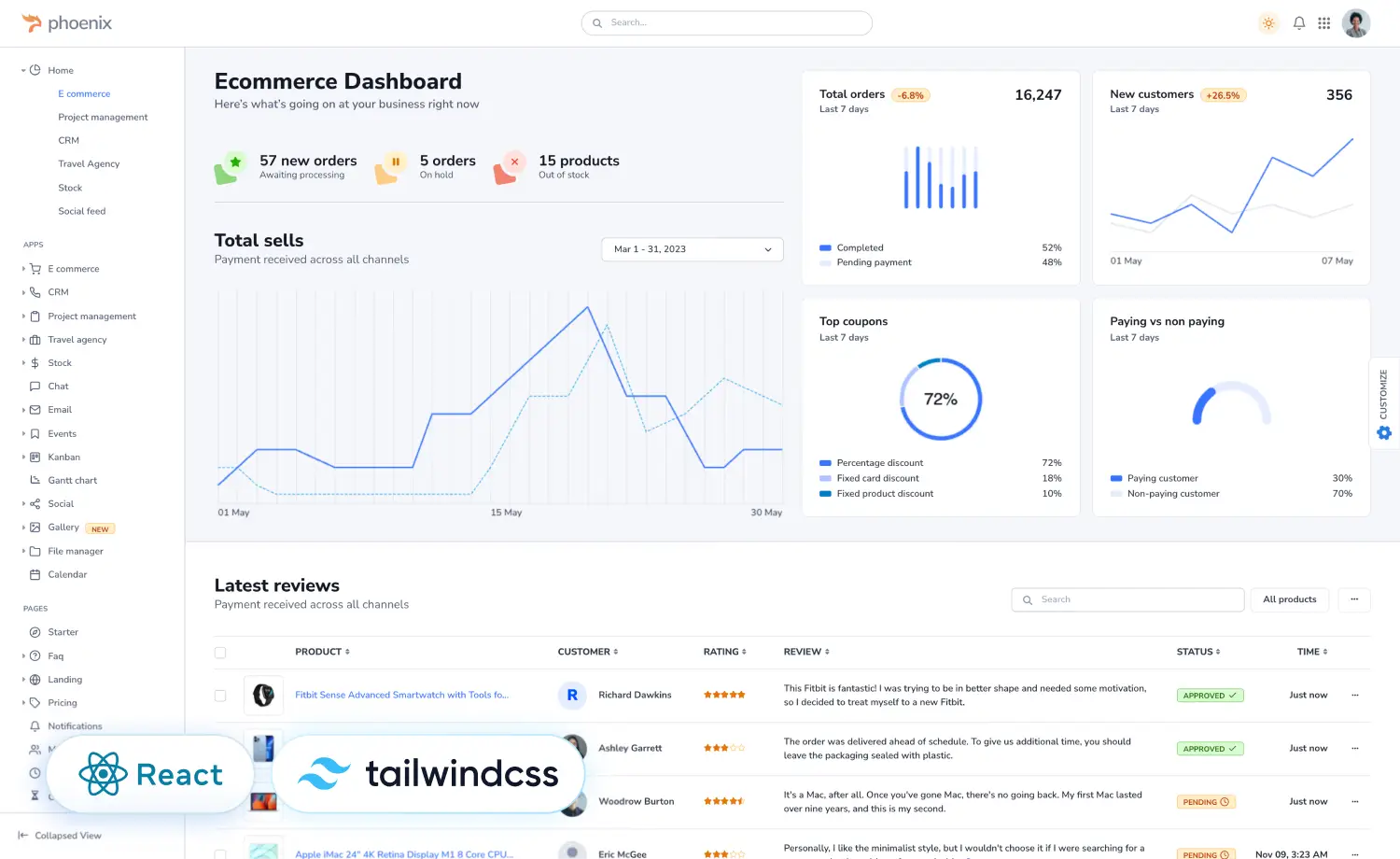
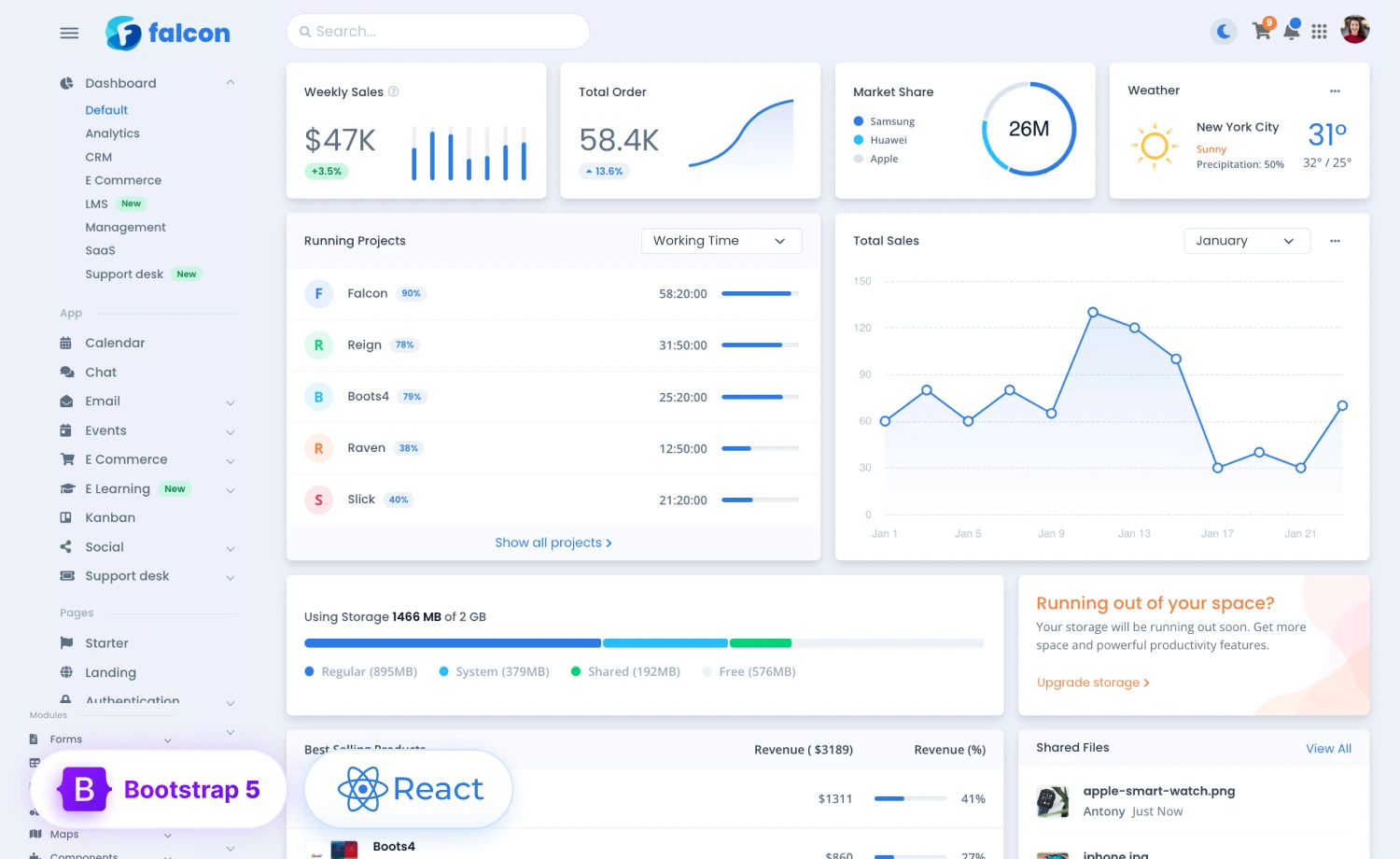
Phoenix and Falcon are the premium Bootstrap 5 admin and web app templates built by ThemeWagon. Each offers a full ecosystem of components, layouts, and pre-built applications designed for modern web projects. Phoenix is the most modern, SaaS-oriented webapp template built around flexible layouts and a clean, product-ready UI. And Falcon is an enterprise-focused admin template with a deep component library and vertical-specific modules. Let’s have a brief look at them:
| Comparing Factors | Phoenix | Falcon |
|---|---|---|
| Purchases | 5,300+ | 6,400+ |
| Reviews | 40 (5.0★) | 119 (4.97★) |
| HTML Files | 216 | 211 |
| Components | 27+ | 32+ |
| Plugin Sets | — | 35 |
| Built-in Apps | 14 | 9 |
| Icon Sets | 2 | 4 |
| Layout Configs | 10 distinct layouts | 4 nav types + 4 vertical styles |
| Code Formatter | Prettier | — |
| IE11 Listed | Yes | — |
| Available Versions | React, Tailwind CSS | React, Tailwind CSS |
| Figma Files | Standard Plus tier | Standard Plus tier |
| Pricing | $59 – $599 | $59 – $599 |
Find Your Favorite Stack
Phoenix vs Falcon: A Feature-by-Feature Comparison
Now that we have a clear picture of both, here is how the two most popular Bootstrap 5 admin and webapp templates compare:
Design and UX Approach
Phoenix
Phoenix takes a contemporary approach, designed as a WebApp template from day one, with a clear focus on modern web application workflows. The UI is built around product workflows and its extensive customization options, offering 10 layout configurations, multiple theme modes, and a flexible Sass variable system, making it notably easier to adapt to different product identities without extensive rework.
Falcon
Falcon’s UI is a structured, information-dense theme and is built for interfaces where users navigate complex data all day. It has been in active development since 2019 and is now on its third major version. That maturity shows in how components handle edge cases, complex nested layouts, and data-heavy views without feeling cluttered. It is particularly well-suited for enterprise internal tools, ERP systems, and analytics platforms where data density and UI reliability matter more than aesthetics.
Built-in Apps and Ecosystem
The built-in apps are where Phoenix and Falcon differ the most. Both templates cover the core admin apps, including E-commerce, Calendar, Chat, Kanban, and Social. The distinction comes from their specialized apps.
Phoenix’s exclusive apps:
- Stock: Portfolio tracking, watchlists, and stock details.
- Travel Agency: Hotel management, flight booking, customer portals, and checkout flows.
These are valuable if you’re building finance or travel-related applications.
Falcon’s exclusive apps:
- E-Learning: Course listings, trainer profiles, student dashboards, and course creation flows.
- Support Desk: Ticket management, contacts, and reporting dashboards.
These modules can save significant time on UI development for LMS or customer support products.
Navigation and Layout Options
The key difference here is flexibility, which matters more than it seems early on. Your navigation structure needs to flex as the product grows.
A CRM, an analytics section, and a project management module within the same product often need different navigation patterns. The CRM benefits from a persistent vertical sidebar. Analytics pages work better with a top nav that maximizes vertical space. Project tools frequently use combo layouts. If your template only supports one or two configurations, you end up working around the layout system instead of with it.
Phoenix comes with 10 layout configurations, including Vertical Sidenav, Sidenav Collapse, Horizontal Navbar, Combo Nav, Dual Nav, plus slim variants of each. Switching between them is a class swap on the <html> or <body> tag:
<!-- Vertical nav -->

<html lang="en" dir="ltr" data-navbar-appearance="darker">

<!-- Horizontal nav -->

<html lang="en" dir="ltr" data-layout="horizontal">

<!-- Dual nav -->

<html lang="en" dir="ltr" data-layout="dual-nav">
Falcon has 4 navigation types – Vertical, Top, Combo, and Double-Top, with 4 vertical navbar style variants such as Transparent, Vibrant, Card, and Inverted. Double-Top navigation is unique to Falcon, using two stacked horizontal nav bars for enterprise tools with deep menu hierarchies where a single nav level isn’t enough.
<!-- Falcon vertical navbar - transparent style -->

<nav class="navbar navbar-vertical navbar-expand-xl navbar-light">

<!-- Falcon vertical navbar - vibrant style -->

<nav class="navbar navbar-vertical navbar-expand-xl navbar-vibrant">

<!-- Falcon double-top nav -->

<nav class="navbar navbar-top navbar-expand">

  ...

</nav>

<nav class="navbar navbar-top navbar-expand navbar-top-second">

  ...

</nav>
If your product will have multiple distinct sections with different UX requirements, Phoenix’s layout variety is the better starting point. If you need deep visual customization within a consistent structure, Falcon’s style variants offer greater control.

Theming, Customization, and Sass Architecture
Both templates use a Sass variable system for theming. You override variables in a _user-variables.scss file rather than touching the core. The pattern is the same, but the depth differs.
Phoenix variable structure:
// src/scss/_user-variables.scss

// Override primary color

$primary: #6d28d9;

// Override font

$font-family-sans-serif: 'Inter', sans-serif;

// Override border radius

$border-radius: 0.375rem;

$border-radius-lg: 0.5rem;

// Override card shadow

$card-shadow: 0 0.25rem 1rem rgba(0, 0, 0, 0.08);
Falcon variable structure:
// src/scss/user/_user-variables.scss

// Override primary

$primary: #6d28d9;

// Override navbar color for vertical variant

$navbar-vertical-link-color: rgba(255, 255, 255, 0.75);

$navbar-vertical-link-hover-color: #fff;

// Override card

$card-border-radius: 0.5rem;

$card-spacer-x: 1.25rem;

// Dark mode specific overrides

$dark-grays: (

  "100": #1e1e2d,

  "200": #2b2b40,

  "300": #3f3f5a,

);
Falcon’s variable system is more extensive, particularly in terms of dark mode and navbar variants. If you need fine-grained control over the color system across multiple UI states, Falcon’s SCSS architecture gives you more documented override points.
Development Experience & Extensibility
Before diving into the details, here’s how Phoenix and Falcon compare from a development perspective:
| Area | Phoenix | Falcon |
|---|---|---|
| Code formatting | Prettier is configured out of the box | Manual setup required |
| Plugin ecosystem | Essential plugin coverage | 35+ pre-integrated plugin sets |
| Component library | 27+ components | 32+ components |
Code Consistency
Phoenix includes Prettier configured out of the box, helping teams maintain a consistent coding style from day one. New developers can contribute without worrying about formatting, and code reviews stay focused on functionality rather than style.
Since Falcon doesn’t include Prettier by default, adding it later often requires reformatting existing files and coordinating project-wide formatting changes.
Hence, Phoenix makes it easier to establish coding standards early, reducing maintenance overhead as your team grows.
Plugins
When it comes to built-in integrations, Falcon provides the real advantage. With 35 pre-integrated plugin sets, including DataTables, Flatpickr, TinyMCE, SortableJS, Leaflet, and more, it minimizes the need to wire up third-party libraries yourself.
Therefore, it reduces setup time for feature-rich dashboards and enterprise applications where Phoenix leaves more advanced integrations to the developer.
Component Library
Falcon also offers a broader component library, with 32+ components compared to 27+ in Phoenix. Both cover the essentials, but Falcon includes additional UI elements such as tree views, timelines, bottom navigation, and more advanced form controls. So, if your interface depends on specialized components, Falcon can be your go-to solution with more out-of-the-box components.
So, Which Premium Template Should You Choose?
If you need a flexible, polished UI for SaaS products or startups that require consistent code and minimal customization, Phoenix is your go-to solution. For complex enterprise tools or dashboards that require extensive features and integrations, Falcon is the best choice.
Choose Phoenix when your project is:
- A customer-facing SaaS product or startup MVP
- A multi-section app where different areas need different navigation layouts
- Built by a team where code consistency matters from the start
- Centered around Finance, Stock, or Travel workflows
- Expected to look product-ready without heavy UI customization
Choose Falcon when your project is:
- An enterprise internal tool, ERP, or BI dashboard
- A platform that needs E-Learning or Support Desk functionality out of the box
- Complex enough to need the broadest possible component and plugin coverage
- Dependent on multiple third-party libraries that need to be pre-wired
- Built around a deeply hierarchical navigation structure
Also Read:
To learn more, check out the official documentation for both Phoenix and Falcon, or reach out to their support teams with any questions. This will help you get started quickly and make the most of your chosen admin dashboard template.
Happy Developing!
Frequently Asked Questions
How to choose the right admin dashboard template for my startup?
Phoenix is generally the better choice for startups for its modern design, flexible layouts, and faster customization workflow. However, if your startup requires a broader plugin ecosystem or enterprise-grade features from the outset, Falcon may be a better fit.
Which template is easier for Bootstrap developers?
Both templates are built on Bootstrap 5, making them familiar to Bootstrap developers. However, Phoenix offers a more streamlined structure for new projects, while Falcon provides greater flexibility for large-scale applications.
Do Phoenix and Falcon include Figma files?
Yes, but Figma resources are included only with Standard Plus and Extended Plus licenses (and selected Unlimited Use products), not the basic Standard license.
Can I use one license for multiple projects?
It depends on the license. Standard and Extended licenses cover one end product, while the Multisite license lets you create unlimited free end products for yourself or multiple clients.
Which ThemeWagon license should I choose for my project?
The right license choice depends on your project’s distribution model and long-term usage. Choose a Standard license for a one-off project, or Unlimited Use if you want to use the same eligible template across unlimited free projects. Multisite if you regularly build projects for multiple clients, and Extended if your end product will be sold to paying users.