TL;DR:
For most projects, investing in an admin dashboard template delivers better value. It speeds up development by covering the essentials out of the box, allowing your team to focus on what makes the product unique. Go with building your dashboard from scratch only when your requirements are too specialized for a template to support effectively.
- A well-built admin dashboard template can significantly reduce UI development time.
- Quality templates support common SaaS, CRM, and e-commerce use cases out of the box.
- Over-customizing a template can cost nearly as much as building from scratch.
- Free templates often hide costs through limited features, outdated code, and no support.
- A template is a foundation, not the final product.
Choosing between an admin dashboard template and a custom build is one of the first decisions that shape your development phase. Make the wrong call, and you could spend weeks rebuilding features that add little value to your product. Sadly, most teams don’t realize that until they’re deep into the project.
An admin dashboard template provides a ready-made structure to build on, allowing faster development with less effort. A custom build starts from scratch with complete design control. However, it also means spending your time and effort rebuilding features that already exist and work.
The real question isn’t which approach is better. It’s, “Which one makes better use of your team’s time?”
This guide compares the two approaches, explains where each works best, and helps you choose. So you can invest your time where it delivers the most value.
Template vs Custom Build: Quick Comparison
| Factor | Admin Dashboard Template | Custom Build |
|---|---|---|
| Upfront Cost | Lower | Higher |
| Development Time | Days to weeks | Weeks to months |
| UI Foundation | Already built | Built from scratch |
| Flexibility | Moderate to high | Complete |
| Long-term Maintenance | Shared with vendor | Fully owned by your team |
| Best For | Standard dashboards | Highly specialized products |
What Are You Really Paying For?
Most teams compare the price of a template with the cost of building from scratch. That’s the wrong comparison.
The real investment isn’t the template. It’s developer time.
Every week spent building authentication, dashboards, tables, forms, permissions, and responsive layouts is a week your team isn’t building the features customers actually care about. Those pieces are necessary, but they’re rarely what make your product stand out.
A good admin dashboard template changes how that time is spent. Instead of rebuilding the basics, your team starts with a proven foundation and invests its effort in product-specific features, workflows, and business logic.
That doesn’t mean a template is always the better investment. If you end up replacing most of its components or fighting its architecture, you’ve simply moved the cost elsewhere. The best return comes from choosing the approach that minimizes work on the common 80% and maximizes effort on the unique 20%.
When an Admin Dashboard Template is the Better Choice
An admin dashboard template is usually the better choice when your goal is to build product features, not dashboard infrastructure.
It makes the most sense when:
- You’re shipping an MVP, an internal tool, or a client project with a tight deadline.
- Your team doesn’t have the time or resources to build every UI component from scratch.
- Your dashboard follows common patterns, such as a SaaS platform, CRM, e-commerce backend, or analytics system.
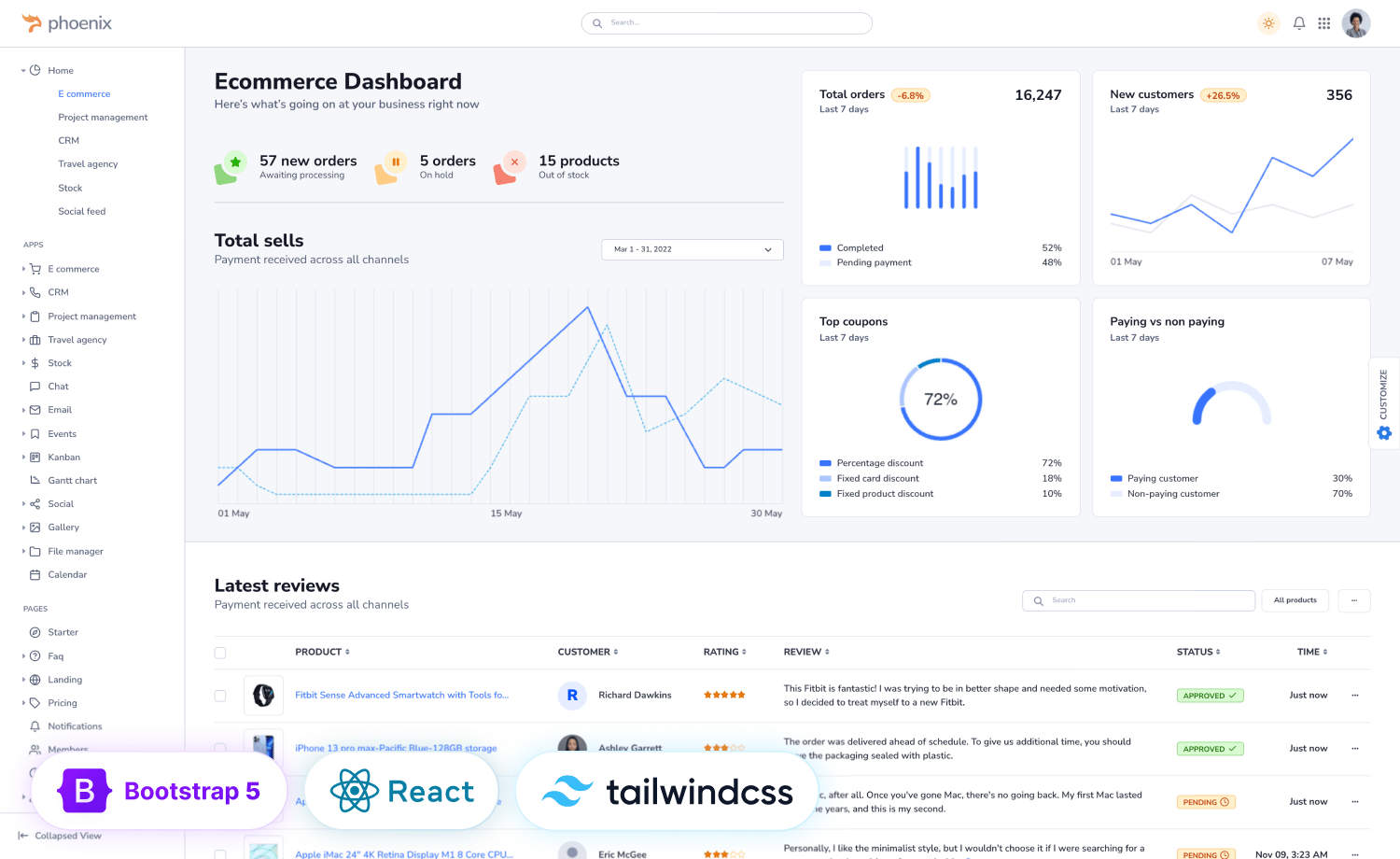
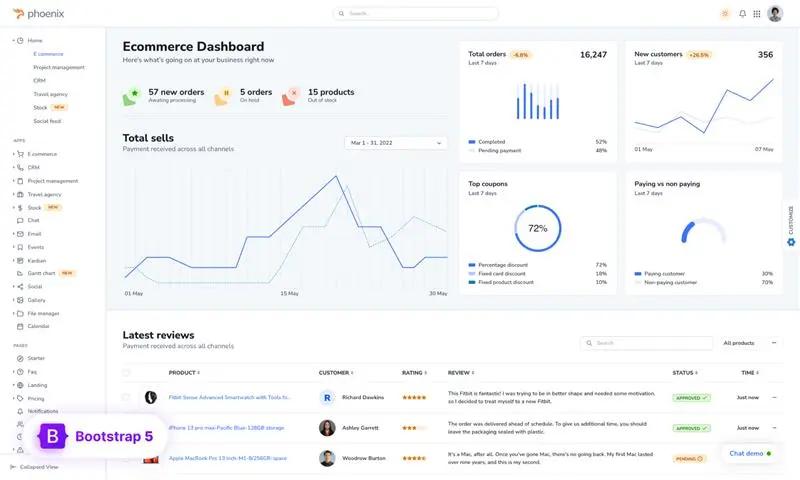
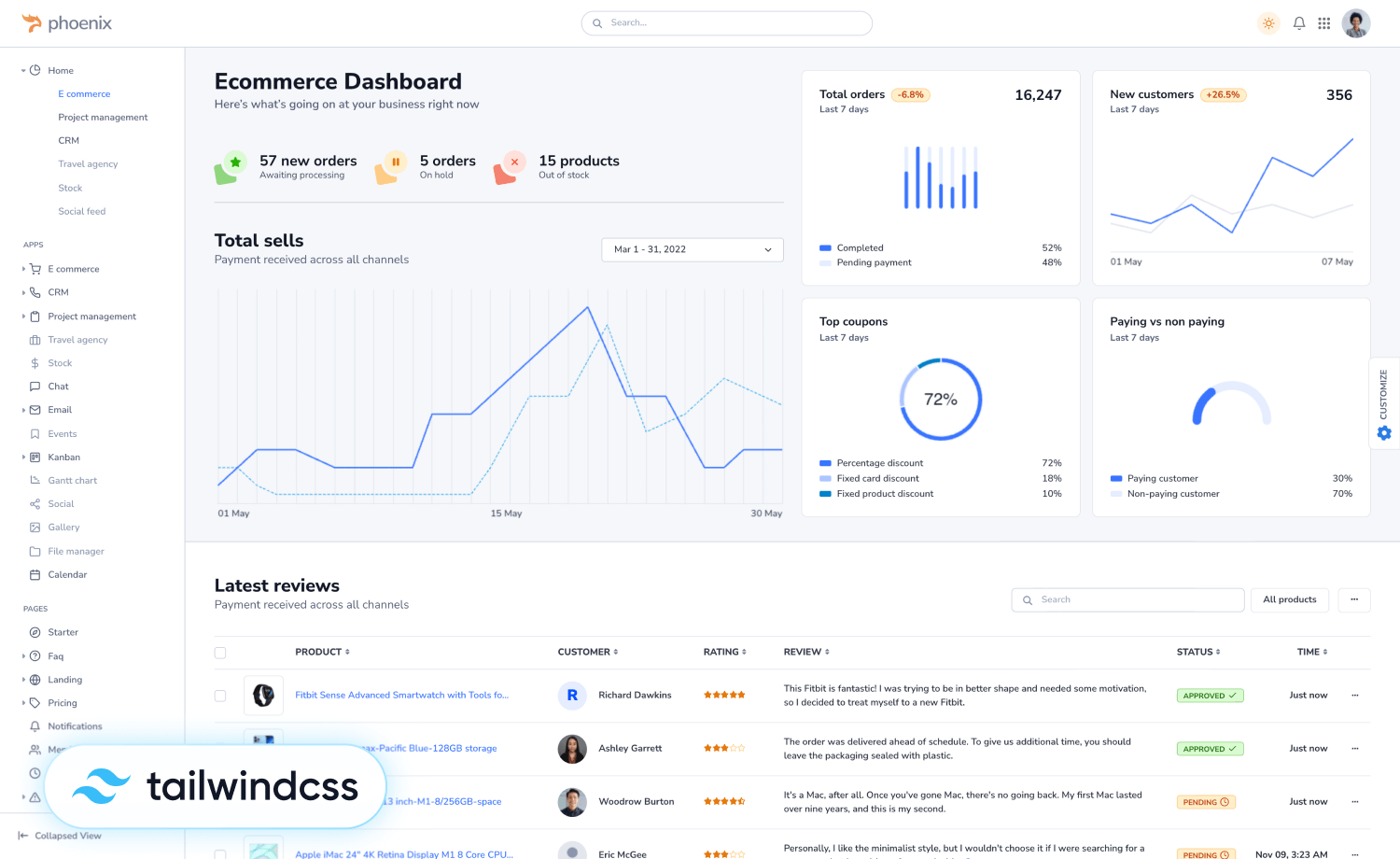
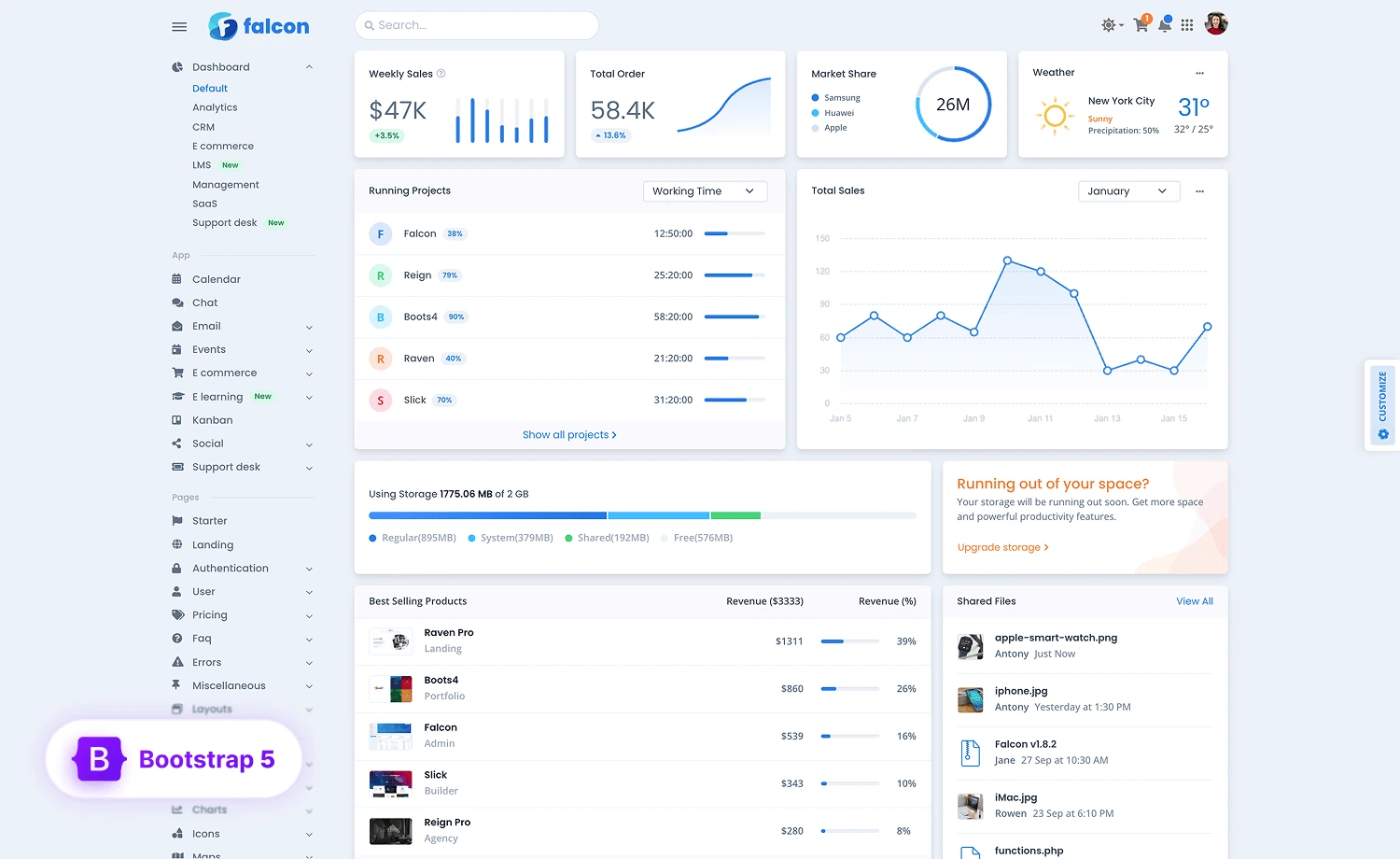
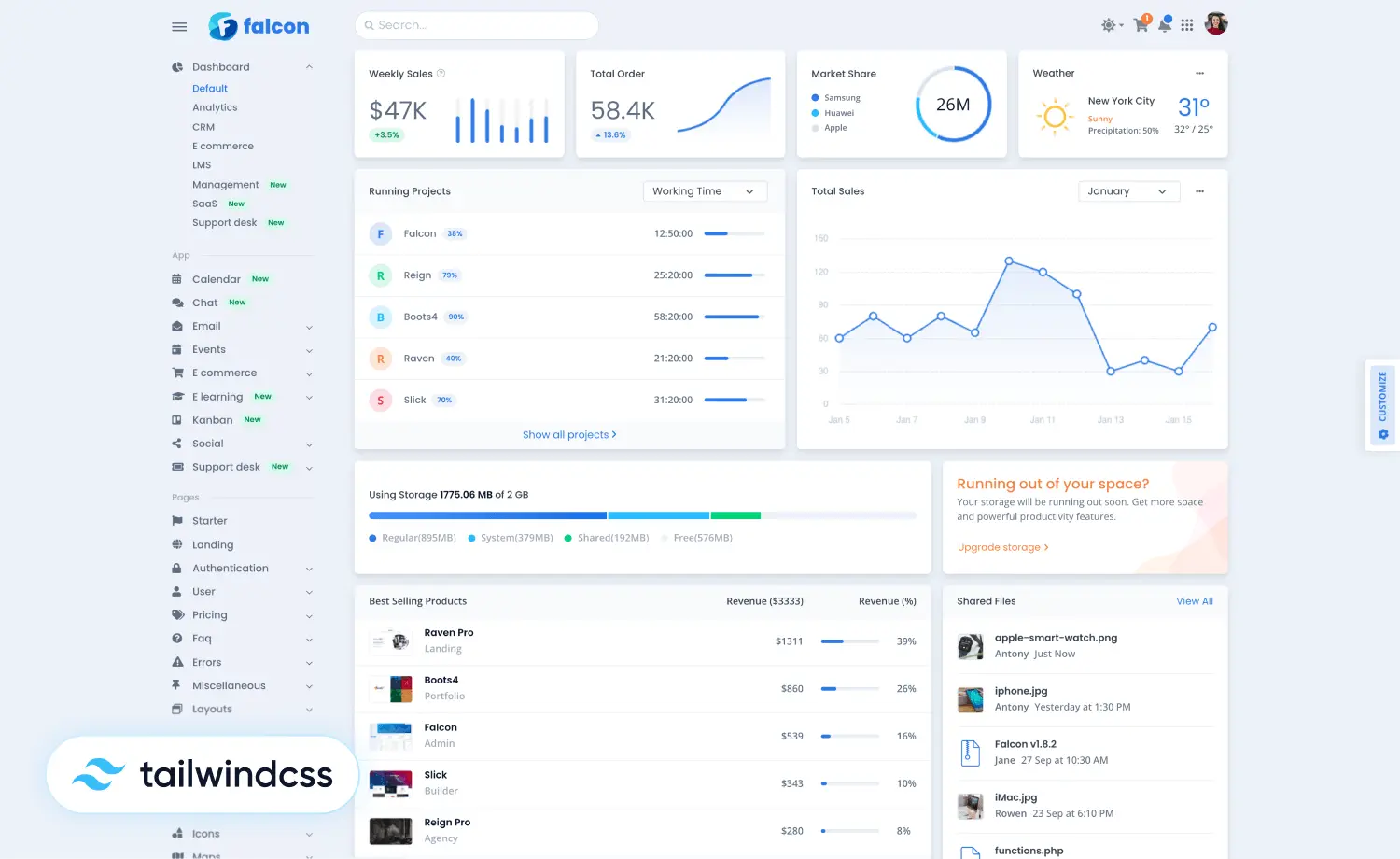
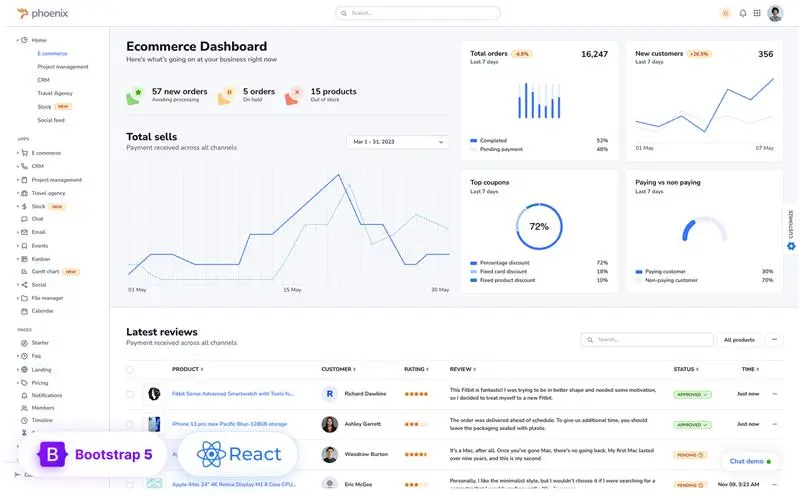
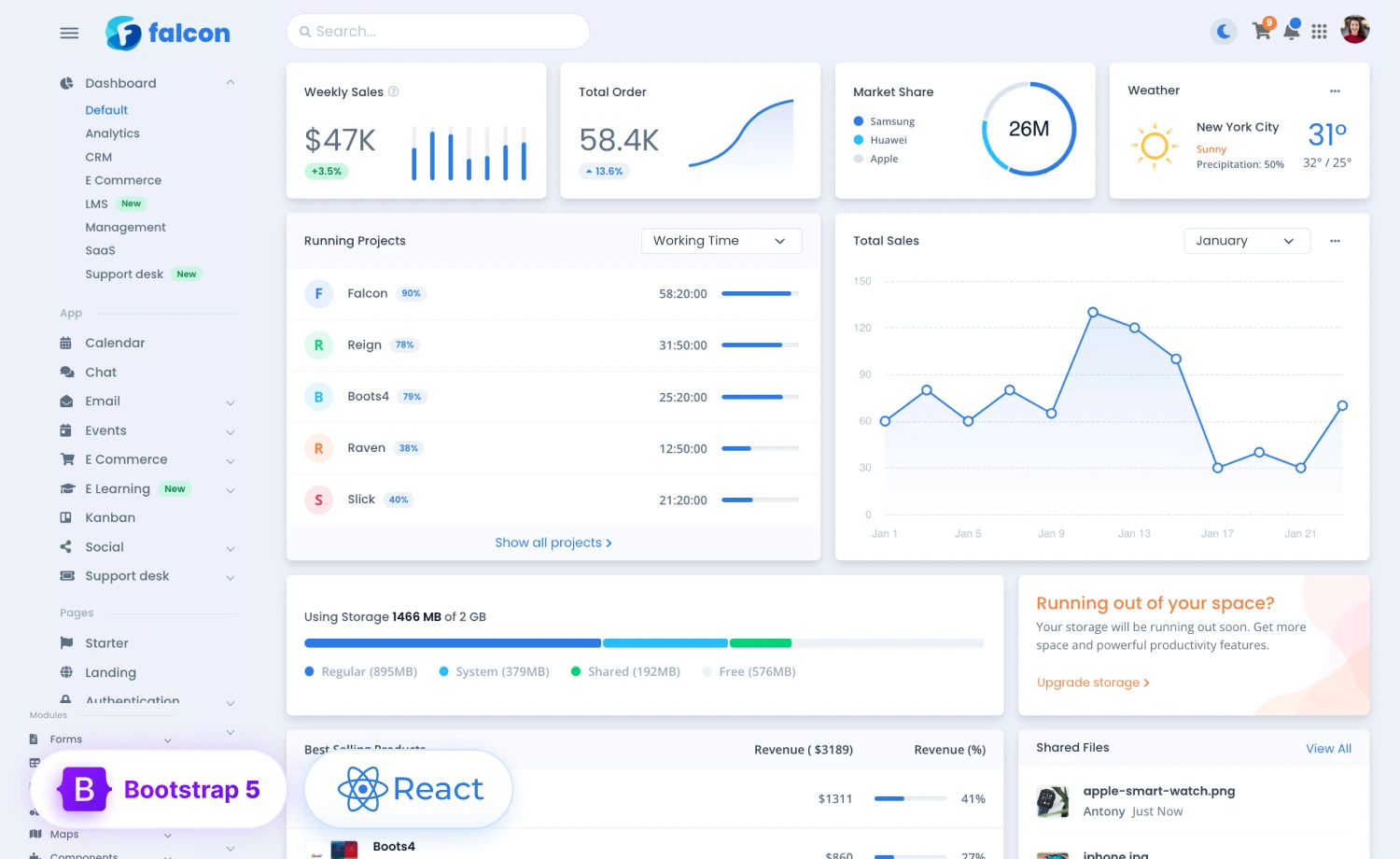
This isn’t just a shortcut. It’s how most teams build today. Popular admin dashboard templates like Phoenix, Falcon, AdminLTE, Tabler, and Ant Design Pro have earned millions of downloads and tens of thousands of GitHub stars by solving problems that almost every admin panel faces.
If your project needs standard CRUD screens, charts, tables, user management, and authentication, a well-built template already gives you that foundation. Instead of rebuilding those pieces, your team can focus on the workflows and features that truly differentiate the product.
Before Choosing an Admin Dashboard Template
A template can save weeks of development time, but only if you choose one that fits your project from the start. Before making a decision, consider the following:
Choose the Right Type
Before choosing a template, it’s worth noting that not all admin dashboard templates are built the same way or follow the same workflow. There are three common template types.
- Static HTML/CSS: Best when you want complete backend flexibility.
- Framework-specific (React, Vue, Angular): Best for single-page applications and reusable components.
- Backend-integrated builders: Best when your backend framework can generate the UI for you.
Choosing the right type upfront prevents unnecessary migration and rework later.
Don’t Fight the Template
Heavy customization can eventually cost as much time and money as building from scratch, defeating the main reason for choosing a template in the first place.
Templates deliver the most value when you build on top of their existing structure. If you’re constantly replacing layouts, rewriting components, or working around the template’s architecture, those time savings quickly disappear.
The better way is to choose a template that already meets most of your project’s needs, so you’re extending it rather than rebuilding it.
Look Beyond the Price Tag
A free template can help you get started quickly, but the real cost may show up later.
| Free Template | Premium Template |
| No support available | 24/7 support included |
| Credit required | No attribution needed |
| Limited customization | Includes Figma files |

Free options tend to ship with the basics only, so the moment you need a slightly fancier chart or a more advanced form element, you’re back to building it yourself. Updates can go stale, meaning you become the one patching bugs and chasing new browser quirks. Also, you don’t get any support service with free templates when something breaks. There is no one to call, so you’re digging through old GitHub issues at midnight. And licensing terms on “free” templates sometimes quietly restrict commercial use, which can turn into a real legal headache on a client project.
None of this means free templates are bad. But if you’re relying on one for a long-term product, a well-maintained premium template can often save more time than it costs.
When An Admin Dashboard is Worth Building
Building from scratch makes sense when your admin dashboard is a competitive advantage rather than just an internal tool. It’s also worth considering if you’re building a long-term platform with highly specialized workflows or have strict performance, accessibility, or compliance requirements that existing templates can’t meet.
What’s not on that list? Wanting a different sidebar, color scheme, or layout. Those are customization needs, not reasons to build an entire dashboard from scratch.
What Building From Scratch Involves
Building from scratch means investing in much more than writing code. Every core feature has to be designed, built, tested, and maintained over time.
Design & Experience
UI design & Layouts
Responsiveness Across Devices
User-friendly Navigation
Engineering
Accessibility Support
Cross-browser Compatibility
Reusable Components
Long-term Maintenance
Documentation for Devs
Ongoing Maintenance
Technical Debt
None of these are disadvantages. They’re simply part of owning the entire platform. The more unique your requirements are, the more worthwhile that investment becomes.
A Quick Checklist Before You Decide
Before you open a new repo or commit budget, run through the following questions:
- Does your dashboard genuinely need to look and behave differently from every other admin panel, or does it just need to work well?
- Do you realistically have 2 or more months of dev time to invest in infrastructure rather than features?
- Is this a one-off internal tool, or a platform you’ll be maintaining for years?
- Can someone other than the original builder maintain the custom components once the original builder moves on?
- Does a template already cover most of your screens? A template that covers 80% of what you need beats a prettier one that covers 40%.
If most of your answers point toward speed, standard requirements, and limited development time, a template is likely the better investment. If your project demands highly specialized expertise and long-term ownership, a custom build will likely deliver greater value.
Building from scratch isn’t automatically better, and using a template isn’t cutting corners. The best choice is the one that lets your team spend its time solving business problems instead of rebuilding infrastructure. If a template already covers the fundamentals, your developers can focus on the features that set your product apart.
Happy Developing!
Need assistance meeting your project deadline?
 With 12+ years of experience in website templates, we take on-demand projects and deliver duly for utmost customer satisfaction. Our team is experienced in contractual front-end development (React/Vue), back-end development (Laravel/Node.js), UX/UI design, search engine optimization (SEO), and more.
Mail to: [email protected] to get a quote.