TL; DR:
Open-source UI libraries and frameworks hugely impact website speed, user experience, accessibility, and SEO. Heavy libraries increase bundle size, slowing load times or delaying hydration. On the other hand, lightweight UI elements minimize file weight, eliminating unnecessary files. They offer design control & maintainability that enable teams to ship lean, customizable, and accessible interfaces. Additionally, the right open-source UI choices can also improve web performance, directly influencing search rankings & engagement.
Today’s frontend development focuses on fast, performance-first applications, leveraged by open-source UI tools such as frameworks and component libraries. However, this convenience may come at the cost of usability, speed, and SEO if not chosen carefully.
Larger UI libraries frequently ship hundreds of KB of CSS & JavaScript. These extra bytes generally cause slow loading, negatively affecting Google search rankings. Beyond libraries, open-source frameworks also affect performance and search results, playing a key role in rendering and interactivity. The Akamai study shows that every 100 ms of delay reduces conversions by 7%. In short, the UI libraries and frameworks you’re using can significantly affect your site’s performance, as well as its search results.
In this blog, we’ll explore the hidden trade-offs of choosing open-source UI libraries and frameworks. By the end, you’ll understand how these choices affect your site’s speed, user experience, and search visibility.
Find Hummingbird on Product Hunt!

Open-Source UI Ecosystem: The Modern Development Shift
The open-source UI ecosystem provides design ownership to developers from all spheres. They can access codes, professional guidance, and more anytime. So, its popularity has grown steadily, driven by continuous evolution in how they are used. The open-source UI evolution can be broken down into 3 phases:
- Monoliths & Opinionated (pre-2015): This era is driven by older frameworks/libraries (such as AngularJS, Backbone & Bootstrap). They offered strong structures with little freedom to design and customize.
- The Component Era (2015-2021): This era shifted the mindset from big, rigid systems to modular components. Developers had complete design control, while the library handled the logic.
- Editable Components (2022-present): This era focuses on giving developers full ownership of their UI code and ensuring maximum performance. Components are live, editable source files within projects, and modern frameworks reduce runtime overhead through smarter, build-time optimizations
| Phase | Key Benefits | Drawbacks |
| Monoliths & Opinionated (pre-2015) | Standardized UI patterns | Heavy & limited customization |
| The Component Era (2015-2021) | Modular, reusable components, flexible design system | Heavy runtime, large peer dependencies |
| Editable Components (2022-present) | Fast prototyping, easier debugging, design-development alignment |
This evolution shows how open-source UI libraries & frameworks shifted from convenience-first to performance-conscious, developer-owned, and fully customizable solutions.
Why UI Framework & UI Library Choice Actually Matters
A well-chosen UI framework or library streamlines development and reduces technical debt. On the other hand, a poorly chosen tool slows down your site’s performance and harms user experiences. It also creates unnecessary workloads, especially if it lacks a solid structure.
Let’s look at the specific performance and SEO issues these choices create.
UI Frameworks Drive Interactivity
The framework you choose controls how and when content appears, which directly affects speed and SEO:
- Rendering Methods (SSR, SSG, CSR, ISR): This determines when content is rendered, affecting crawlability.
- Hydration Efficiency: Excessive JavaScript delays interactivity.
- Caching & Data Fetching: Smart frameworks handle revalidation and caching automatically.
UI Libraries Rule Load Time
The library affects component weight, styling, and performance optimization, influencing load time and interactivity:
- Heavy libraries load unnecessary components even when unused.
- CSS-in-JS approaches that compute styles in the browser at runtime & increase client-side overhead.
- Utility-first CSS (like Tailwind CSS) compiles at build time with zero runtime cost.
- Lazy loading, tree-shaking, and code splitting minimize bundle size.
Additionally, the long-term sustainability of your site depends on the ecosystem, community support, and maintainability.
Hummingbird: A Practical Frontend Solution
Hummingbird is an open-source Tailwind library that uses utility classes to design scalable web interfaces. It’s one of the most practical and pragmatic solutions for front-end developers utilizing any framework. Additionally, Hummingbird’s performance-first architecture, structured components, and plug-and-play integration provide the ideal blend of simplicity, usability, and performance.
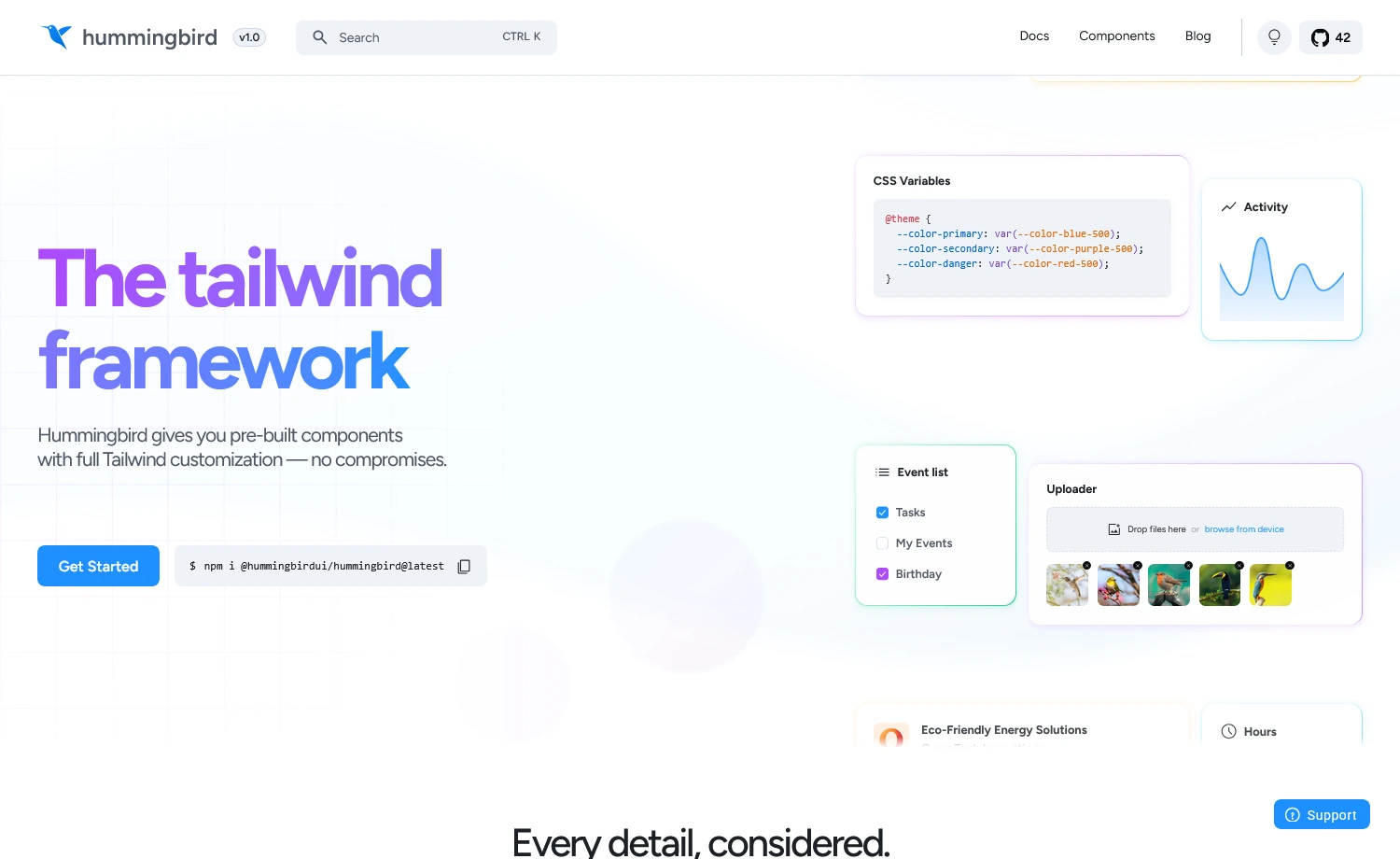
Hummingbird is Live! Explore the Most Sensible Tailwind UI Library
How Your UI Choice Affects SEO & Web Performance
Although search engines don’t care about which UI library is used, they care about the user-centric metrics that the library influences, such as ‘Is the site loaded fast enough to be crawled?’, ‘Does it work well for all users (including those with assistive tech, mobile users, etc.)?’, or ‘Do users stay and engage, or leave immediately?’
These factors are deeply influenced by your UI framework and library choices. Here’s how your UI toolkits influence SEO and web performance:
Performance Implications of Your UI Stack
Performance starts with the architecture. A good website architecture can significantly determine how heavy your site will be and how long the browser must work to make it interactive. This is where your UI choice becomes crucial.
Bundle Weight
Heavy UI libraries ship significant pre-styled components, even when only a few are used. It makes the site heavier, slowing parsing and delaying interactivity.
Example: Importing all of Material UI can add nearly 100–250 KB. Whereas, lightweight primitives like Radix or Shadcn/UI can reduce that to just a few KB per component.
Runtime Overhead
Libraries or frameworks that use CSS-in-JS or dynamic style computation increase CPU work in the browser. It slows down rendering and delays first interactions. Utility-first frameworks, such as Tailwind or Panda CSS, compile all styles at build time, offloading all client-side work.
Hydration Load
- Client-side frameworks often send more JavaScript than needed.
- Larger JS bundles delay hydration, which in turn delays interactivity (affecting INP).
- Lean, composable libraries reduce unnecessary JS and improve hydration speed & predictability.
Render Blocking
- Bulky CSS or JS files can block the main thread, delaying the first paint.
- Even a single heavy component library can delay page load by several seconds.
- Properly split, tree-shaken components allow the browser to paint content immediately, improving perceived performance.
The SEO Impacts of Your UI Choice
While performance is a technical concern, SEO is more about outcomes than tools. But performance feeds the outcomes that search engines measure.
Let’s see how your UI decisions affect search visibility:
Speed Directly Impacts Rankings
The Core Web Vitals (CWVs) measure how users experience your page, and your UI library choice influences these metrics heavily:
- Interactivity (INP): Heavy JavaScript libraries delay how fast your site responds to clicks, which causes your INP to suffer.
- Visual Stability (CLS): CSS-in-JS or large style bundles often trigger unexpected layout shifts, leading to a poor CLS score.
- Loading Speed (LCP): Large initial loads and slow rendering delay your main content, negatively impacting LCP.
Besides, the rich component library is great. However, if your UI slows down the page, it can negatively impact your performance and search visibility.
Accessibility Signals
UI tools with poor semantic markup or missing aria attributes reduce usability. Modern open-source UI libraries like Radix UI or Headless UI embed accessibility by default, such that:
- Semantic markup: Correct HTML structure for headings, lists, and forms.
- ARIA roles & attributes: Helps screen readers interpret content.
- Keyboard navigation: Full interaction without a mouse.
- Focus management & live regions: Guides users through dynamic content.
These align with how search engines evaluate quality and how users interact with your site. Accessible, well-structured pages keep more users engaged, reduce bounce rates, and thus send stronger signals to search engines.
Hydration Ensures Consistent Rendering
Hydration issues occur when client-side JavaScript fails to properly “activate” server-rendered HTML, which leads to several critical problems:
- Content Gaps: Incomplete structured content can prevent search engines from fully understanding your page.
- Layout Shifts: Broken hydration often causes page layout shifts, which directly result in poor CLS and worse SEO signals.
- Missing Metadata: If hydration fails, essential metadata, such as titles and meta tags, may never appear to crawlers.
These issues collectively hurt your crawlability, indexing, and overall ranking signals.
Proper hydration ensures that both users and search engines see your content as intended. Modern frameworks, such as Next.js, Remix, and Astro, help streamline this hydration process. However, if your UI library experiences rendering or hydration issues, it can also impact metadata loading when crawlers or users first visit the site.
User Engagement Metrics Drive Rankings
A clean, lean UI tool supports fast loads and smooth interactions, helping users stay around, which in turn affects your SEO. Search engines look at how users behave:
- Scroll time on page,
- Depth of interaction,
- Bounce rate.
If your site uses a bloated UI library that makes it slow or unpredictable, users won’t stay for too long. As a result, it will send negative engagement signals to the SEO metrics.
Therefore, your UI framework and library choices aren’t just about aesthetics or developer convenience; they directly shape speed, accessibility, user engagement, and search visibility. Smart choices here set the foundation for a site that performs, ranks, and delights users from the very first load.
How You Can Choose the Right UI Tools for Performance
Choosing the right framework/UI library is more about your site’s visibility decision than the design decision. Before picking your UI framework or library, you can follow these steps:
- Audit bundle size and measure performance metrics (CWVs) early
- Check accessibility defaults before using, whether it’s built in or not
- Prefer SSR/SSG frameworks when SEO matters
- Avoid over-engineering: import only what you use
 Curious about specific frameworks? Check our evaluation of three popular CSS frameworks
How to Quickly Check Your Site’s Performance
You can quickly evaluate your site’s performance with free tools that analyze page speed, Core Web Vitals, and overall user experience. Here are some tools to check your site’s performance:
| Tools | What It Does | Best For |
| GTmetrix | Combines multiple testing tools and tracks performance over time. Video playback of page loading is included in the free tier. | Performance monitoring and visual bottleneck identification |
| WebPageTest | Detailed waterfall charts show the exact details of every element, connection times, and render-blocking resources. Run tests from different locations and devices. | Deep technical analysis and real-world performance testing |
| Google PageSpeed Insights | Scores for mobile and desktop with actionable recommendations. Measures Core Web Vitals (loading, interactivity, visual stability) that directly impact SEO rankings. | Quick overall assessment and SEO optimization |
| Lighthouse (Chrome DevTools) | Built into Chrome. Audit performance, accessibility, and SEO instantly without leaving your browser. | Development testing and quick iterations |
The right UI library is the one that solves real problems without creating new ones. In 2025, that usually means something composable, lean, and fully under your control. Designers want creative freedom; developers want efficiency, and the teams that succeed are the ones that align these goals early. Therefore, a perfect design means nothing if it destroys performance, accessibility, or SEO, because only smart choices build sites that look great, load fast, and delight users.