Time tracking software is no longer just a simple timer for recording working hours. Modern businesses need a complete system that connects projects, tasks, team members, budgets, expenses, approvals, invoices, and reports to understand where time is spent, whether work is billable, and how projects are performing.
For developers building a time tracking SaaS, creating every dashboard, timesheet, chart, project view, and reporting interface from scratch can slow down development. The right admin or SaaS template provides a strong frontend foundation, allowing teams to focus on the core features and workflows that make their product unique.
Today, businesses are also looking beyond standalone time trackers and searching for platforms that combine time tracking with project management, billing, and team operations. OneSuite is a modern Harvest alternative, Teamwork alternative, and Productive alternative that brings time tracking, timesheets, expenses, approvals, invoicing, and reporting together in one connected workspace.
In this guide, we will explore five of the best time tracking software templates developers can use to build modern SaaS applications, employee productivity tools, project management platforms, and professional service software. We will also look at how complete time tracking workflows work and how solutions like OneSuite connect tracked time with real business operations.
What Should You Look for in a Time Tracking Software Template?
Before choosing a template, avoid judging it only by how attractive the dashboard looks, because an effective time tracking product eventually has to handle much more than a few charts and a running timer.
Choose a template that gives you enough flexibility to build interfaces for:
- Start, pause, stop, and manual time entry
- Billable and non-billable hours
- Clients, projects, tasks, and subtasks
- Individual and team timesheets
- Daily and weekly time views
- Timesheet approval
- Expense tracking
- Project budgets
- Employee or collaborator management
- Work types and billing rates
- Utilization and activity reports
- Revenue and profitability reports
- Invoicing from approved time
- Search, filters, and date ranges
- Role-based dashboards
- Responsive mobile and desktop experiences
The frontend template does not need to provide all of these as finished business features, because your application will still need its own backend, database, permissions, APIs, billing logic, reporting rules, and integrations, but the right template should make it much easier to design and develop those workflows without rebuilding the fundamental application interface every time.
A strong time tracking application usually follows a connected workflow such as:
Project & Budget → Track Time & Expenses → Timesheet → Approval → Invoice → Reporting
Keep that workflow in mind as you evaluate the five templates below.
1. Aurora — Best Overall Time Tracking Software Template

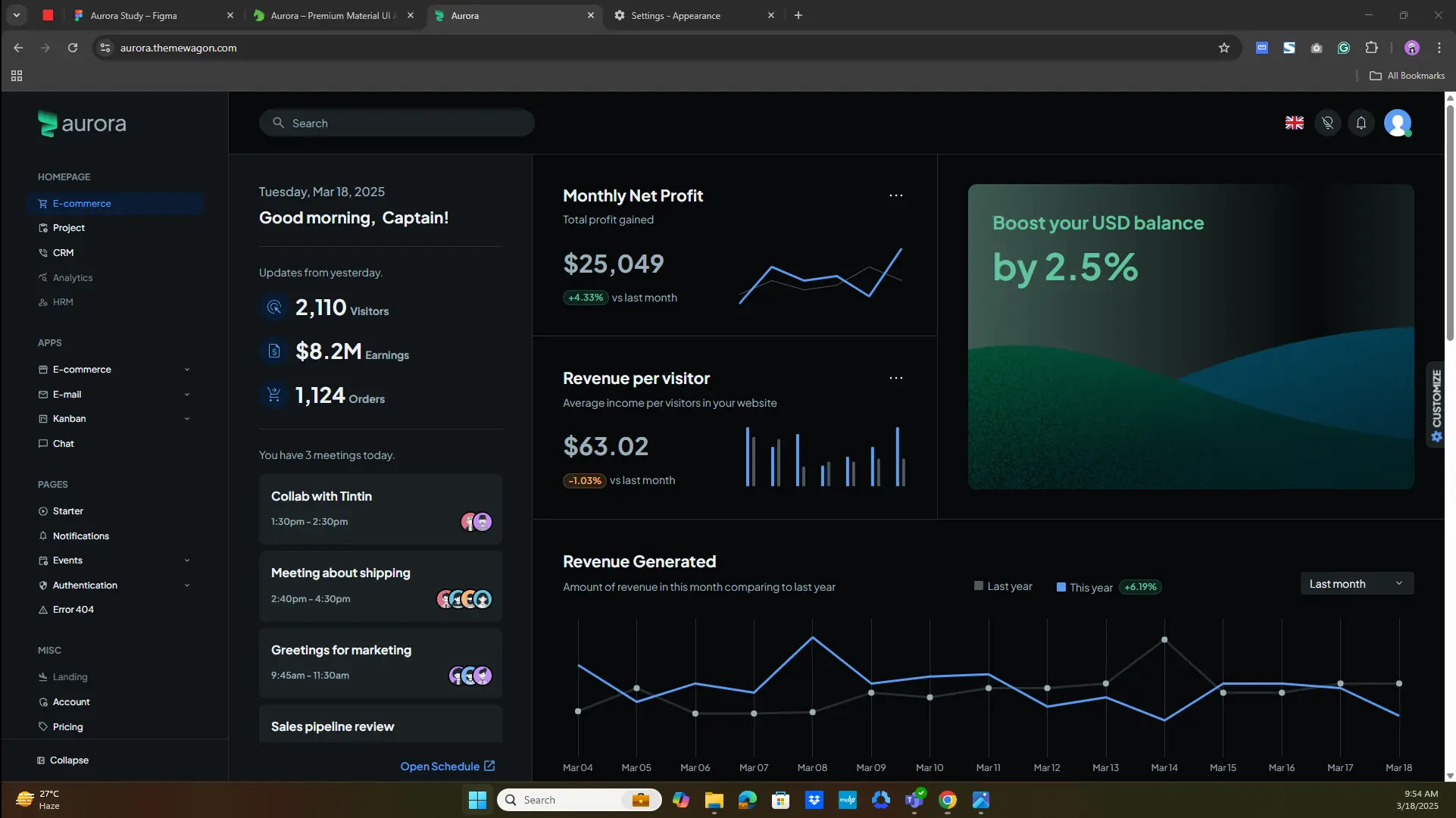
If you want to build a modern time tracker that feels like a complete SaaS application rather than a basic admin dashboard with a timer added to it, Aurora is the strongest starting point on this list.
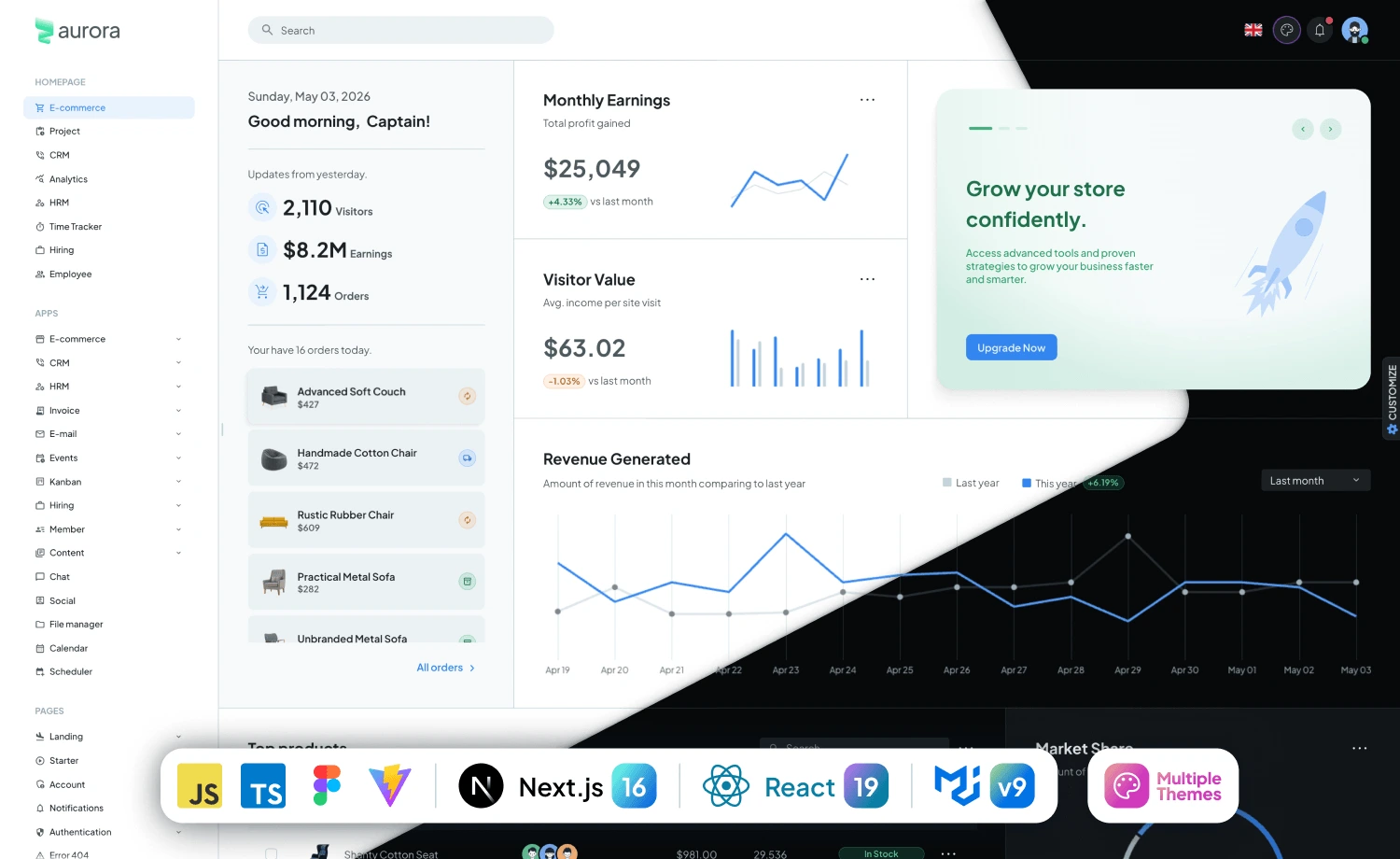
Aurora is ThemeWagon’s premium Material UI admin and web application template, built with React 19, MUI v9, React Router v7, and support for Next.js 15, while the package includes more than 100 prebuilt pages that can provide a broad foundation for larger SaaS applications.
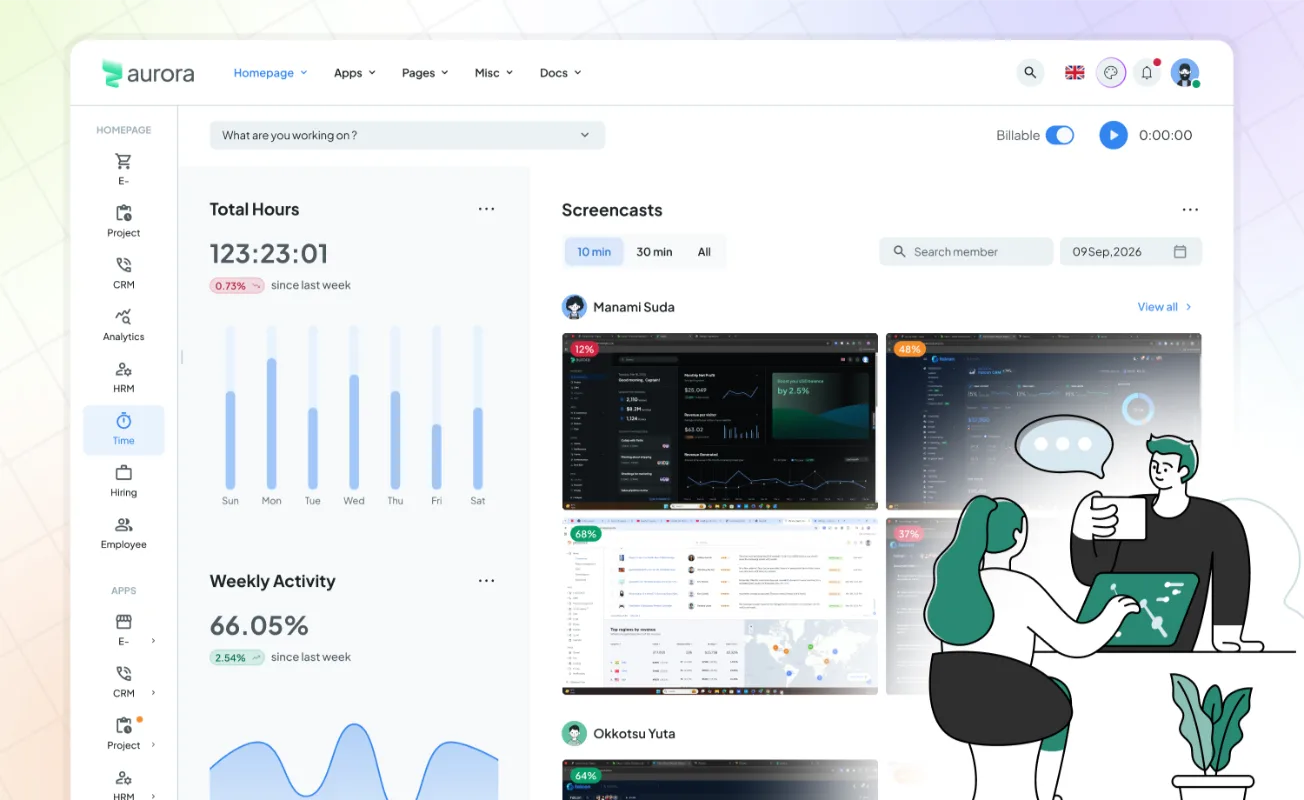
What makes Aurora especially relevant to time tracking software is the way its dashboard design can bring operational information together on one screen, so instead of forcing users to open separate pages simply to understand their day, managers and team members can immediately see hours, projects, activities, tasks, timesheets, and related metrics.
Use Aurora to Build a Time Tracking Dashboard Like This
A time tracking implementation based on Aurora can surface Total Hours at the top of the dashboard so managers immediately understand how much work has been logged during a selected period, while weekly charts make it easier to compare activity patterns across different days instead of reading raw numbers from a table.
Add a Billable switch beside the timer and users can clearly distinguish work that should eventually reach a client invoice from internal or non-billable work, then connect each timer session with a project, task, work type, or team member so the recorded time has business context from the moment it is created.
The Aurora example also demonstrates how you can combine Weekly Activity, Earned This Week, Projects Worked, Timesheets, Team Activity, Screencasts, and Daily Task Tracking inside the same application experience, which makes it particularly suitable for products that want to go further than basic clock-in and clock-out functionality.
What You Could Build with Aurora
Use Aurora as the frontend foundation for:
- Time tracking SaaS
- Timesheet management software
- Agency management platforms
- Employee productivity software
- Project management applications
- Consultant billing platforms
- Workforce management systems
- Freelancer time trackers
- Professional-services automation tools
- Harvest-style time tracking platforms
Instead of designing a completely different interface for projects, timesheets, reporting, employees, and billing, you can maintain a more consistent SaaS experience while expanding the application as your feature set grows.
Best For: Full-featured SaaS products that combine time tracking, timesheets, projects, team activity, reporting, and billing.
Take Action
If time tracking will be a core part of your product rather than a small additional feature, start your evaluation with Aurora, map your planned user journey against its dashboard and application components, and customize the interface around your actual workflow instead of designing every screen from zero.
CTA: Explore Aurora
2. Metronic — Best for Enterprise Time Tracking & Business Management Software
Choose Metronic when you are building an enterprise-level time tracking platform that needs to support multiple teams, projects, employees, approvals, reporting, and complex business workflows.
Metronic is one of the most popular admin dashboard templates for building large-scale SaaS products and enterprise applications. It provides a strong foundation for applications that require advanced dashboards, data tables, charts, authentication, role management, and business operations.
Instead of building a simple:
Timer → Time Report
you can create a complete workflow:
Organization → Client → Project → Task → Employee → Time Entry → Approval → Billing → Analytics
This structure works well for companies that need more than tracking hours. Managers can monitor team productivity, review timesheets, understand project performance, control budgets, and make better operational decisions.
Use Metronic When You Need
- Enterprise dashboards
- Employee management
- Project tracking
- Timesheet management
- Approval workflows
- Role-based access
- Advanced reporting
- Data-heavy tables
- CRM-style workflows
- Multi-tenant SaaS applications
Best For: Enterprise time tracking platforms, workforce management software, project management tools, and business operation systems.
Take Action
Choose Metronic if you are planning to build a serious SaaS product that needs scalability, multiple user roles, and complex business workflows beyond basic time tracking.
3. AdminLTE — Best Free Template for Building a Time Tracking MVP
If you want to validate a time tracking product quickly without investing heavily in the frontend foundation, AdminLTE is a strong free option.
AdminLTE provides a clean admin dashboard structure with reusable UI components, charts, tables, forms, and navigation layouts that developers can customize into internal tools, employee dashboards, or SaaS MVPs.
Instead of starting from an empty project, developers can quickly create:
Employee → Project → Task → Time Entry → Timesheet → Report
For startups testing a new time tracking idea, this approach helps reduce development time while keeping the application flexible enough to add more advanced features later.
Use AdminLTE When You Need
- Simple employee dashboards
- Timesheet screens
- Project lists
- Time reports
- Data tables
- Charts
- User management
- Internal business tools
Best For: Startups, MVPs, internal time tracking systems, and lightweight workforce applications.
Take Action
Start with AdminLTE when your priority is launching quickly, testing your product idea, and improving features based on real user feedback.
4. TailAdmin — Best Modern React Template for SaaS Time Tracking Apps
Choose TailAdmin if you want a modern frontend foundation for a lightweight and highly customizable time tracking SaaS application.
TailAdmin is built around React and Tailwind CSS, making it suitable for developers who want complete control over the design system and user experience.
For modern SaaS products, the interface experience matters as much as functionality. Users expect clean dashboards, fast navigation, responsive layouts, and simple workflows.
A TailAdmin-based time tracking product can include:
Dashboard → Active Timer → Projects → Team → Timesheets → Analytics
The flexible component structure allows developers to create customized experiences for employees, managers, and administrators.
Use TailAdmin When You Need
- Modern SaaS UI
- React-based applications
- Custom dashboards
- Analytics views
- Team management
- Time tracking screens
- Responsive layouts
- Lightweight applications
Best For: Modern SaaS startups, productivity tools, and custom time tracking platforms.
Take Action
Choose TailAdmin when your goal is creating a polished SaaS experience with a modern interface and a flexible frontend architecture.
5. CoreUI — Best for Business Applications With Time Tracking Modules
CoreUI is another strong option for developers building business applications where time tracking is one module inside a larger operational platform.
Rather than creating only a time tracker, you can build a connected business system:
Customers → Projects → Employees → Tasks → Time Tracking → Expenses → Reports
CoreUI provides reusable dashboard components, charts, tables, forms, and application layouts that help developers create professional business software faster.
It works especially well for companies building internal platforms where different departments need access to different dashboards and reports.
Use CoreUI When You Need
- Business dashboards
- Employee portals
- Project management
- Reporting systems
- Custom workflows
- Role permissions
- Enterprise applications
Best For: Business management software, internal tools, SaaS platforms, and operational dashboards.
Take Action
Use CoreUI when you need a reliable foundation for building a customized business application where time tracking connects with multiple workflows.
6. DashboardKit — Best Free Template for a Time Tracking MVP
Not every time tracking idea needs a premium template from day one, and if your immediate goal is validating the product with a functional MVP, DashboardKit gives you a free React foundation that can help you build the first version without overengineering the interface.
DashboardKit is a free multipage React admin dashboard with charts, search, navigation, authentication pages, responsive layouts, and other basic components for data visualization and application management.
Instead of trying to launch your first version with every workforce-management feature imaginable, use a simpler template like DashboardKit and focus on solving the core problem first.
For example, your initial product could contain only:
Dashboard → Projects → Time Entries → Timesheets → Reports
Once users validate that workflow, you can add approvals, project budgets, expense tracking, client billing, integrations, and advanced reporting later.
This approach can work particularly well for startups because the first objective should not be recreating every feature offered by established products, but identifying the workflow your target customers care about most and shipping it quickly enough to collect useful feedback.
Best For: Startup MVPs, proof-of-concept products, internal tools, simple timesheet systems, and developers looking for a free React starting point.
Take Action
Start with DashboardKit when your priority is to validate the time tracking workflow quickly, build the timer and timesheet logic first, release the MVP, collect user feedback, and expand only after you know which features deserve additional development.
5. Volt React — Best for Simple Employee Time Tracking Software
Choose Volt React when you need a clean and straightforward frontend for an employee time tracker, internal timesheet system, or lightweight reporting application without the complexity of a larger SaaS suite.
Volt is a free responsive React admin dashboard that includes a side navigation system, charts, search, pagination, authentication pages, responsive layouts, and other reusable interface elements, while ThemeWagon positions it as a multipage and developer-friendly template for data-driven admin applications.
That makes it a useful choice for companies that need to build an internal system where employees log hours and managers review that information without introducing extensive CRM, client portal, proposal, or project financial-management functionality.
A straightforward Volt implementation could follow:
Employee → Project → Time Entry → Timesheet → Manager → Report
You could then add overtime calculations, attendance information, team filters, billable status, export functionality, or approval logic depending on the actual requirements of the business.
Best For: Employee timesheets, internal time tracking tools, lightweight workforce dashboards, and basic reporting applications.
Take Action
Use Volt React when your product requirements are clear and relatively focused, because a simpler foundation can help you reach production faster than forcing a large enterprise template into an application that only needs a handful of well-designed workflows.
CTA: Explore Volt React
Quick Comparison: Which Time Tracking Template Should You Choose?
| Template | Best For | Key Strengths | Ideal For |
|---|---|---|---|
| Aurora | Best Overall Time Tracking Software Template | Clean design, modern UI, flexible dashboard layouts, and easy customization | SaaS products, startups, and time tracking apps |
| Metronic | Best for Enterprise Time Tracking & Business Management | Advanced components, powerful admin features, and enterprise-ready structure | Large teams, business platforms, and complex applications |
| AdminLTE | Best Free Template for Building a Time Tracking MVP | Open-source, lightweight, and easy to customize | Developers building prototypes or MVPs |
| TailAdmin | Best Modern React Template for SaaS Time Tracking Apps | Modern React components, responsive design, and developer-friendly setup | SaaS dashboards and React-based applications |
| CoreUI | Best for Business Applications With Time Tracking Modules | Professional admin UI, reusable components, and strong framework support | Business software and internal management tools |
If you still cannot decide, use this simple rule:
Choose Aurora when you want a complete, commercial-ready time tracking product with a modern user experience.
Choose Metronic when you need an enterprise-level dashboard with advanced business management capabilities.
Choose AdminLTE when you want a free and flexible template to quickly build a time tracking MVP.
Choose TailAdmin when you are building a modern SaaS time tracking app with React.
Choose CoreUI when you need a professional business application with reusable components and time tracking features
What Does a Complete Time Tracking Workflow Actually Look Like?
Choosing a template solves part of the frontend problem, but building successful time tracking software requires you to understand what happens before and after the timer runs, because recorded hours only become valuable when the rest of the business can use them.
A more complete workflow looks like this:
Project & Budget → Track Time & Expenses → Timesheet → Approval → Invoice → Reporting
Start by creating the project and defining how the work should be billed, then allow employees or collaborators to record time and expenses against the appropriate project or task, bring those records into a centralized timesheet where managers can review them, require approval before billable entries move forward, convert approved work into an invoice, and finally report on hours, costs, budgets, revenue, and project performance.
That connected workflow is also becoming increasingly important for teams moving away from standalone time trackers and looking for software that manages a larger part of the client-work lifecycle.
Looking for a Harvest Alternative Instead of Building One?
There are two very different types of readers who may reach this article.
The first wants to build time tracking software.
The second simply wants better time tracking software for their own team.
If you belong to the second group and you are currently evaluating a Harvest alternative, you do not necessarily need to build an application at all.
OneSuite is positioning itself as a Harvest alternative for agencies, freelancers, consultants, and service teams that want time tracking to remain connected with project management and billing rather than operating as another isolated subscription.
The current OneSuite workflow can be summarized as:
Set Up Project → Set Rates & Budget → Track Time & Expenses → Approve → Invoice → Report.
Instead of asking your team to manage projects in one platform, hours in another, expenses somewhere else, and invoices in another system, the objective is to keep more of that client-work lifecycle connected.
Take Action
If you need the finished software rather than the template and development work, try OneSuite and run your next project through the complete time-to-billing workflow instead of adding another standalone time tracker to your stack.
CTA: Try OneSuite
Don’t Clone the Competitor — Improve the Workflow
The strongest Harvest, Teamwork, or Productive alternative will not win simply because its sidebar contains the same menu items, because established users already have access to those products and need a meaningful reason to change.
Instead, identify where their workflow currently becomes slow or fragmented.
Ask:
How many screens does the user need to complete a common action?
How quickly can an employee start tracking work?
Can a manager understand project health without exporting data?
Can billable time move into an invoice without manual calculations?
Can expenses and hours be reviewed together?
Can project managers identify budget problems before the project is finished?
Can clients see the information they need without sending another status email?
Use the template to accelerate the interface, then invest your engineering effort in answering those questions better than existing products do.
Want to Build Your Own Time Tracking Software?
A template can dramatically reduce frontend development time, but a template is not the final SaaS product, because production time tracking software still needs reliable business logic running underneath every timer, timesheet, approval, report, budget, expense, and invoice.
You still need to build and connect:
- Frontend application logic
- Backend APIs
- Database architecture
- User authentication
- Workspace management
- Roles and permissions
- Project and task models
- Reliable timer logic
- Manual time entries
- Timesheet calculations
- Approval workflows
- Expense management
- Billing rates
- Project budgeting
- Invoice generation
- Reporting and analytics
- Notifications
- Subscription billing
- Third-party integrations
- Security
- Testing
- Deployment
- Monitoring and maintenance
This is the stage where an experienced software development partner can turn a polished template into a working product instead of leaving you with a beautiful dashboard that has no production-grade system underneath it.
Turn Your Template Into a Production SaaS with Technext
If you are planning to build a time tracking platform, Harvest alternative, Teamwork alternative, Productive alternative, project management application, workforce management system, or agency-management SaaS, Technext can help you take the product from architecture and UI implementation through backend development, integrations, testing, and deployment.
Start with a ThemeWagon template such as Aurora to avoid spending unnecessary time recreating common application UI patterns, define the workflow that makes your product different, and then let the development team concentrate on the engineering that turns that interface into a real SaaS business.
Frequently Asked Questions
What is a time tracking software template?
A time tracking software template is a prebuilt frontend or admin dashboard foundation that developers can customize when creating software for recording work hours, managing employees or projects, displaying timesheets, reviewing activity, and reporting on tracked work, while the actual timer logic, databases, approvals, billing rules, and other business functionality are normally developed separately.
What is the best template for building time tracking software?
Aurora is our top choice from this list for building a complete modern time tracking SaaS, because its application-focused React and Material UI foundation can support a broader interface containing timers, timesheets, projects, teams, dashboards, tasks, analytics, billing views, and other SaaS modules rather than limiting developers to a simple reporting dashboard.
What features should modern time tracking software include?
At minimum, modern time tracking software should make it easy to record time, associate hours with projects or tasks, distinguish billable and non-billable work, view timesheets, search and filter entries, and generate useful reports, while professional-services products can go further by adding project budgets, expense tracking, timesheet approvals, billing rates, invoicing, utilization, and profitability reporting.
Can I use a React admin template to build a Harvest alternative?
Yes, a React admin template can provide a substantial part of the frontend foundation for a Harvest-style product, but you still need to develop the core functionality behind time tracking, projects, timesheets, approvals, expenses, budgets, invoicing, reports, authentication, permissions, integrations, and subscription management.
What is the difference between time tracking and timesheet software?
Time tracking records individual work sessions or manual time entries as the work happens, while a timesheet organizes those entries into a structured daily or weekly record that employees and managers can review, submit, approve, report on, or use for billing.
Start With the Interface, but Build the Complete Workflow
Building great time tracking software is not really about building a better stopwatch, because the value of the product begins when it can connect who worked, what they worked on, how long it took, what the work cost, whether it was approved, what the client should pay, and what the business can learn from the result.
If you want the most complete starting point in this list, choose Aurora and use its modern SaaS interface as the foundation for your timer, timesheets, team activity, tasks, reporting, and other operational modules.
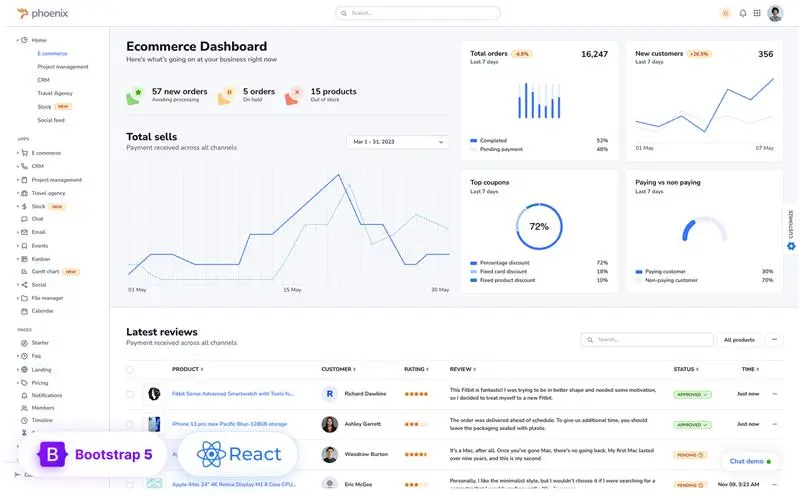
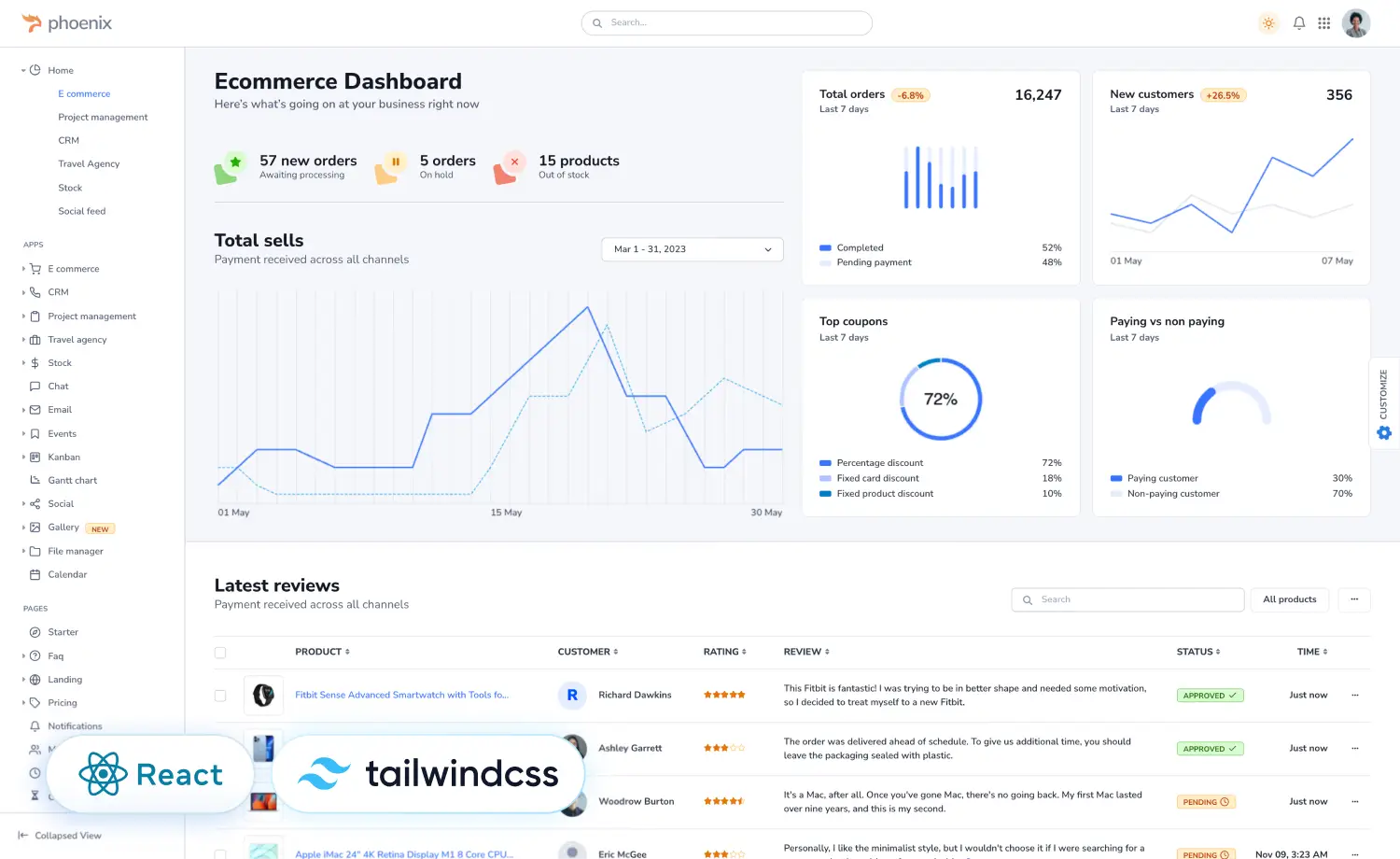
If project management is the center of your product, choose Phoenix React.
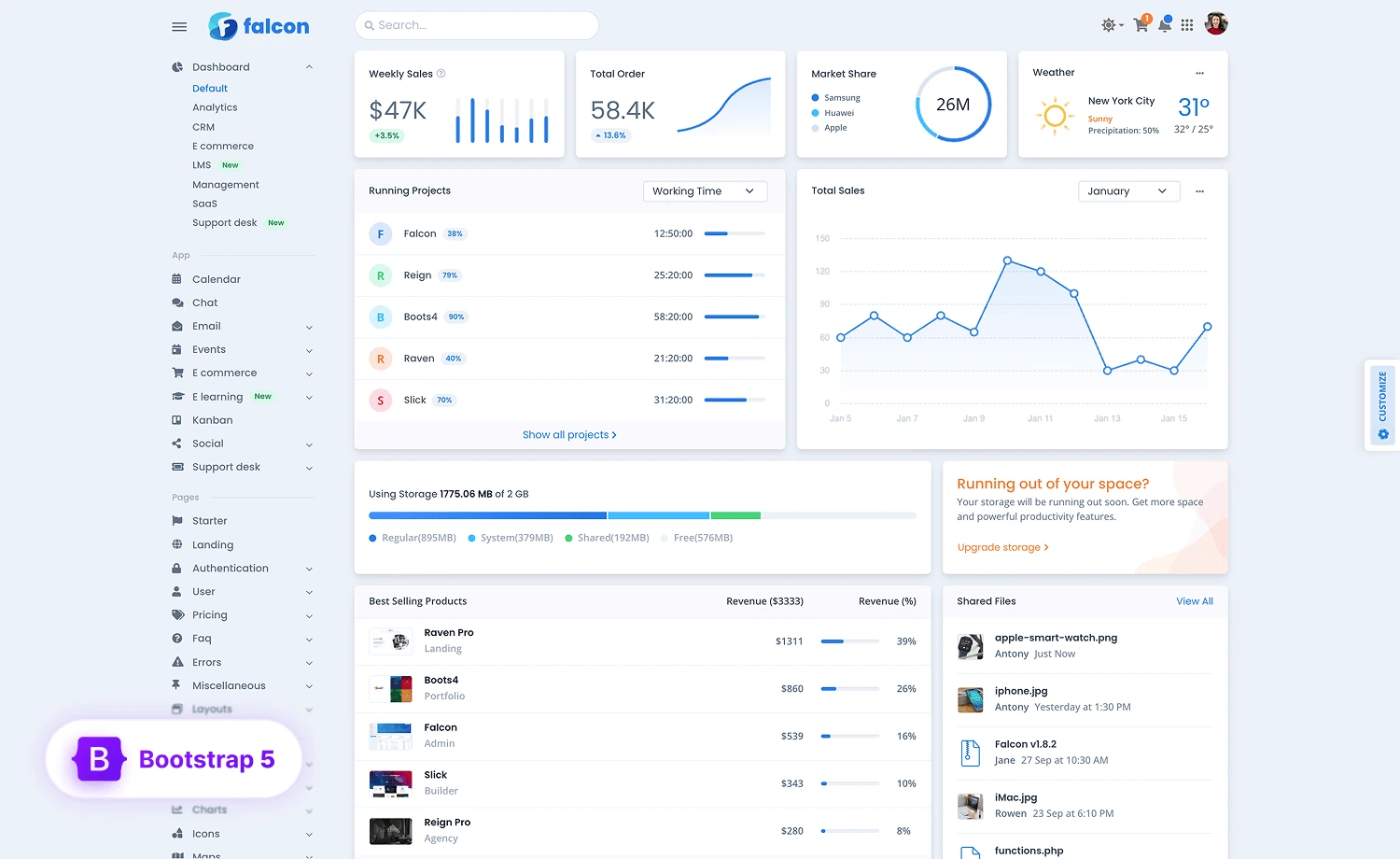
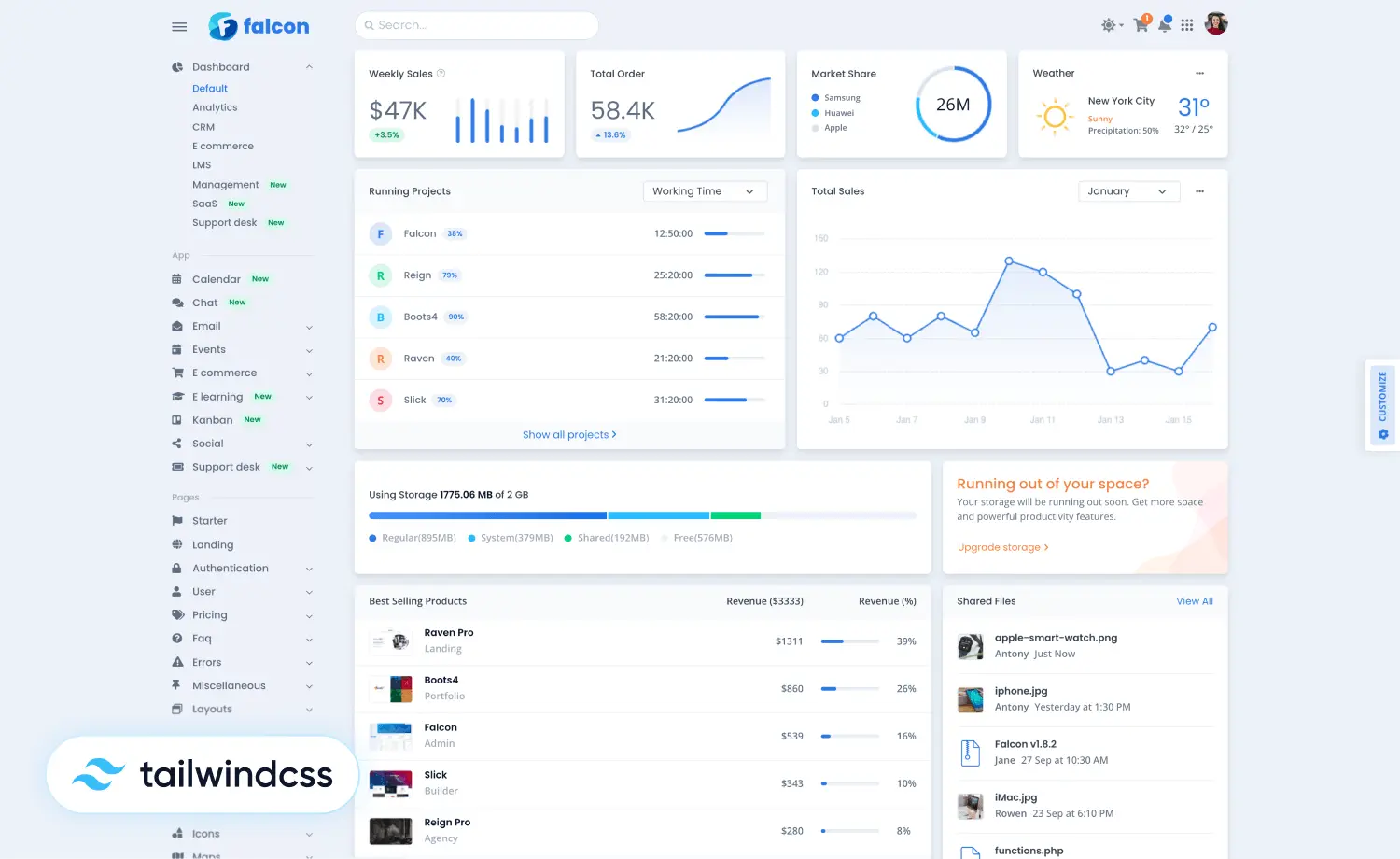
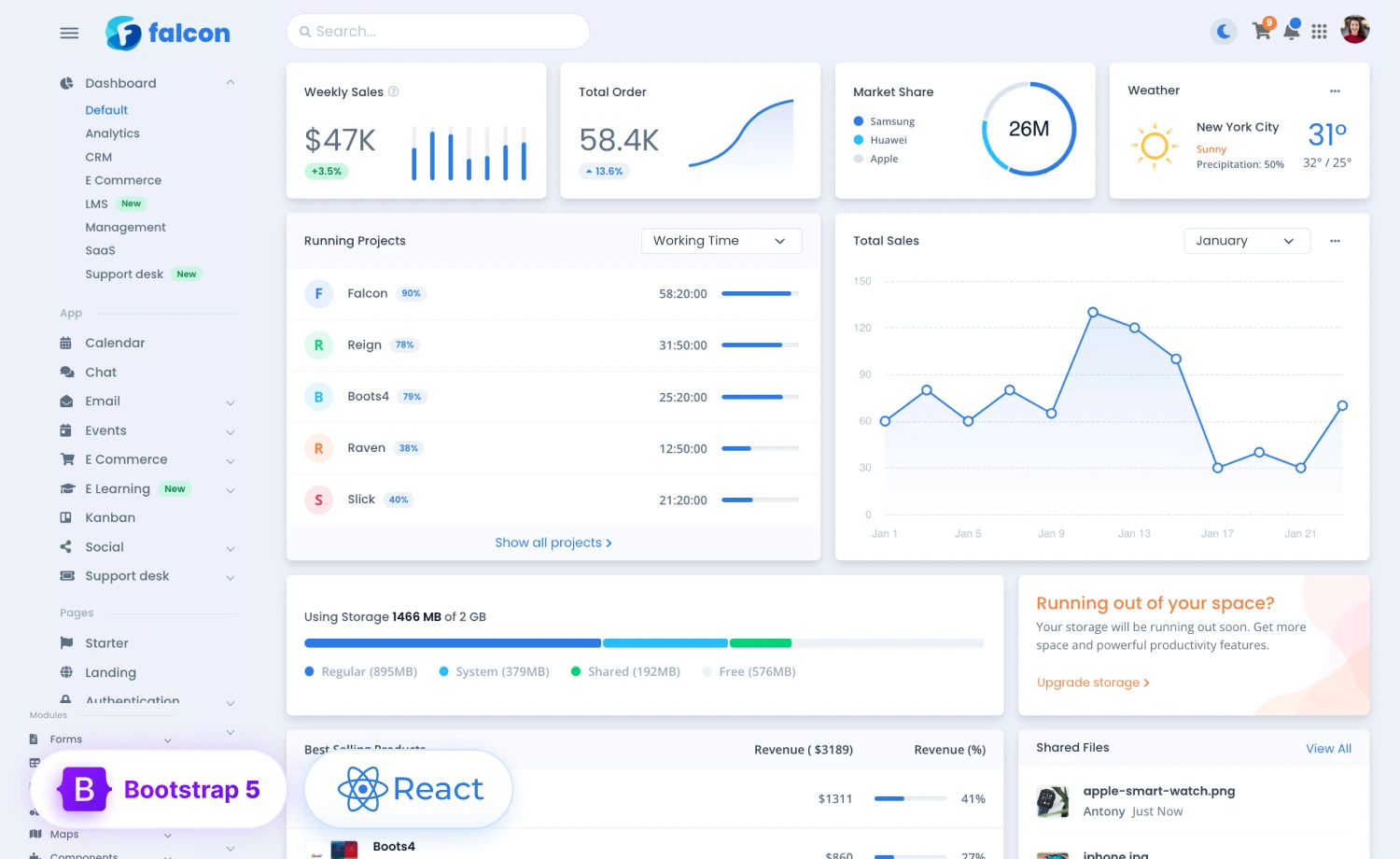
If you are building broader agency-management or productivity software, consider Falcon React.
If you need to validate an MVP first, start with DashboardKit or Volt React and concentrate on solving one workflow exceptionally well before expanding the product.
And remember that you do not necessarily need to build the software yourself: if your team wants time tracking, timesheets, project expenses, approvals, billing, and reporting as part of an existing client-work platform, explore OneSuite; if you want to build your own Harvest, Teamwork, Productive, or custom time tracking alternative, start with the right ThemeWagon template and hire Technext to turn the frontend into a complete production SaaS product.