Creating an invoice dashboard is easy. Building a complete invoice management system is not. As businesses move away from spreadsheets and manual billing processes, digital invoicing tools are becoming essential for automating payments, improving cash flow visibility, and reducing administrative work. According to Grand View Research, the global accounting software market was valued at $19.4 billion in 2024 and continues to grow as businesses adopt cloud-based financial solutions.
A modern invoicing system needs more than a dashboard. Businesses need tools for creating invoices, tracking payments, managing clients, monitoring revenue, and connecting billing workflows with other business operations.
For developers building SaaS products or business applications, invoice management admin templates provide ready-made dashboards, UI components, and layouts that help reduce development time. However, the right choice depends on whether you need a ready-to-use invoicing solution or a customizable foundation to build your own system.
Quick Comparison of the Best Invoice Management Admin Templates
A quick comparison of the top invoice management admin templates to help you choose the right solution based on your development needs and business goals.
5 Best Invoice Management Admin Templates in 2026
The best invoice management solution depends on whether you need a ready-to-use invoicing platform or a flexible foundation to build your own system.
In this guide, we compare five leading options, including complete invoicing platforms, customizable admin templates, and modern dashboard solutions for building SaaS and business applications.
1. OneSuite
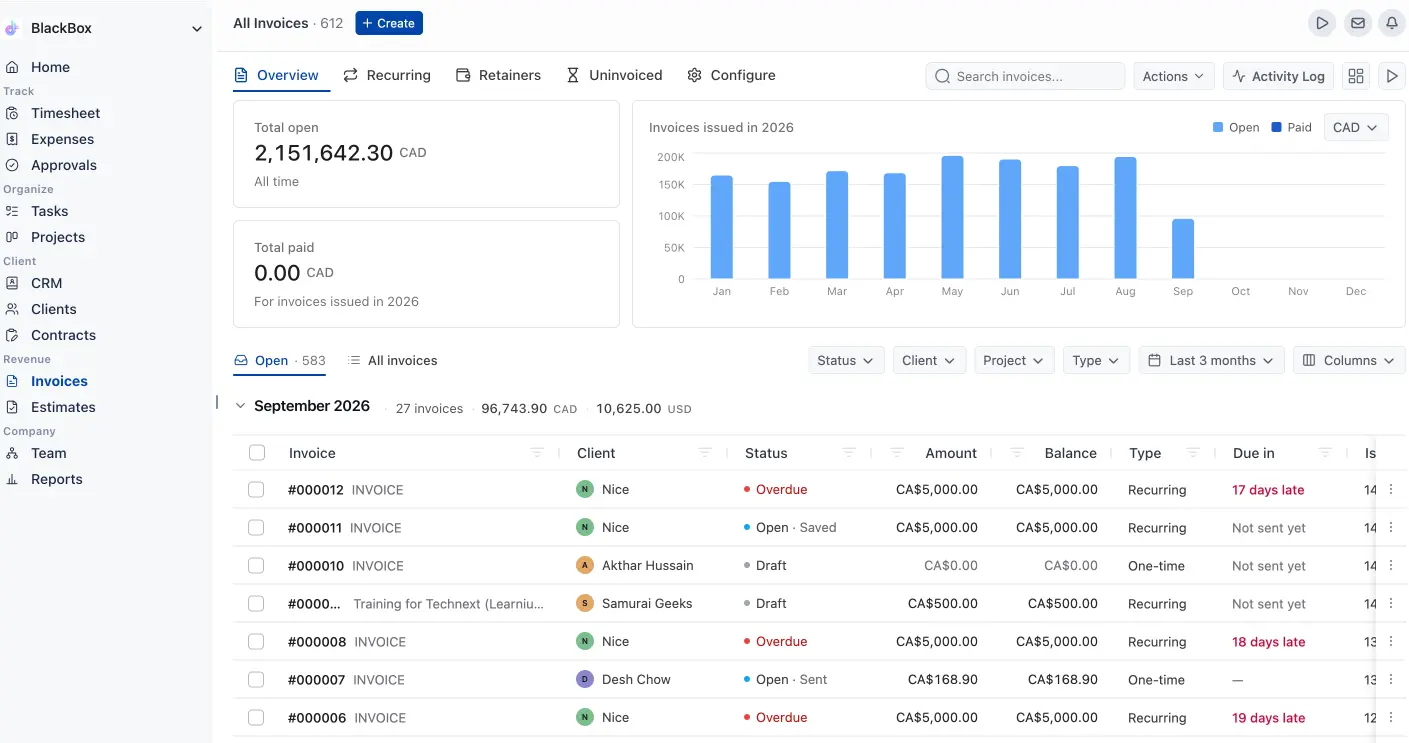
OneSuite is a complete client management and invoicing platform built for agencies, freelancers, consultants, and service businesses.
Unlike traditional invoice admin templates that only provide dashboard layouts and UI components, OneSuite includes the complete workflow businesses need to manage:
- Clients
- Projects
- Time tracking
- Invoices
- Payments
- Files
- Contracts
Instead of building an invoice management system from scratch, businesses can start managing their billing process immediately.
OneSuite connects the entire client workflow — from managing projects and tracking billable hours to creating invoices and collecting payments — in one platform.
Key Features
Invoice Management
OneSuite helps businesses manage their entire invoicing workflow, including:
- Paid invoices: Track completed payments and maintain a clear record of collected revenue.
- Pending payments: Monitor outstanding invoices and follow up with clients when needed.
- Overdue invoices: Identify delayed payments and improve cash flow management.
- Unbilled work: Find completed work that has not yet been invoiced to avoid losing revenue.
Time Tracking & Billing
Connect tracked hours with invoices to:
- Capture more billable work: Ensure every tracked hour is accounted for and can be included in billing.
- Reduce missed revenue: Prevent losing income from completed but unbilled work.
- Understand project profitability: Compare time spent against revenue generated from projects.
Client Management
Manage all client information from one place:
- Client profiles: Store important client details, communication history, and related activities.
- Companies: Organize business accounts and manage multiple contacts under one company.
- Opportunities: Track potential deals and convert leads into paying clients.
- Communication history: Keep conversations and client interactions connected with records.
Project Management
Organize and manage client work with:
- Projects: Create projects and keep client details, tasks, budgets, and billing information connected.
- Tasks: Break projects into actionable work items and track progress.
- Subtasks: Divide complex tasks into smaller steps for better organization.
- Deadlines: Set due dates and keep projects on schedule.
- Files: Store and share project-related documents in one place.
Project Budgeting
Track project budgets, compare estimated vs actual costs, and understand project profitability before work goes over budget.
Additional Features
- Client portal: Give clients a dedicated space to access projects, files, invoices, and updates.
- Estimates and proposals: Create professional proposals and estimates before starting projects.
- Contracts: Manage agreements and keep project documentation organized.
- E-signatures: Collect approvals digitally without external tools.
- Payment integrations: Accept and track client payments through connected payment providers.
- Reports: Get insights into projects, billing performance, and business operations.
Price
Starting from:n$9/user/month
Pros and cons
Best For
OneSuite is best for agencies, freelancers, consultants, and service businesses that need a complete invoicing solution without building one from scratch.
2. Modernize Bootstrap 5 Admin Dashboard
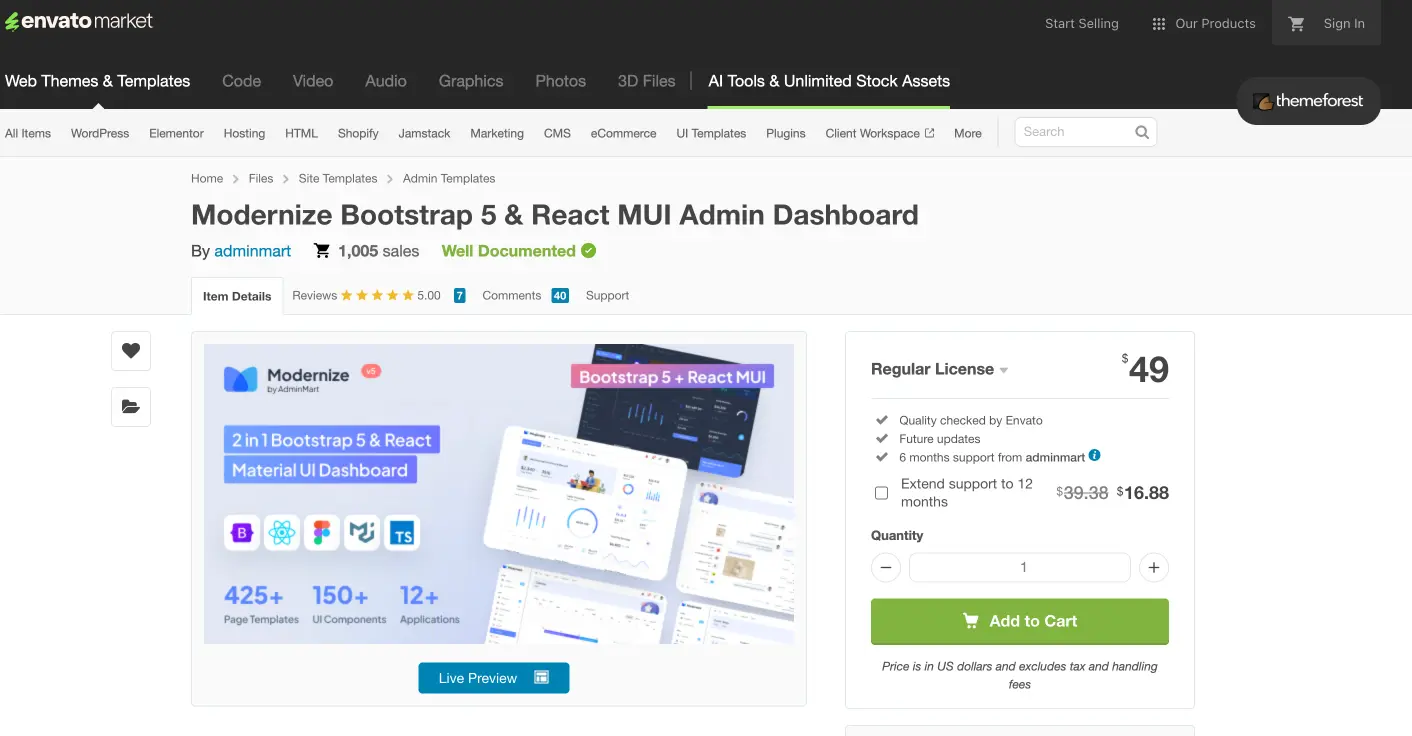
Modernize is a premium admin dashboard template designed for building SaaS applications, CRM systems, and business management platforms.
Instead of providing a complete invoicing system, Modernize provides the frontend foundation developers need to create one.
Developers can customize its dashboards, tables, forms, and charts while connecting their own backend, database, and payment systems.
Key Features
- Bootstrap 5
- React support
- Vue support
- Angular support
- Multiple dashboards
- Analytics widgets
- Charts
- Data tables
- Forms
- Authentication pages
- Dark mode
- Responsive layouts
Price
Starting from: $49
Pros and cons
Best For
Modernize is best for developers and product teams building custom SaaS dashboards, CRM platforms, finance applications, and business management systems.
3. Materio Vuetify Vue.js Admin Template
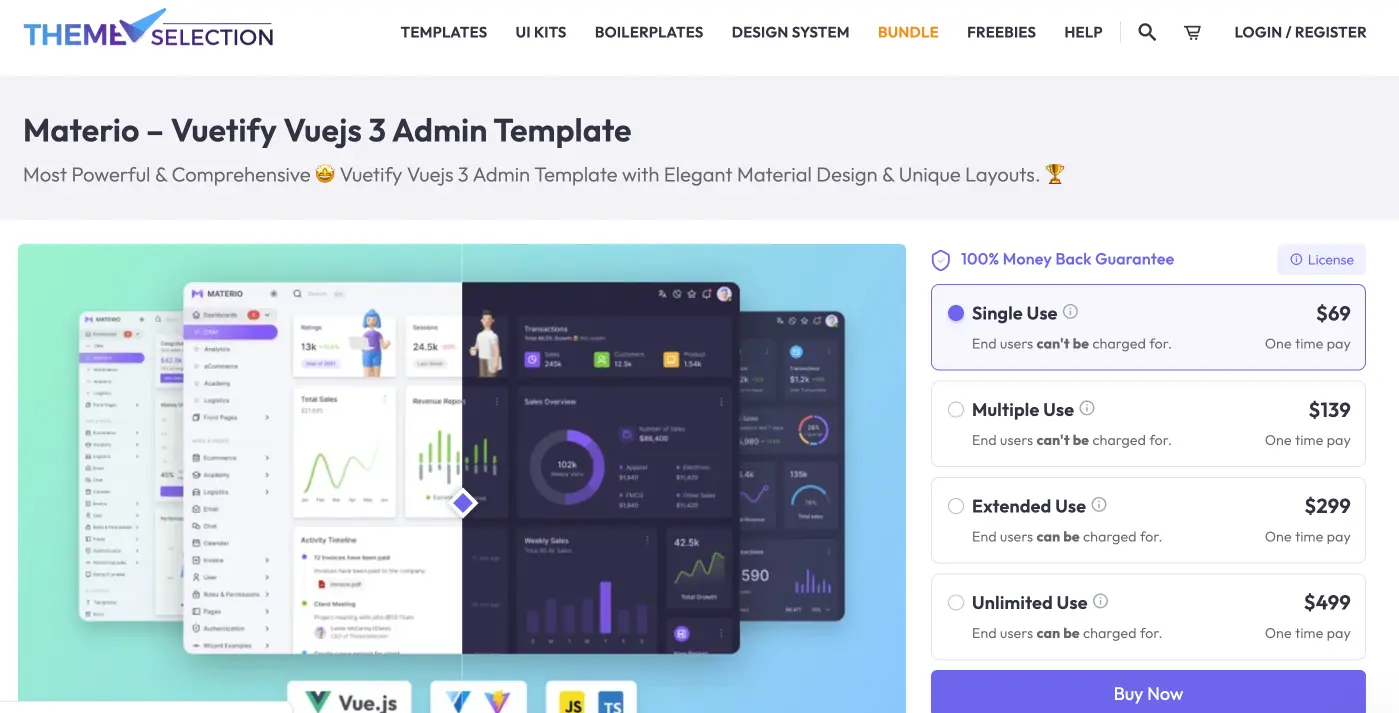
Materio is a modern Vue 3 and Vuetify admin template built with Material Design principles.
It provides a clean foundation for creating finance dashboards, CRM systems, analytics platforms, and invoice applications.
Unlike many generic dashboard templates, Materio includes invoice-related screens, making it a stronger starting point for developers building billing interfaces.
Key Features
- Vue 3
- Vuetify
- Invoice application screens
- Charts
- Tables
- Authentication
- User management
- Dark mode
- RTL support
- Responsive layouts
Price
Starting from: $69
Pros and cons
Best For
Materio is best for Vue developers building modern invoice dashboards, finance applications, and SaaS products.
4. Mantis Vue Admin Template
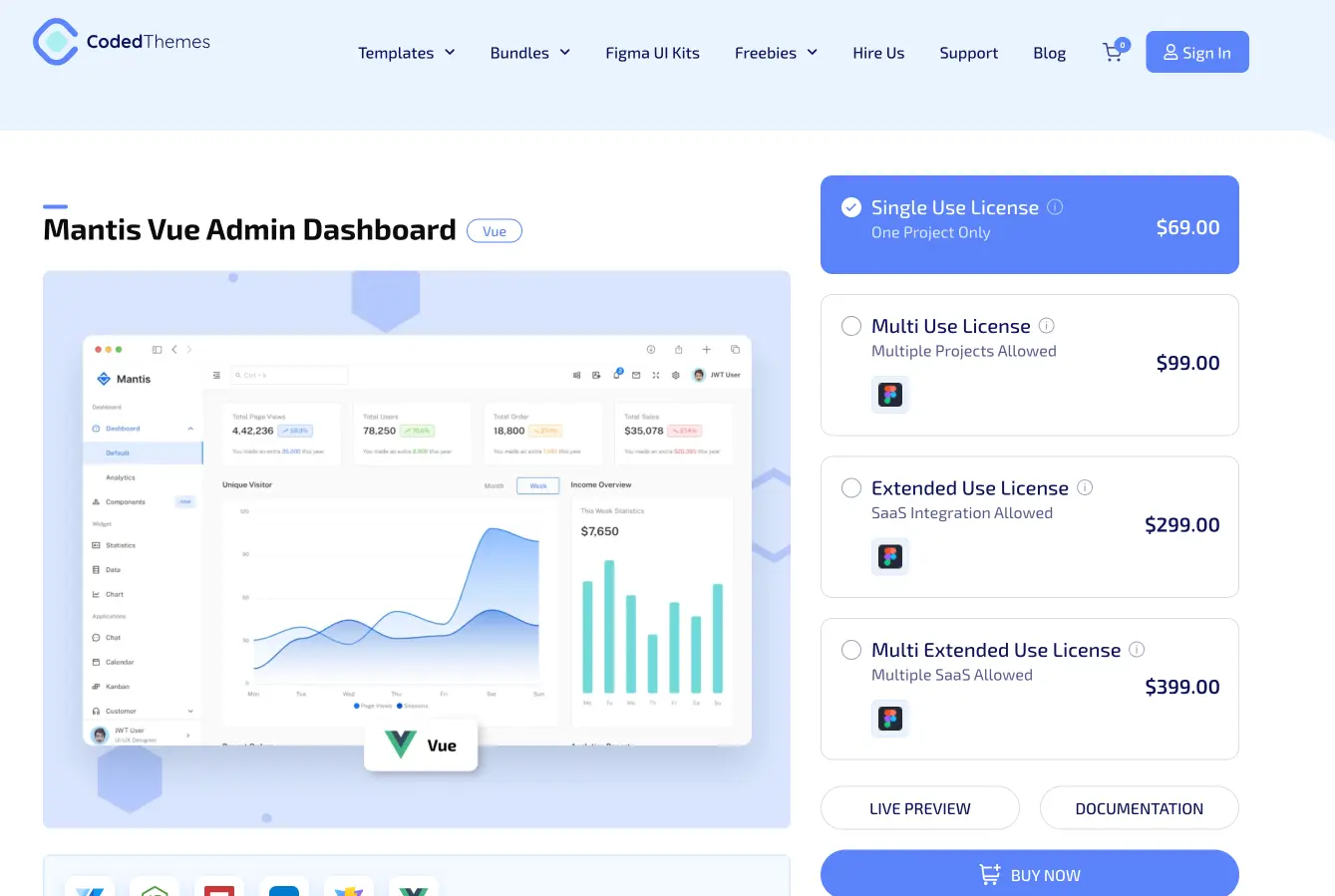
Mantis is a clean and flexible Vue admin template designed for developers who want a lightweight foundation for business applications.
It can be customized into:
- Finance dashboards
- CRM systems
- Internal tools
- Invoice management applications
Mantis focuses on flexibility, allowing developers to build their own workflows and application logic.
Key Features
- Vue.js
- Vuetify
- TypeScript
- Vite
- Charts
- Tables
- Forms
- Responsive layouts
- Dashboard components
Price
Starting from: $69
Pros and cons
Best For
Mantis is best for developers who want a customizable Vue foundation for building invoice systems, internal tools, and business dashboards.
5. Spike Next.js Admin Template
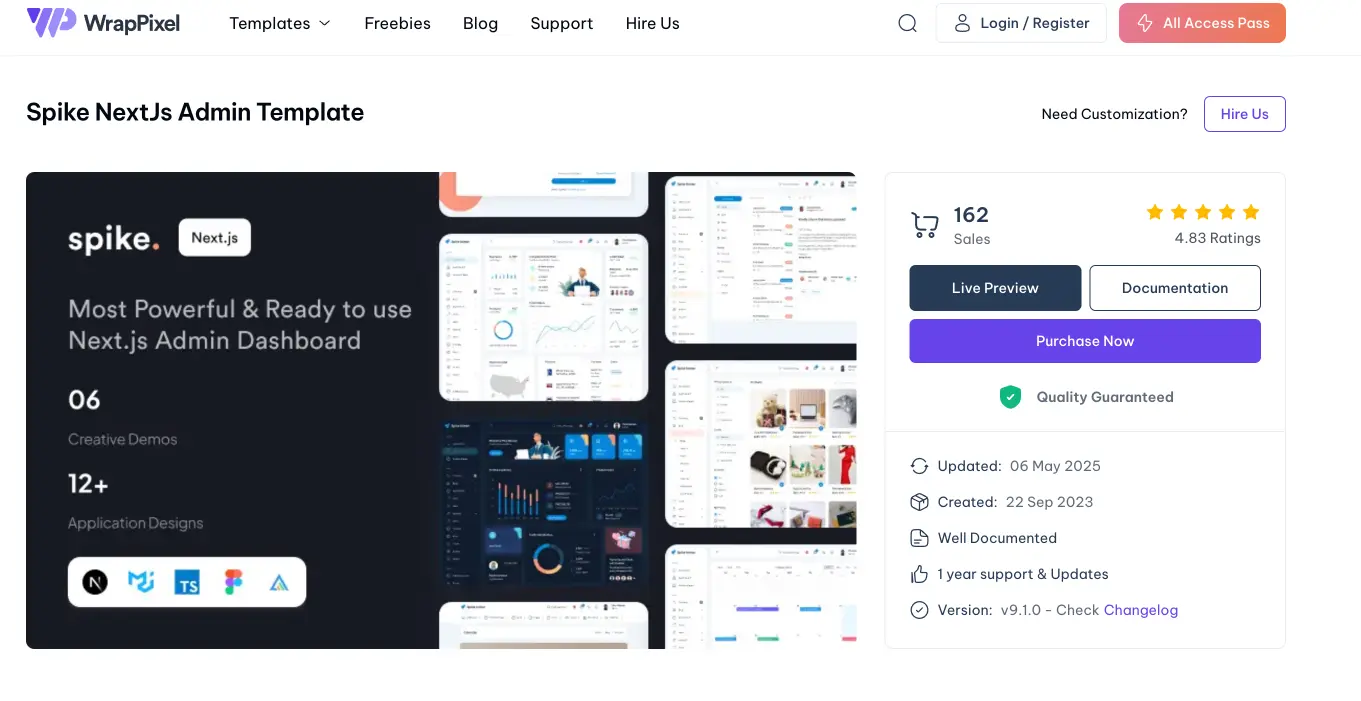
Spike is a modern Next.js admin template designed for startups, SaaS applications, and enterprise dashboards.
It provides developers with dashboards, analytics pages, authentication screens, and reusable components needed to build modern business applications.
For invoicing products, developers can use Spike as the foundation for invoice dashboards, customer portals, subscription systems, and financial platforms.
Key Features
- Next.js
- React
- TypeScript
- Material UI
- NextAuth
- Firebase support
- Dashboard layouts
- Application screens
- UI components
- Figma files
Price
Starting from:$59
Pros and cons
Best For
Spike is best for startups and development teams building modern React and Next.js SaaS platforms.
How to Choose the Right Invoice Management Solution
The right choice depends on whether you want to use an invoicing system or build one yourself.
Choose OneSuite if you need a working solution
If your goal is managing clients, projects, billable hours, and invoices, building everything yourself may not be the best option.
A complete platform lets your team focus on running the business instead of maintaining billing infrastructure.
Choose Admin Templates if you want to build software
Templates are ideal when you need:
- Full frontend control
- Custom workflows
- Unique business logic
- Your own SaaS product
Need a Custom Invoicing System? Hire a Technext Developer
Sometimes existing templates are not enough.
Your business may need:
- Custom billing rules
- Accounting integrations
- Subscription management
- Client approval workflows
- Custom reporting dashboards
Technext helps businesses build:
- SaaS platforms
- Invoice management systems
- Client portals
- Business dashboards
- Internal management tools
Email: [email protected]
Book a consultation: Calendly
FAQ
Yes. Some templates offer free versions, but most free templates only provide UI components.
Invoice automation, payment processing, accounting workflows, and reporting usually require additional development.
For React and Next.js applications, Spike is a strong option.
For Vue applications, Materio is a good choice because it includes invoice-related screens.
For businesses that need invoicing immediately, OneSuite is the better option.
Yes.
Framework-based templates require development knowledge.
React templates require React/Next.js skills, while Materio and Mantis require Vue experience.
Yes, but it requires backend development.
You need to handle:
Secure transactions
Payment updates
Webhooks
Invoice records
Permissions
How is OneSuite different from an admin template?
Admin templates help developers build software.
OneSuite helps businesses manage their invoicing workflow.
Templates provide the interface foundation, while OneSuite already includes the business processes needed for clients, projects, billing, and payments.
Final Thoughts
The best invoice management solution depends on your goal.
If you are building software, templates like Modernize, Materio, Mantis, and Spike can save significant frontend development time.
If you need a working invoicing system for your agency or business, OneSuite provides the complete workflow without requiring months of development.
Choose based on your needs:
Building an invoice product → Choose an admin template.
Running your invoicing process → Choose OneSuite.