TL;DR:
Premium React admin dashboard templates, such as Phoenix React, Falcon React, Apex, etc., cover most major admin panel requirements. They support everything from Bootstrap-based React apps to Next.js with shadcn/ui, and even large, multi-framework projects. Each template targets a different technology stack, so it’s best to narrow your options based on your current stack before comparing features. All of these templates are actively maintained, support TypeScript, and include enough prebuilt pages to save you substantial development time.
When choosing a premium website template, it’s not enough to pick the one with the best-looking demo. For React developers building admin panels, what matters more is the underlying architecture. Is the component structure well organized? Can the codebase scale as your application grows? Does it use TypeScript effectively? These are the questions that determine whether a template remains productive beyond the first few weeks.
There are numerous options available. But most lists either miss important technical details or describe every template as the best one ever made. We take a different approach. We examined seven widely used premium React admin dashboard templates across different stacks, compared them on what actually matters to developers, and explained what each one is genuinely good at.
Top Premium React Admin Dashboard Templates At a Glance
| Template | Technology Stack | Key Strength | Prebuilt Apps | TypeScript | Best For |
| Phoenix React | React 19, Bootstrap 5 | Layout flexibility, 14 apps | 14 | ✅ | Bootstrap teams, mid-large projects |
| Falcon React | React 19, Bootstrap 5 | SaaS/LMS component depth | 9 | ✅ | SaaS, e-commerce, e-learning |
| Aurora | React, MUI, Vite | Clean MUI starter, free tier | Dashboard only | ✅ | MUI teams, quick starts |
| Apex | Next.js 16, React 19, shadcn/ui | Real auth, full CRUD, 5 dashboards | 20+ app pages | ✅ | Next.js App Router projects |
| Metronic | React 19, Tailwind CSS v4 / Bootstrap | 1000+ components, 118K+ users | Extensive | ✅ | Enterprise-scale builds |
| Vuexy | HTML, Vue, Next.js, Laravel, .NET | Multi framework, 10M+ end users | Extensive | ✅ | Teams with mixed Technology Stacks |
How We Selected These Templates
Rather than pulling names from a generic list, we evaluated each template using the same criteria:
- Technology stack: React + Bootstrap, React + MUI, and Next.js-based solutions.
- Maintenance: Regular updates and active development.
- Feature depth: Real apps, pages, and components, not just marketing claims.
- Community: Review history, adoption, and overall reputation.
- Developer experience: TypeScript support, documentation, tooling, and project structure.
Bootstrap + React
Phoenix leads on app count and layout flexibility. Falcon has deeper review history, broader components, and an LMS page.
MUI + React
Aurora is the only MUI option here — and free to evaluate before committing to the premium version.
Next.js
Apex wins on feature depth and CRUD. Isomorphic has the longer ThemeForest track record. Pick based on priorities.
Enterprise scale
Metronic stands apart on component depth and ecosystem maturity. Nothing else comes close — but budget for the learning curve.
Comparison of the Best Premium React Admin Dashboard Templates
Phoenix React
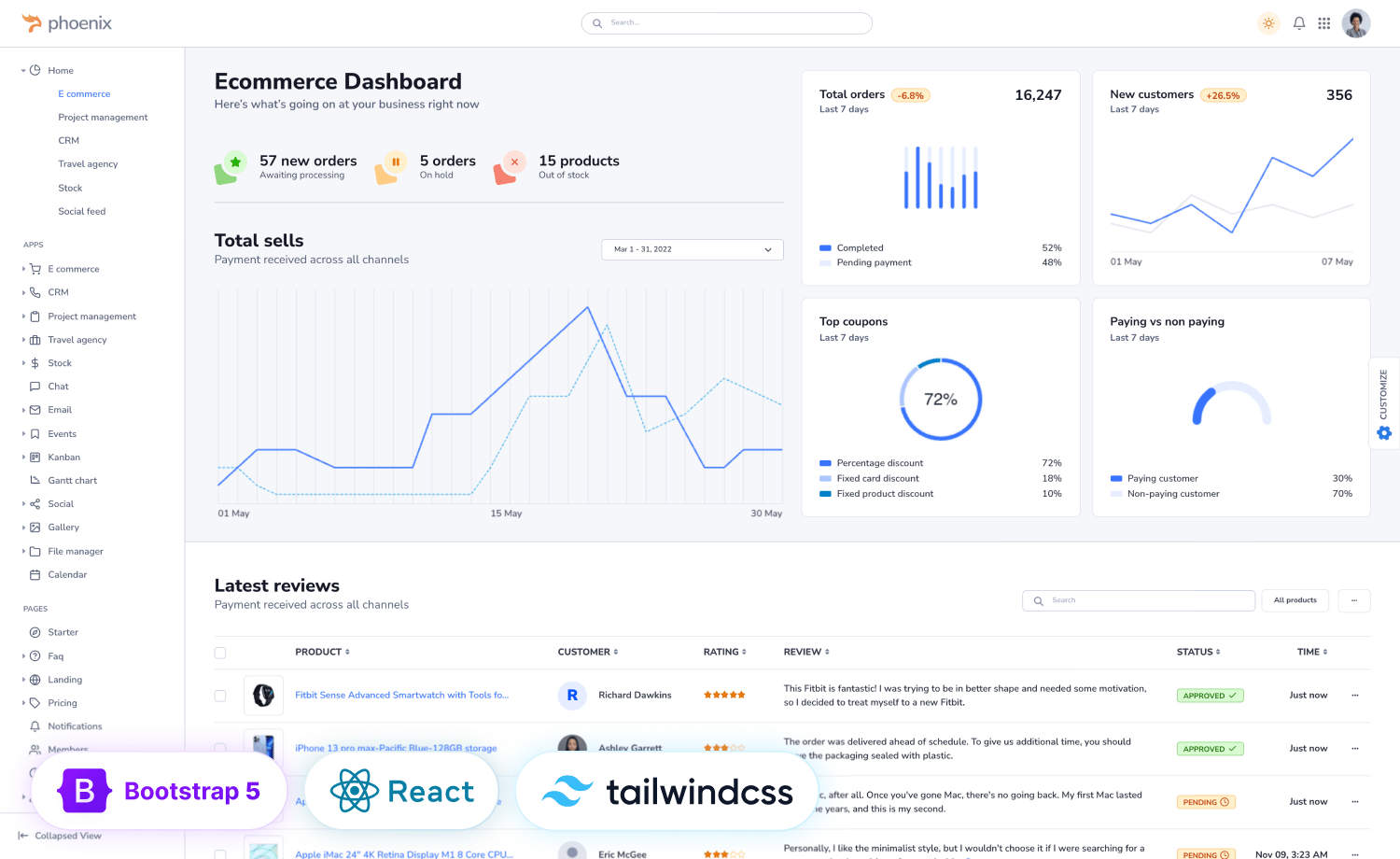
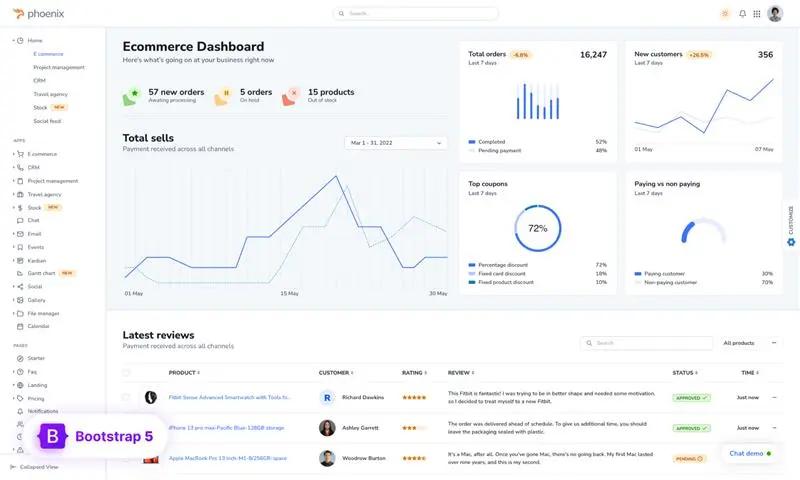
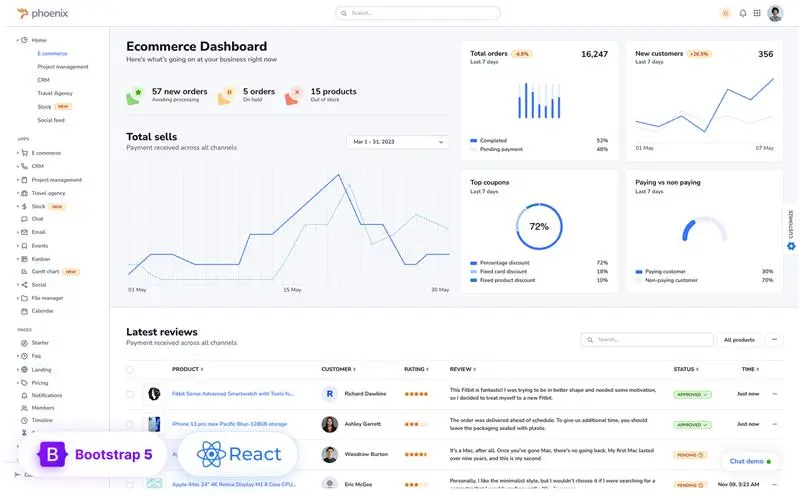
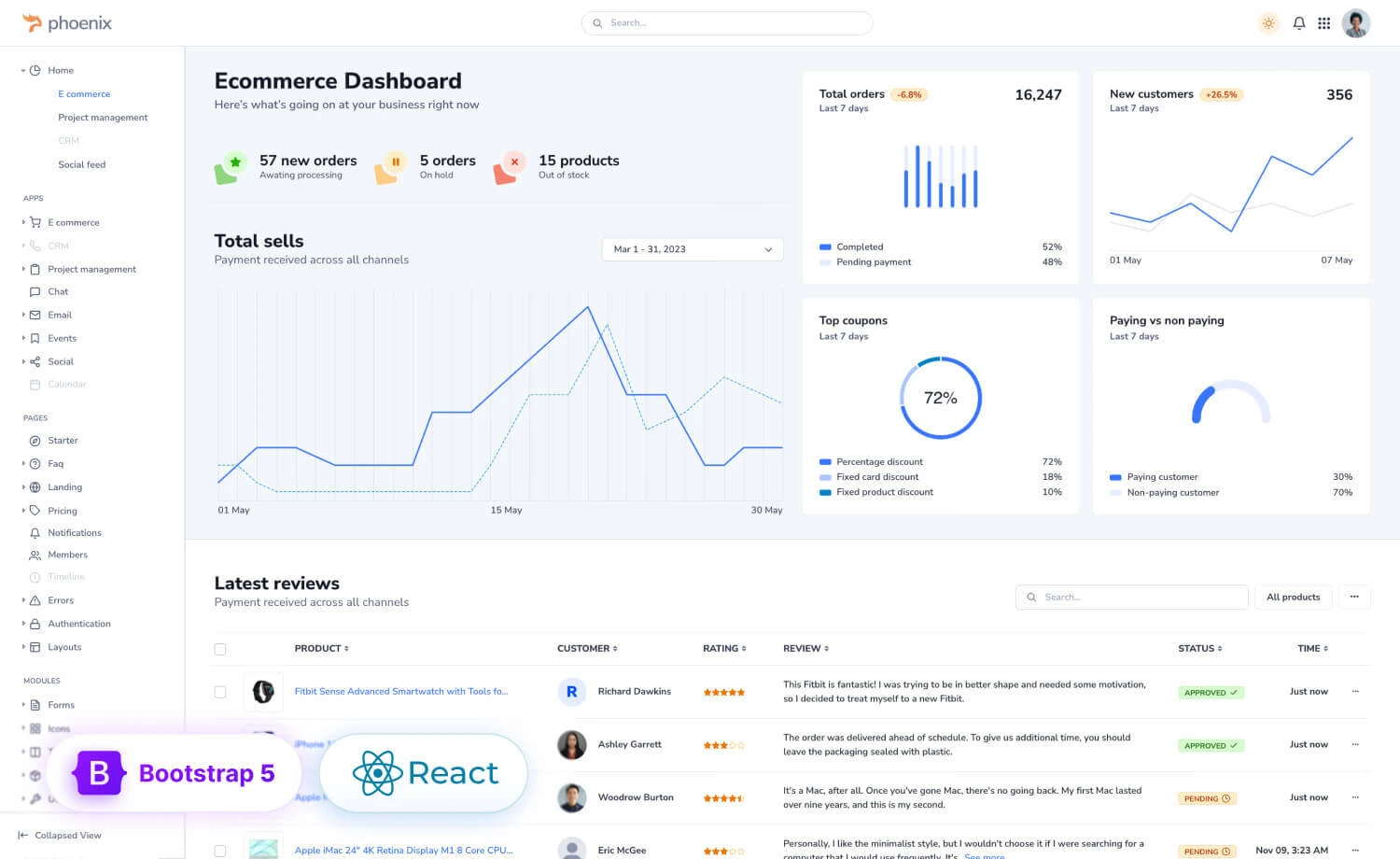
Phoenix React is one of ThemeWagon’s most established Bootstrap React admin templates. It’s built around a modular component system. It’s a popular admin dashboard template that was consistently ranked at the top of the Bootstrap marketplace during its time. The template includes the largest collection of prebuilt applications among the Bootstrap-based templates in this comparison list. Phoenix React also offers more layout customization through its built-in layout playground, making it easier to switch navigation styles, themes, and appearance without editing the codebase.
Key Features
- 14 prebuilt business apps for common enterprise workflows.
- Interactive layout playground with multiple layout options.
- Modular React and TypeScript architecture on Bootstrap 5.
- Built-in authentication pages with customer and admin dashboards.
- Integrates popular libraries like TanStack Table, Mapbox, and ECharts.
Technology Stack: React 19.2.0 · Bootstrap 5.3 · React-Bootstrap · TypeScript
Pricing: Standard: $59 · Standard Plus: $89 · Unlimited Use: · $149 · Extended Plus: $599
Get Flexibility Without Rebuilding
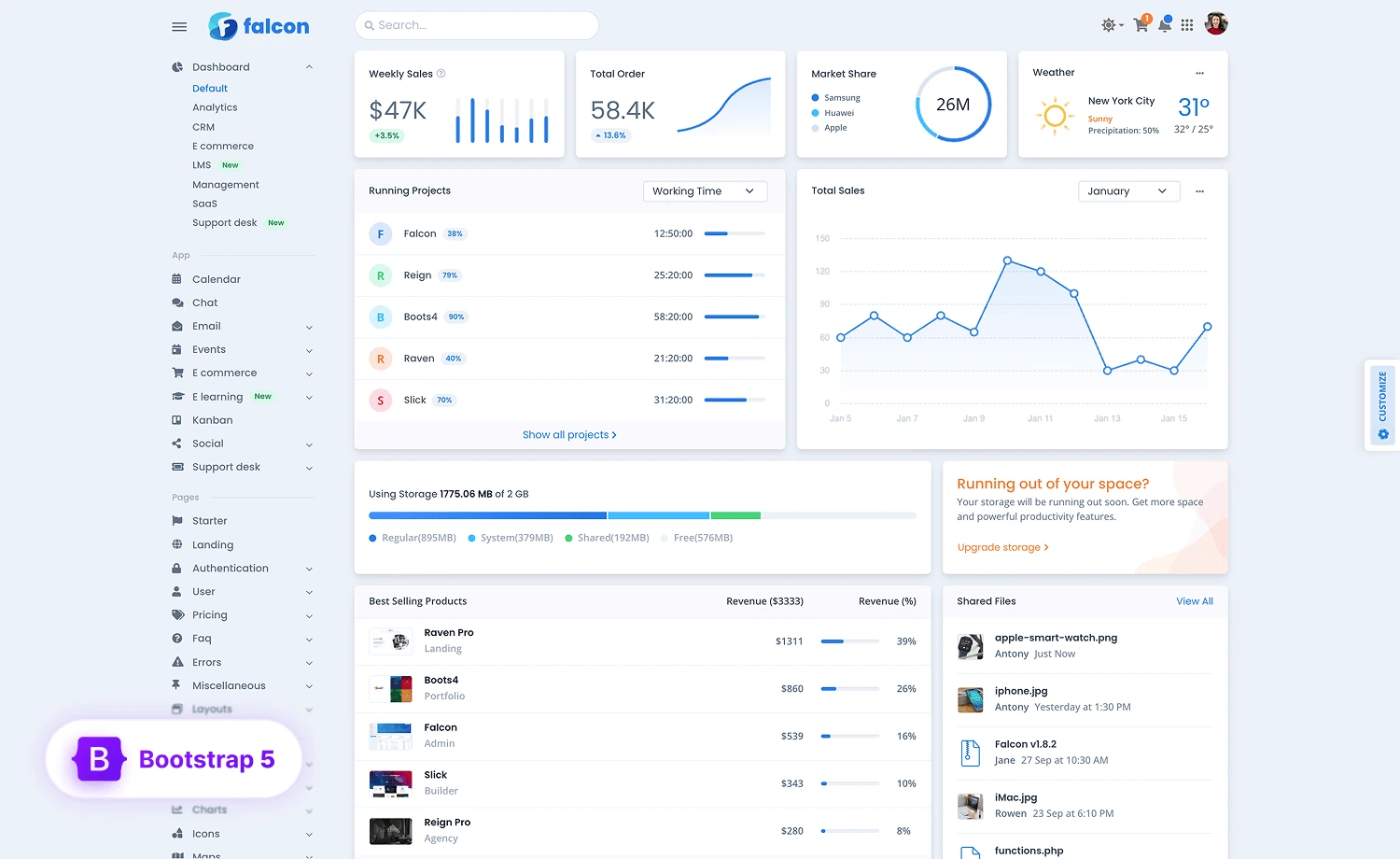
Falcon React
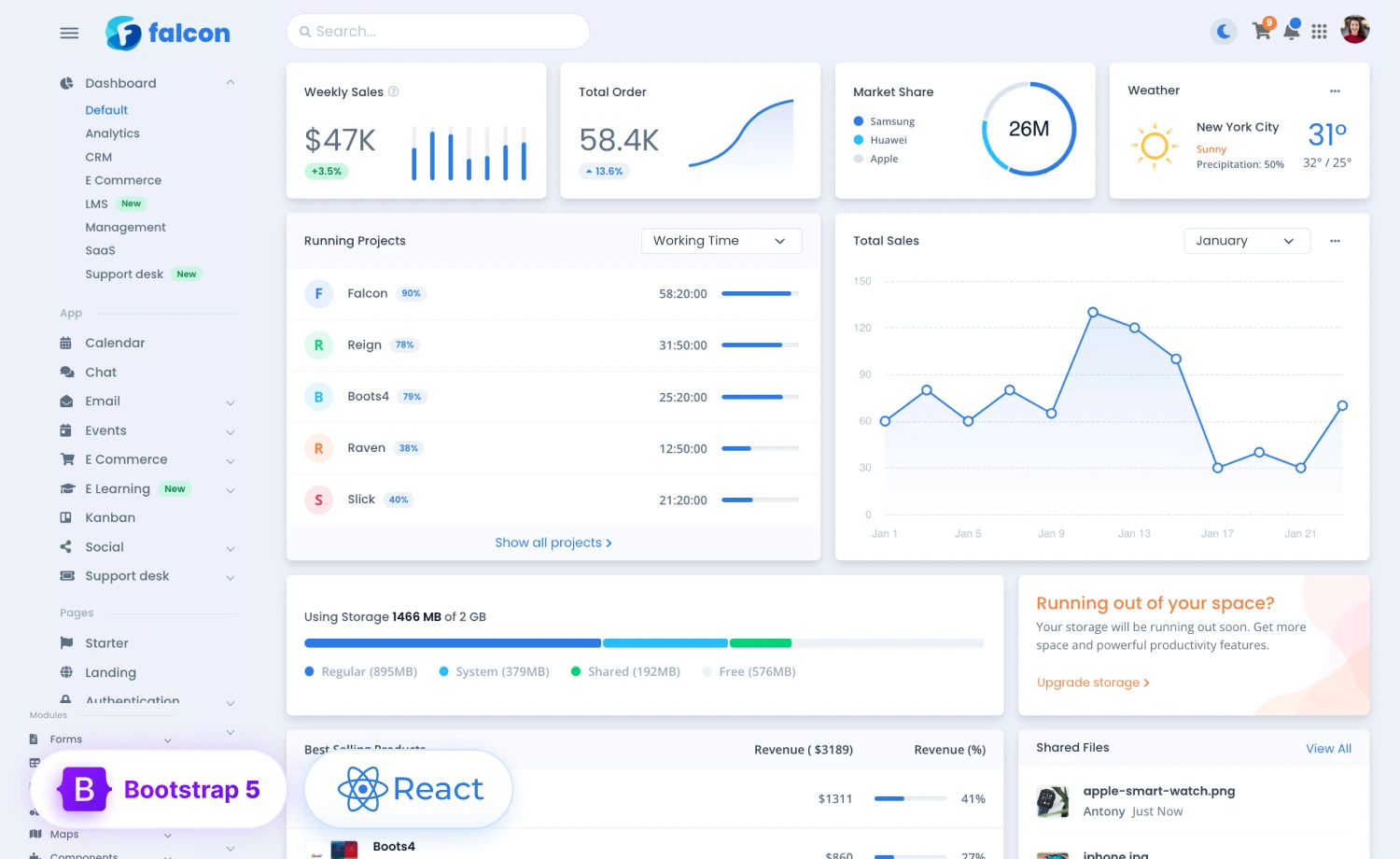
Another popular premium React admin dashboard template by ThemeWagon is Falcon React, which has also ranked among the top Bootstrap React themes. While Phoenix focuses on broader app coverage, Falcon React stands out for its maturity. With the highest number of customer reviews (65+) in this comparison, it offers stronger community validation than most alternatives. It offers a feature-heavy design with LMS pages, a notable inclusion not found in Phoenix React.
Key Features
- 9 prebuilt apps, including LMS, Ecommerce, Chat, and Email.
- Over 100 UI component sets and 35 integrated plugins.
- Flexible layouts with RTL and light, dark, and auto themes.
- Built-in File Manager, advanced tables, charts, and forms.
- Includes Figma design files and Prettier configuration.
Technology Stack: React 19 · React-Bootstrap 2.10.10 · TypeScript · React Router Dom v7
Pricing: Standard: $59 · Standard Plus: $89 · Unlimited Use: · $149 · Extended Plus: $599
Aurora
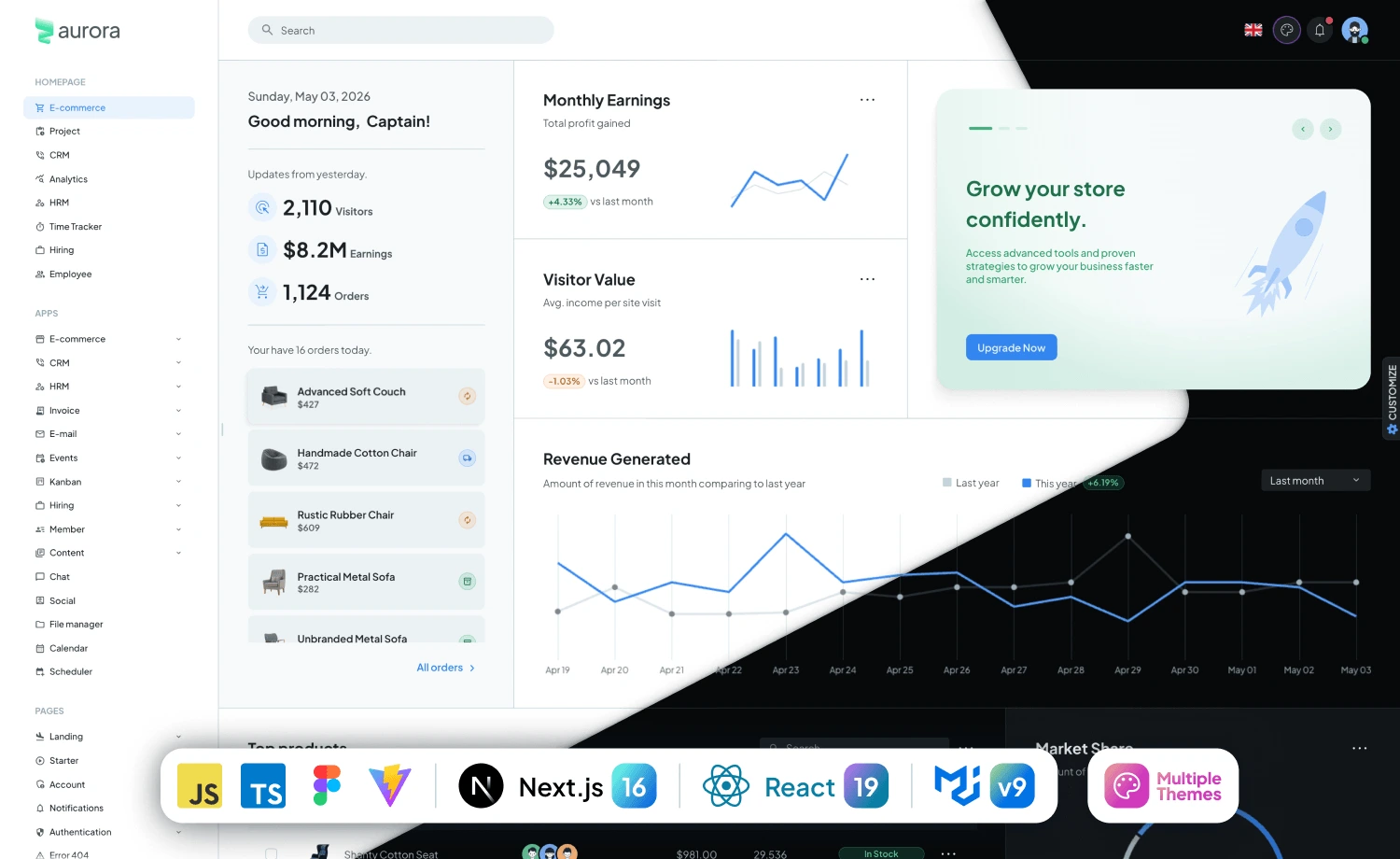
Aurora is the only MUI-based in-house Material UI (MUI) admin dashboard template, built for teams that prefer the MUI ecosystem over Bootstrap. Unlike Phoenix and Falcon, Aurora doesn’t compete on prebuilt business applications. Instead, it provides a clean, modern foundation with a well-structured codebase that you can easily extend. The free version includes a dashboard, Users, Account, authentication pages, and an error page, making it easy to evaluate the project before upgrading. The premium version expands on that foundation with additional pages, components, and features.
Key Features
- MUI-based React architecture with TypeScript
- Free version available for evaluation
- Built with Vite for a fast development experience
- Clean project structure designed for customization
- Premium version adds more pages, components, and features
Technology Stack: React · Material UI (MUI) · Vite · TypeScript
Pricing: Standard License: $59 · Standard Plus: $99 · Extended License · $599

Apex
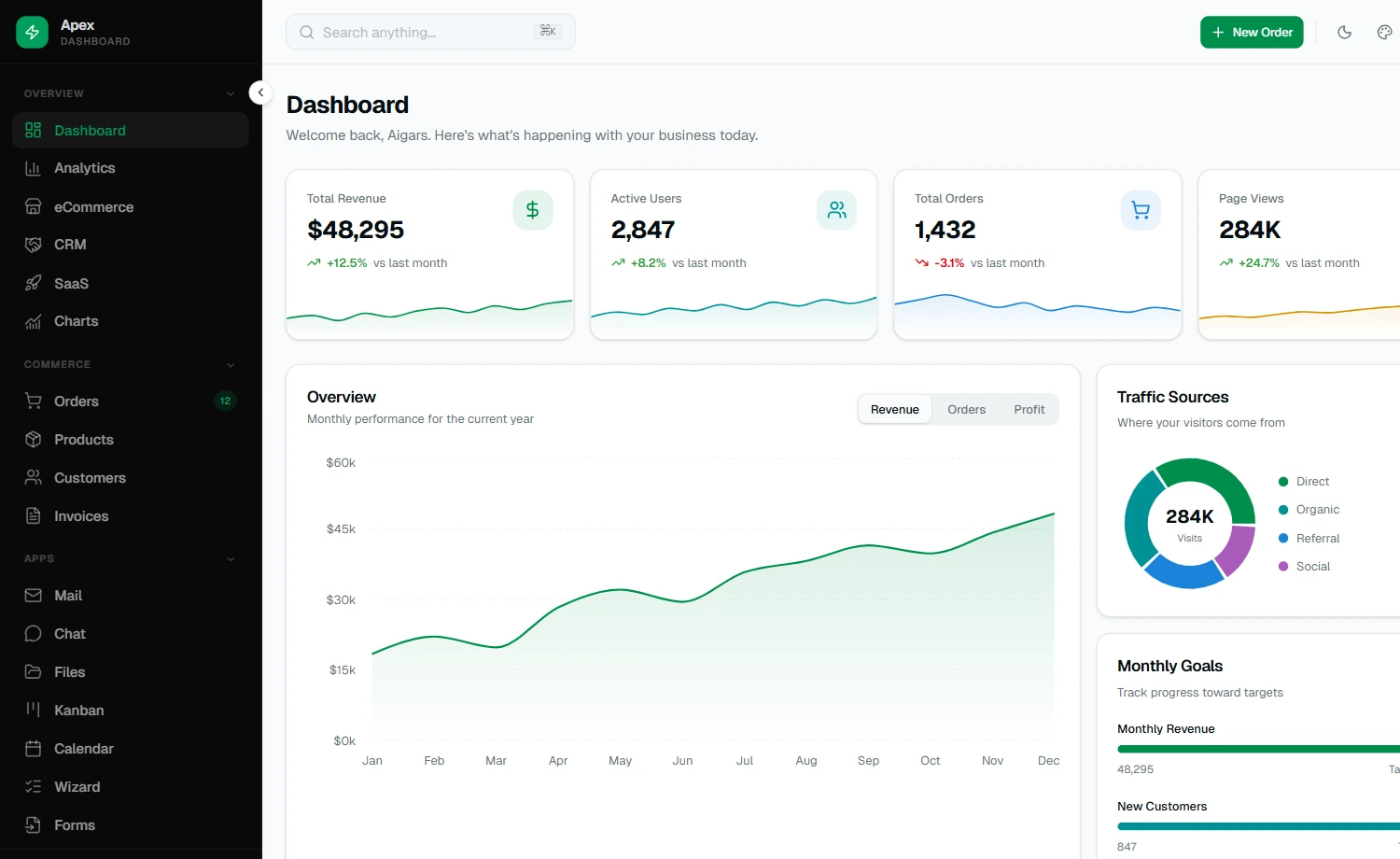
Apex is DashboardPack’s flagship Next.js admin dashboard template, built specifically for the App Router ecosystem. Unlike Phoenix and Falcon, which target React SPAs with Bootstrap, Apex follows modern Next.js conventions, including Server Components, the App Router, and shadcn/ui. It includes 5 dashboard variants and over 20 application pages, along with production-ready CRUD examples powered by TanStack Table. Compared with Isomorphic, Apex places greater emphasis on documented features and complete CRUD workflows.
Key Features
- Complete authentication flow with 2FA and email verification.
- Production-ready CRUD with sorting, filtering, and CSV export.
- Multiple dashboard layouts for different business use cases.
- Built-in AI assistant and AI-powered features.
- Supports light, dark, and system themes.
Technology Stack: Next.js 16 · React 19 · TypeScript 5 · Tailwind CSS v4 · shadcn/ui
Pricing: Personal License: $69 · Developer License: $149 · Lifetime License: $349
Metronic
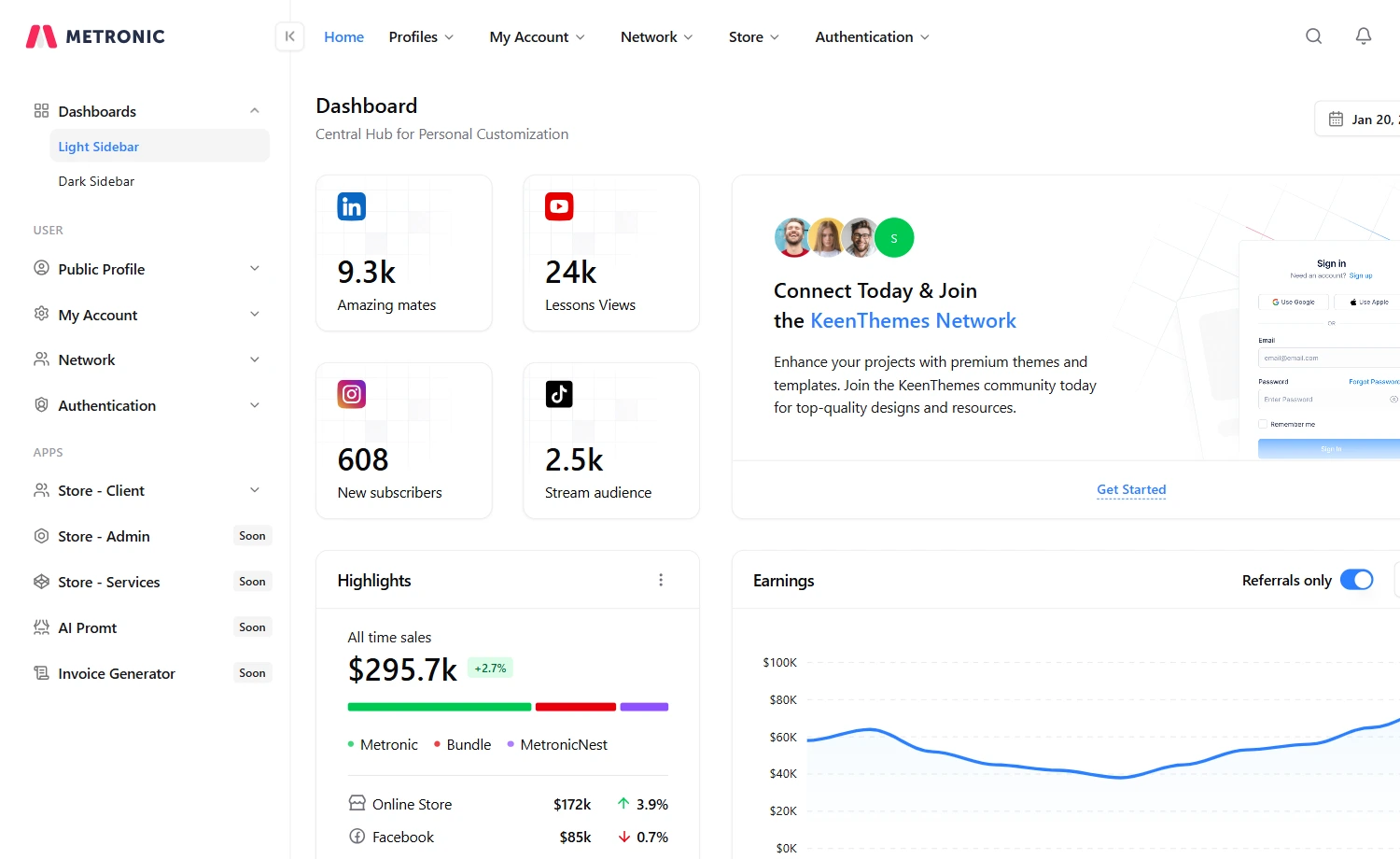
Metronic is the most comprehensive admin dashboard toolkit in this comparison. Unlike the other templates, it supports multiple frameworks and offers one of the largest component ecosystems. With over 1000 UI components, 118K+ users, and a long development history, it’s built for teams that need maximum flexibility and long-term scalability rather than a lightweight starting point.
Key Features
- Supports React, Vue, Angular, Laravel, ASP.NET, and HTML.
- Prebuilt authentication, ecommerce, CRM, and dashboard pages.
- Figma design system included with the license.
- Lifetime updates with regular feature releases.
- Extensive documentation and starter projects.
Technology Stack: React 19 · Tailwind CSS v4 · shadcn/ui · Radix UI · TanStack Table · Zod · Prisma
Pricing: Regular: $49 (6 months support) & $65.88 (12 months support) · Extended: $969 (6 months support) & $1257.38 (12 months support)
Vuexy
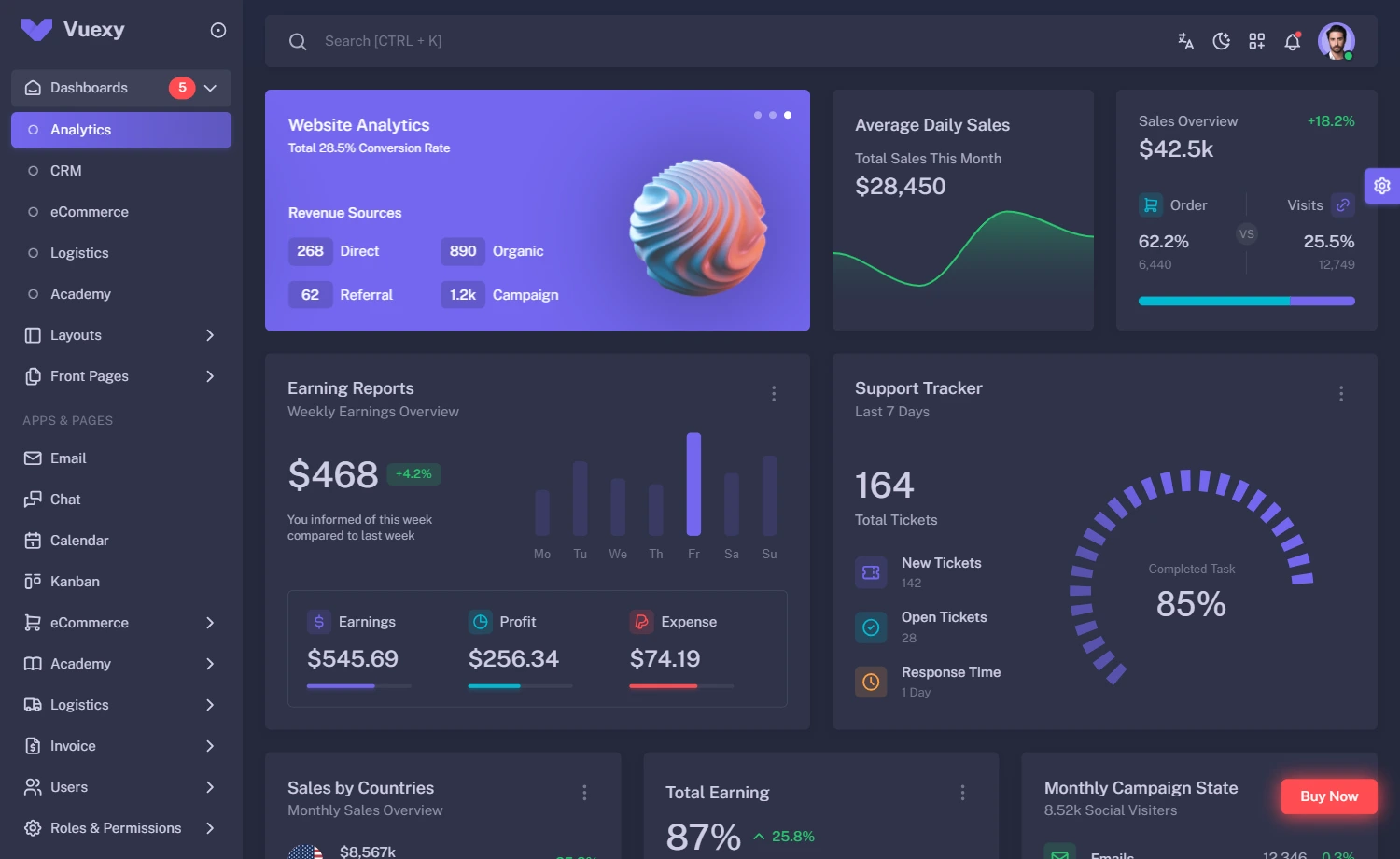
Vuexy is PixInvent’s flagship admin dashboard template and the most multi-framework option in this comparison. Unlike the other templates, which primarily focus on a single ecosystem, Vuexy uses the same design system across HTML, Vue, Next.js, Laravel, .NET Core, Django, and more. It also has one of the longest track records, backed by over a decade on ThemeForest, 20,000+ developers, and 600+ five-star reviews.
Key Features
- Available across nine framework editions.
- Multiple layout styles with full RTL support.
- Built-in authentication, dashboards, and business apps.
- Includes Figma design files for UI customization.
- Regular updates with detailed documentation.
Technology Stack: HTML · Vue · Nuxt.js · Next.js · Laravel · Vue & Laravel · .NET Core · Django · Figma
Pricing: Regular: $49 (6 months support) & $65.88 (12 months support) · Extended: $969 (6 months support) & $1257.38 (12 months support)
There’s no single “right” premium React admin dashboard template. It depends on your Technology Stack, team size, and project scope. Ultimately, choose the template that matches your technology stack first. Then compare its features, documentation, and maintenance history. The best template is the one that fits your workflow, not necessarily the one with the longest feature list.
Frequently Asked Questions
Is it better to start with a template or build an admin dashboard from scratch?
If your project includes common features like authentication, dashboards, forms, tables, charts, or business apps, a premium template can save weeks of development time. Building from scratch is usually a better choice only if your project requires a completely custom design system or architecture.
Can I use these premium React admin template for commercial projects?
Yes. All these templates are fully optimized and allow commercial use under their standard license. However, licensing terms vary between vendors, especially if you’re building a SaaS product, redistributing the template, or creating products for clients. Always review the vendor’s licensing page before purchasing.
What should I look for to check if a React admin template is actively maintained?
Start by reviewing the template’s changelog or release history. Look for recent updates, compatibility with the latest React version, regular dependency updates, bug fixes, and improved documentation. It’s also worth checking customer reviews and the vendor’s support activity. A template that’s updated consistently is more likely to remain reliable as your project grows.