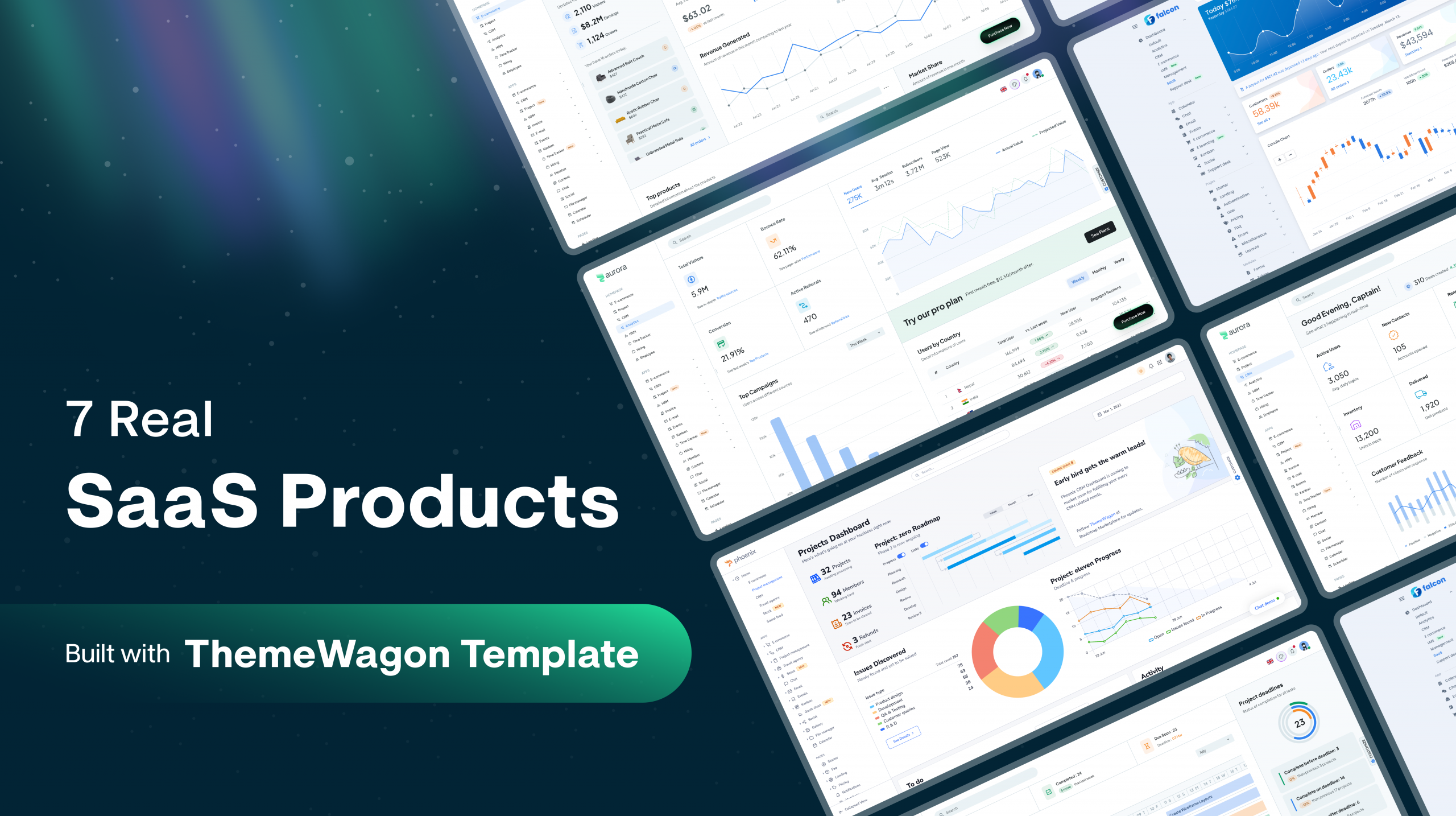
Building the front end of a SaaS product from scratch costs weeks before a single feature ships. The sidebar, the data tables, the charts, the authentication pages, the dark mode toggle, the responsive layouts: all of it lands before you write the logic that makes your product worth paying for.
You can skip that grind. You can build a real, production SaaS on an admin dashboard template, and the fastest proof is seven live products that did exactly that.
AI does not remove the need for this. Even with AI, crafting a finished SaaS front end takes experienced developers and designers. Otherwise, everyone ships the same layout from the same models. You want to look polished and professional.
This post walks through all seven products, names the SaaS and web app admin dashboard templates behind each one, and shows what the template handled so the team kept its focus on the product.
Most “best admin dashboard templates” articles stop at a list of templates to buy. None of them show real products shipped on those templates. These seven are running businesses today, from bootstrapped tools to a Nasdaq-listed company that used a ThemeWagon template to modernize its front end.
How to Build a Real SaaS on an Admin Dashboard Template
A production-ready admin dashboard template gives you the entire front-end foundation as clean, documented code, so your team builds the product on top instead of rebuilding the interface first. The seven products below run on five ThemeWagon templates, and one of them still runs on the same template it launched with.
The template is the front-end head start. Your backend, business logic, billing, and integrations are what turn that head start into a SaaS. Here is how the build moves from template to live product.
1. Pick the template that matches your stack
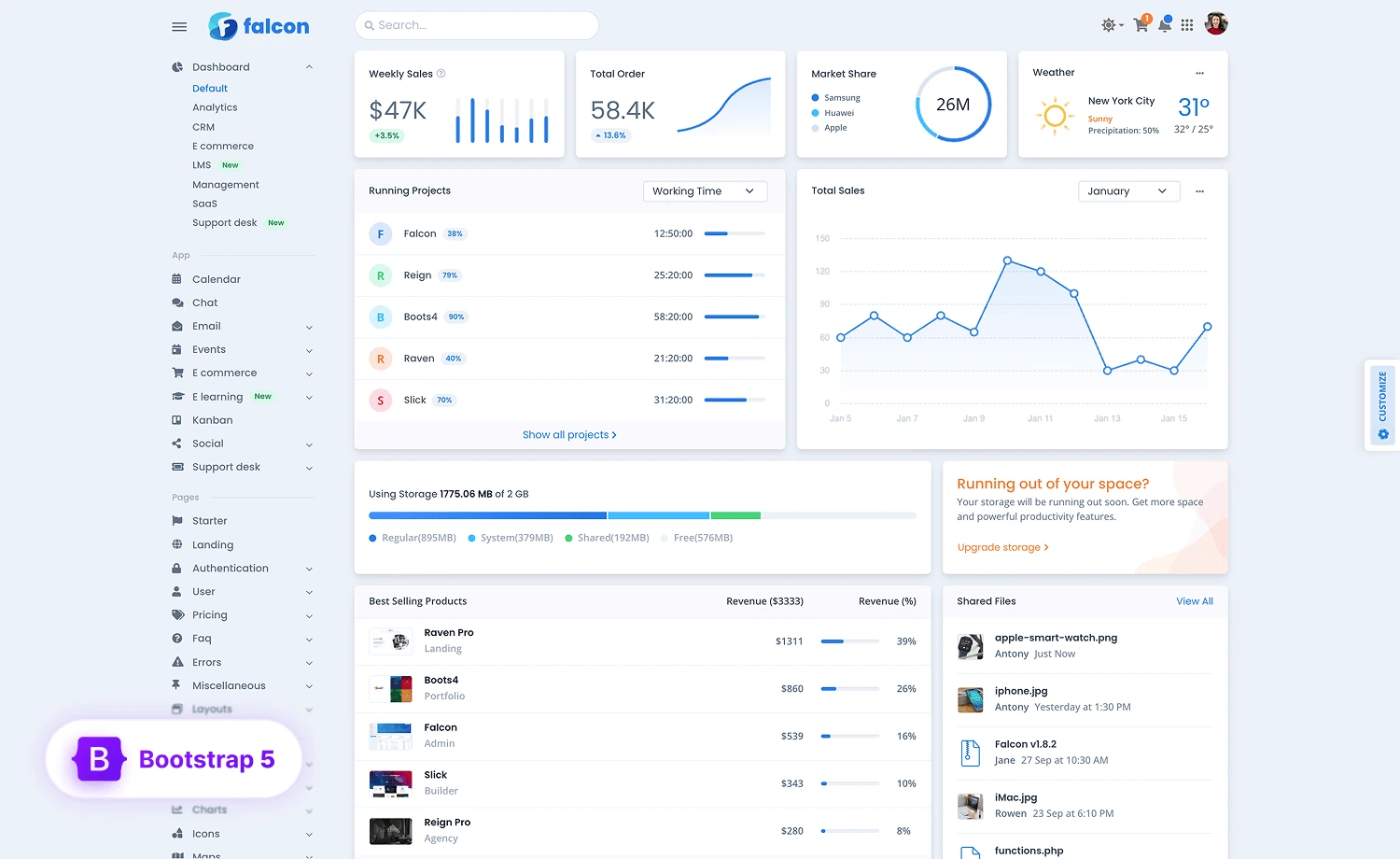
Start with the framework your team builds in. A Bootstrap 5 template like Falcon suits teams that want precompiled HTML and fast setup. A pure Bootstrap, React or MUI template like Falcon, Phoenix React or Aurora suits teams building a component-driven app. The right SaaS dashboard template is the one your developers can extend without fighting the codebase.
2. Start from the prebuilt front end
A strong template ships the parts every SaaS needs: authentication pages for sign in, sign up, and password reset; data tables and charts for the dashboards; dark mode; and RTL support. These land already styled and wired, so the weeks usually spent building interface elements disappear.
3. Map your product to the template’s prebuilt apps & pages
Premium templates ship working apps such as CRM, project management, invoicing, email, and kanban. Map your product’s modules onto these as starting points. A client portal starts from the CRM and invoicing apps. A support tool starts from the ticketing and table views. The app you need is often already in the template.
4. Build the backend API and connect it
The template is the front end. Your team builds the backend, database, and authentication, then wires them to the interface. This is where the product logic lives: user accounts, billing, data processing, and the integrations your customers rely on.
5. Customize the interface to your brand
Adjust the theme, components, and layouts from the template base so the product looks like yours, not the demo. Clean, documented templates make this straightforward, since the styling is organized and the components are reusable.
6. Scale to production
Add the integrations, performance work, security, and multi-tenancy a live SaaS needs. A template built on a maintainable codebase holds up as the product grows, which is why the products below still run on the templates they started with. For a deeper look at how template choice affects performance and rankings, ThemeWagon covers UI choices and SEO.
The 5 ThemeWagon Templates Behind These Products
Three templates power all seven products. Each one targets a different stack, so the right choice depends on how your team builds.
Phoenix & Phoenix React
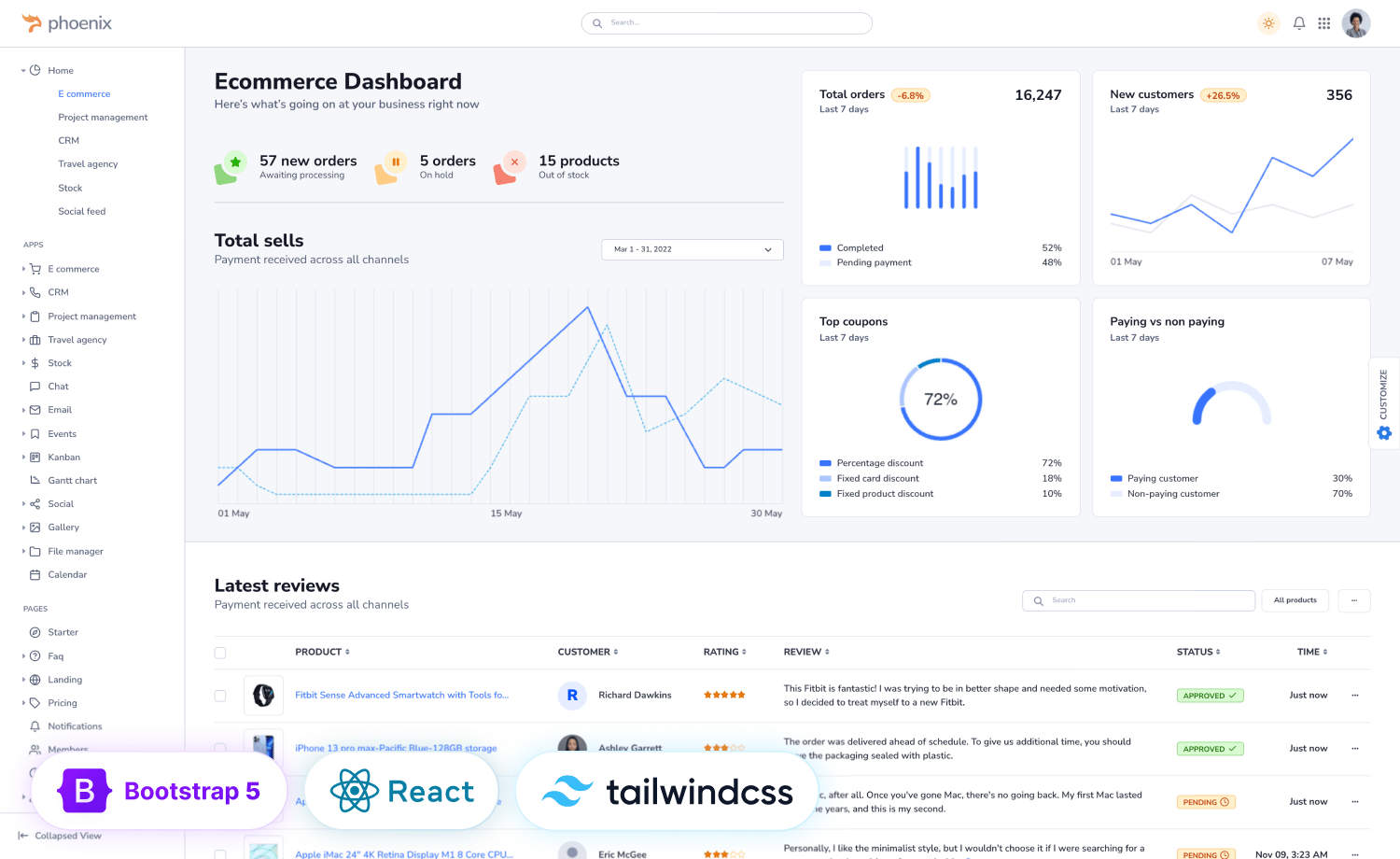
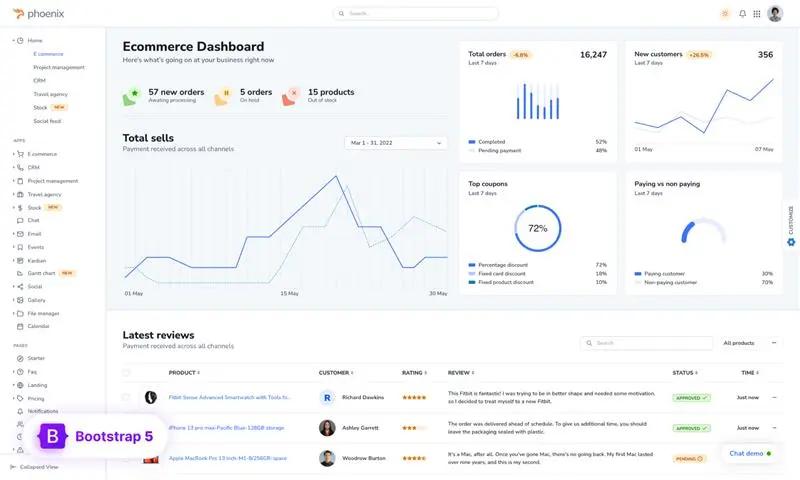
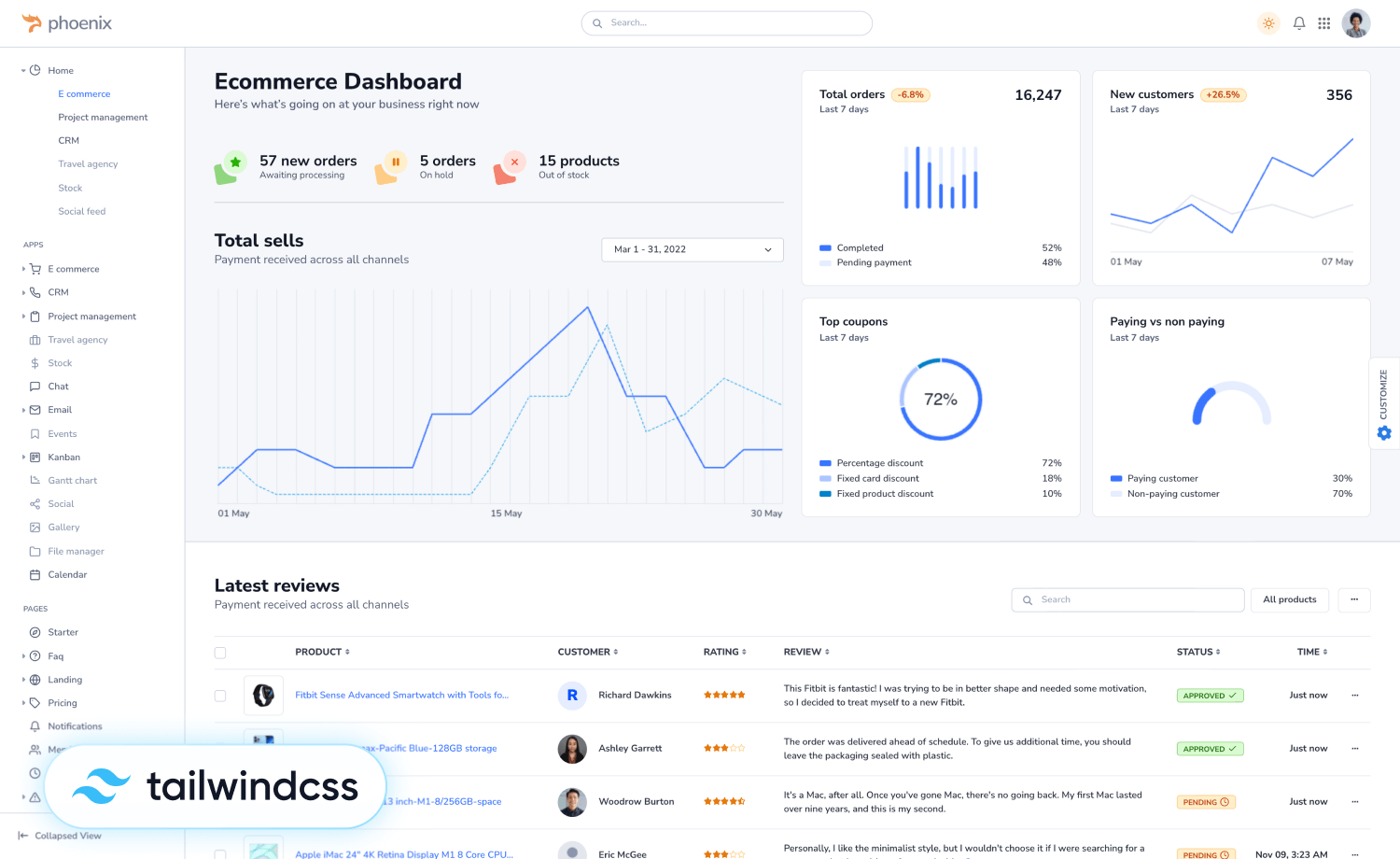
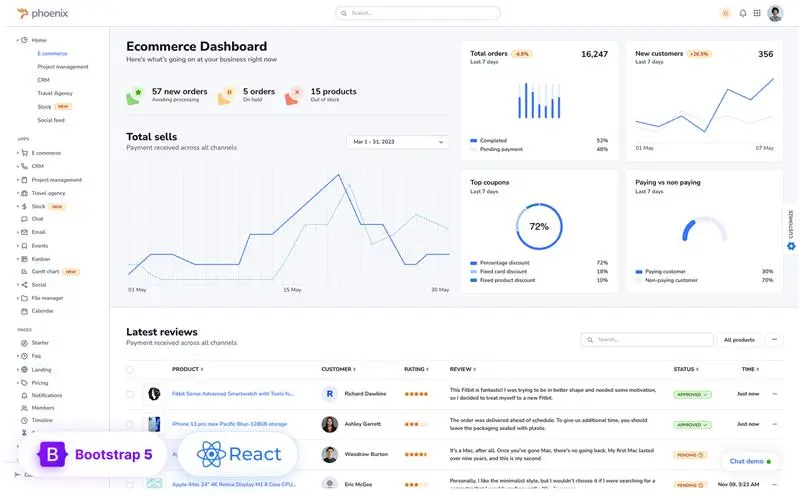
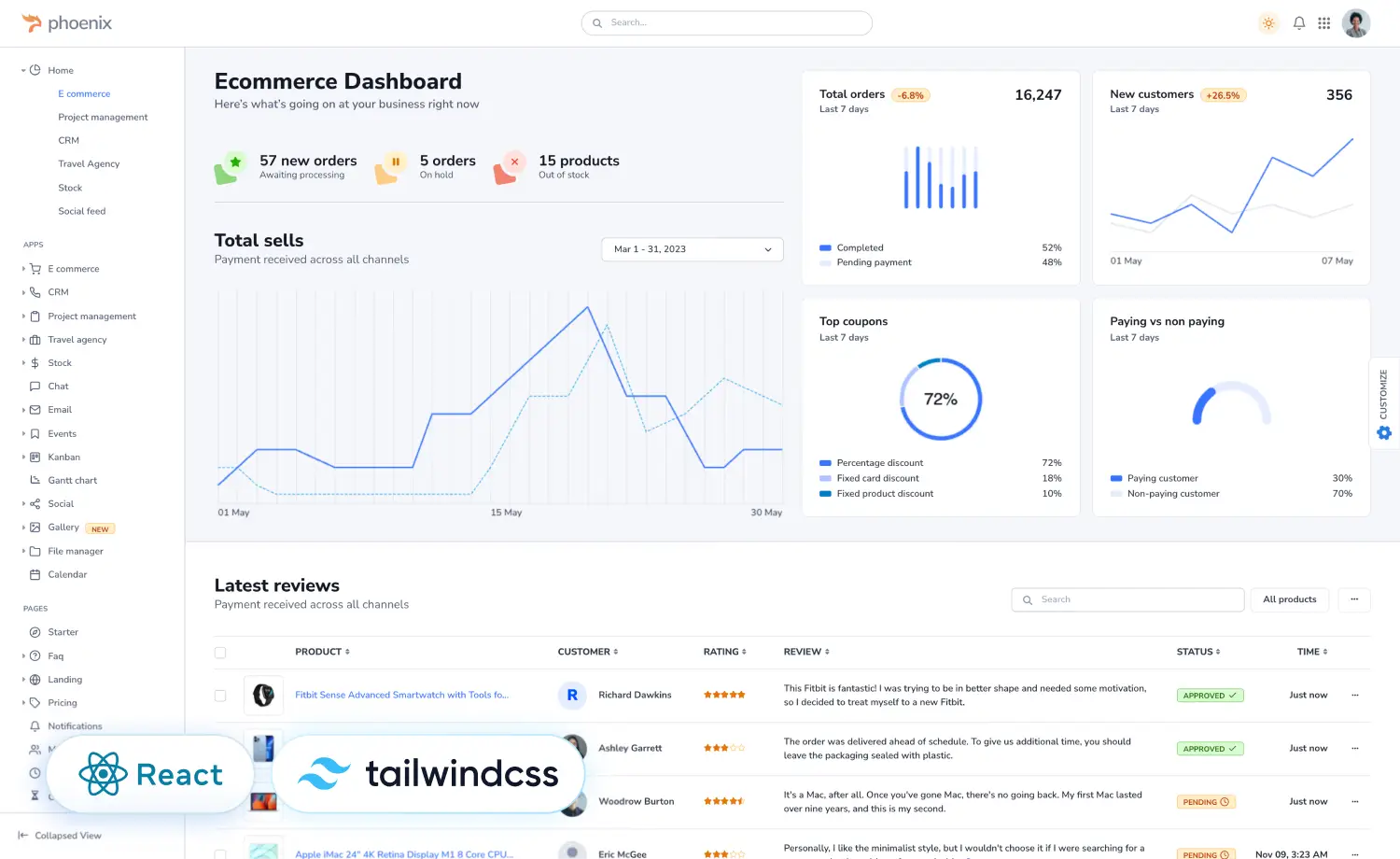
Phoenix is the most popular premium admin and web app template from ThemeWagon, built in three versions that share one core structure: Bootstrap 5, React, and Tailwind CSS. It ships with 10 layouts, 8 modules, and 14 prebuilt apps including CRM, project management, and ecommerce. Now it has the Phoenix and Tailwind version as well. The codebase is jQuery-free, W3C-validated, and SEO-friendly, with Figma files included. The Tailwind version is built on Hummingbird, ThemeWagon’s own Tailwind component library.
Falcon & Falcon React
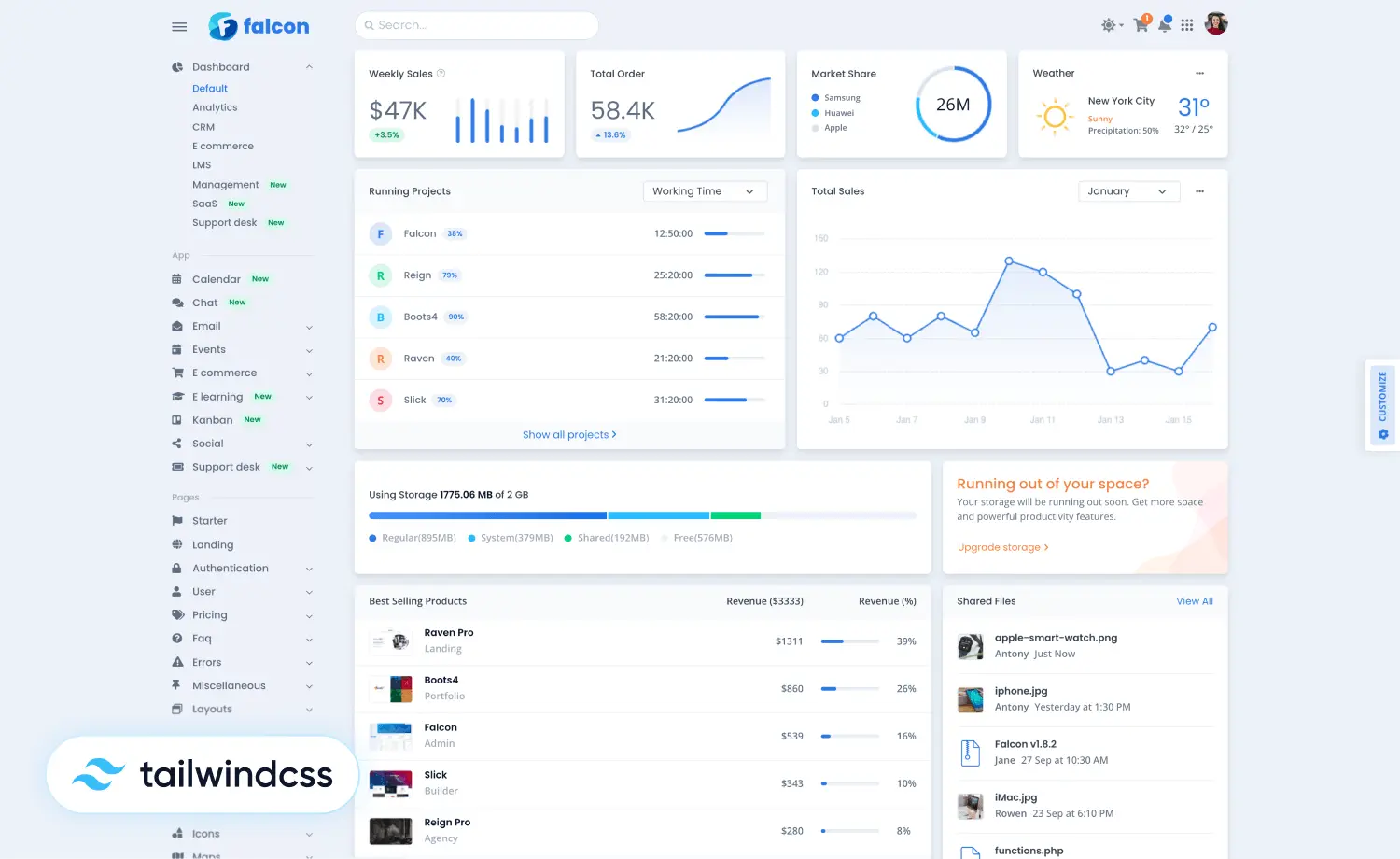
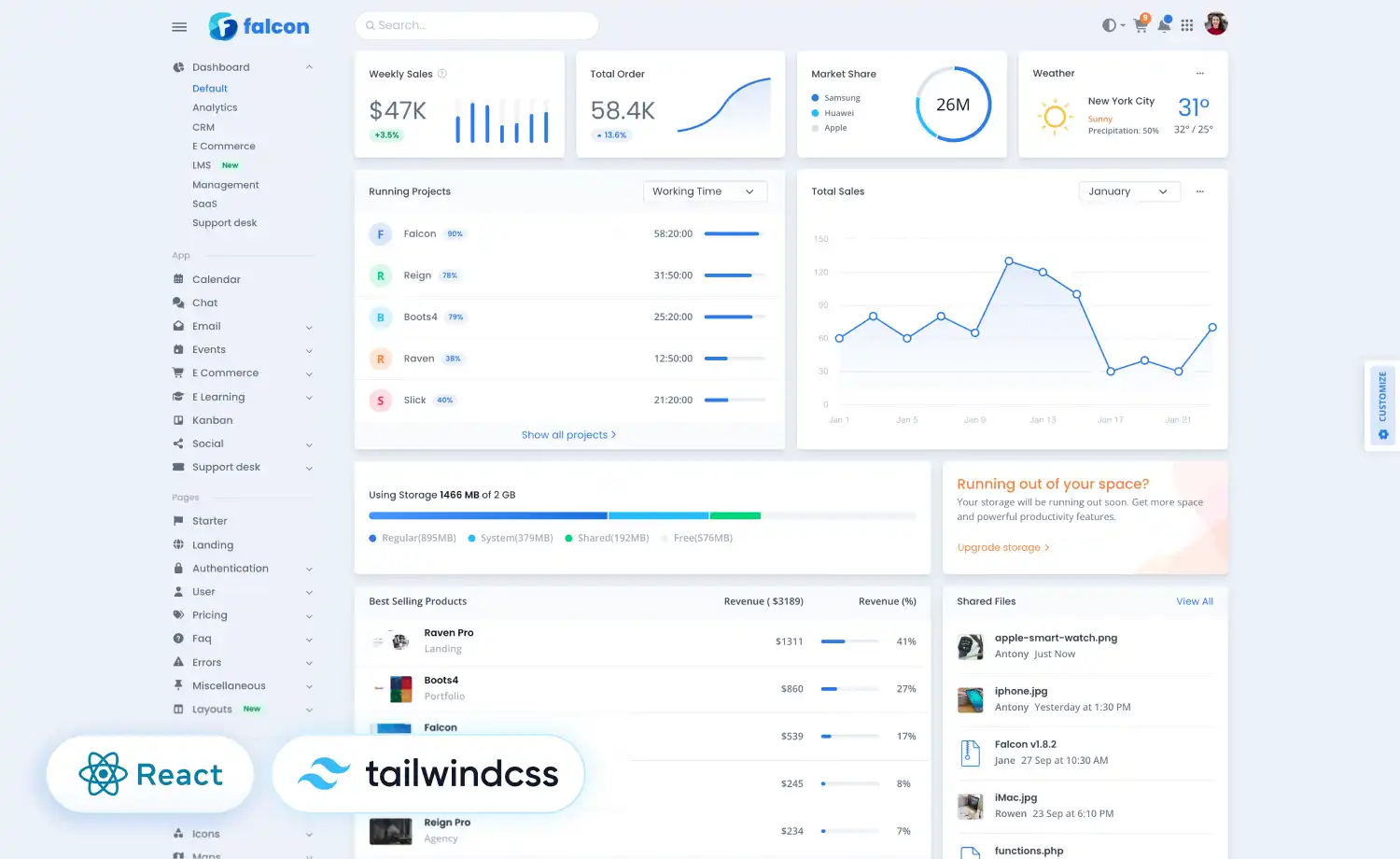
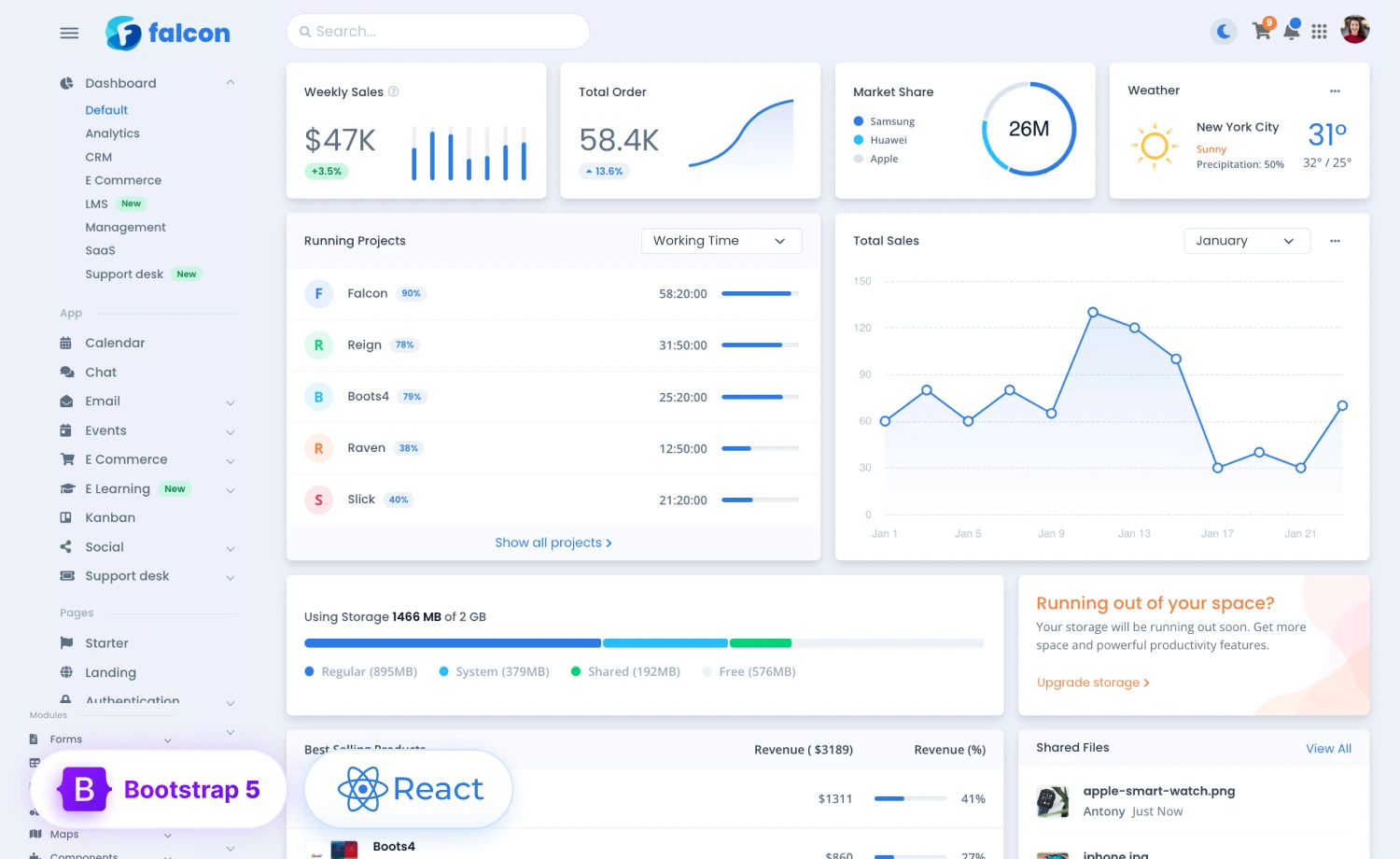
Falcon is a premium Bootstrap 5 admin dashboard and web app template that ranked among the top-selling products on the Bootstrap marketplace. It ships 100+ sets of UI components, 35 sets of plugins, 211 HTML files, and 1,512 SVG icons, with a React version available. Falcon also has the React and Tailwind version as well. It supports RTL-ready layouts, a Gulp workflow, and precompiled HTML, so developers can build from source or deploy production-ready pages directly.
Aurora
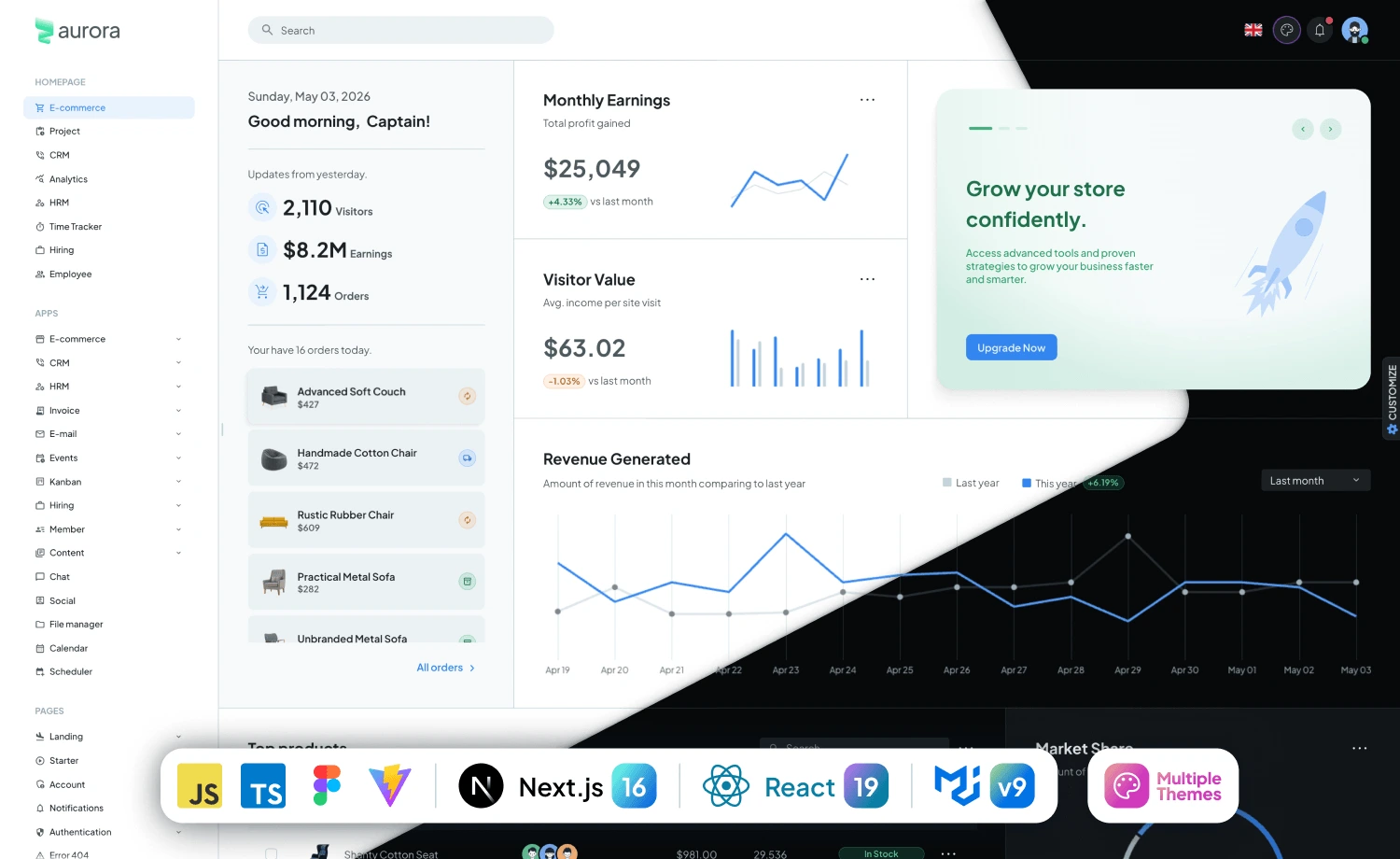
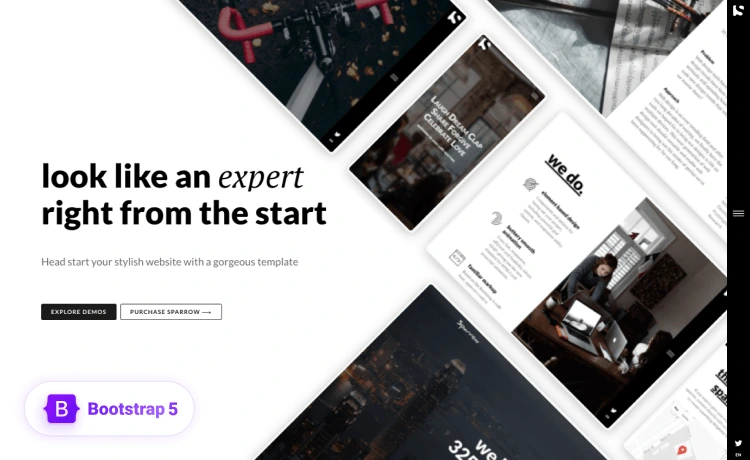
Aurora is ThemeWagon’s premium Material UI admin and web app template, built on React 19, MUI v9, Next.js 15, and Vite. It ships 100+ prebuilt pages, 50+ customized MUI components, and 100+ widgets, with authentication for JWT, Firebase, and Auth0 built in. Read the full Aurora introduction for the complete feature set.
The 7 SaaS Products
Jump to any product below, or read straight through. Each one names its template, who it serves, and what it ships.
- Gradnet: Alumni Management Software, built on Falcon
- OneSuite: Client Portal Software, built on Phoenix
- MailBluster: Email Marketing Software, built on Falcon
- KairosIQ: Real Estate CRM, built on Phoenix
- Postly: Social Media Publishing SaaS, built on Falcon
- OneDesk: Enterprise Support Ticketing, built on Falcon
- A Nasdaq-listed business communications company: front-end revamp on Aurora
1. Gradnet: Alumni Management Software
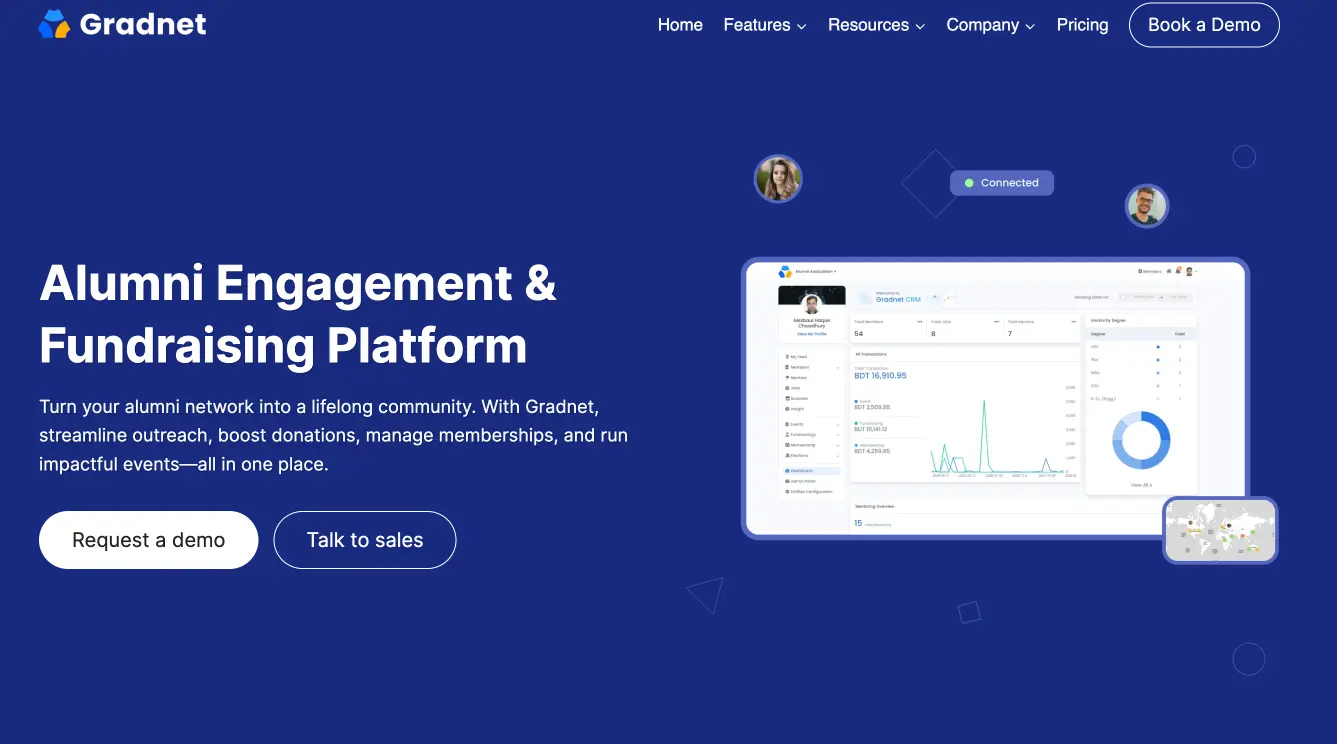
Gradnet is an all-in-one alumni management software that helps associations and institutions run their communities. It handles member directories, event ticketing, fundraising, job boards, mentoring, and online voting in one platform.
Built on:
Falcon. Gradnet still runs on Falcon today, which makes it the clearest proof in this list. This is not a prototype that moved on after launch. It is a live platform serving paying organizations on the same Bootstrap 5 template it was built with. Falcon’s prebuilt tables, forms, and dashboard layouts map directly onto the member management, donation tracking, and event tools Gradnet needed.
Use case
Alumni associations, schools, and medical societies that need to manage members, collect membership fees, run fundraising campaigns, and organize events. Gradnet is trusted by communities across Australia, Portugal, New Zealand, and Bangladesh.
Key features:
- Member directory for organizing and searching the alumni network
- Fundraising tools for campaigns and donation collection
- Event ticketing for organizing and selling access to events
- Online voting for association elections and decisions
- Mentoring and job board for connecting members
2. OneSuite: Client Portal Software
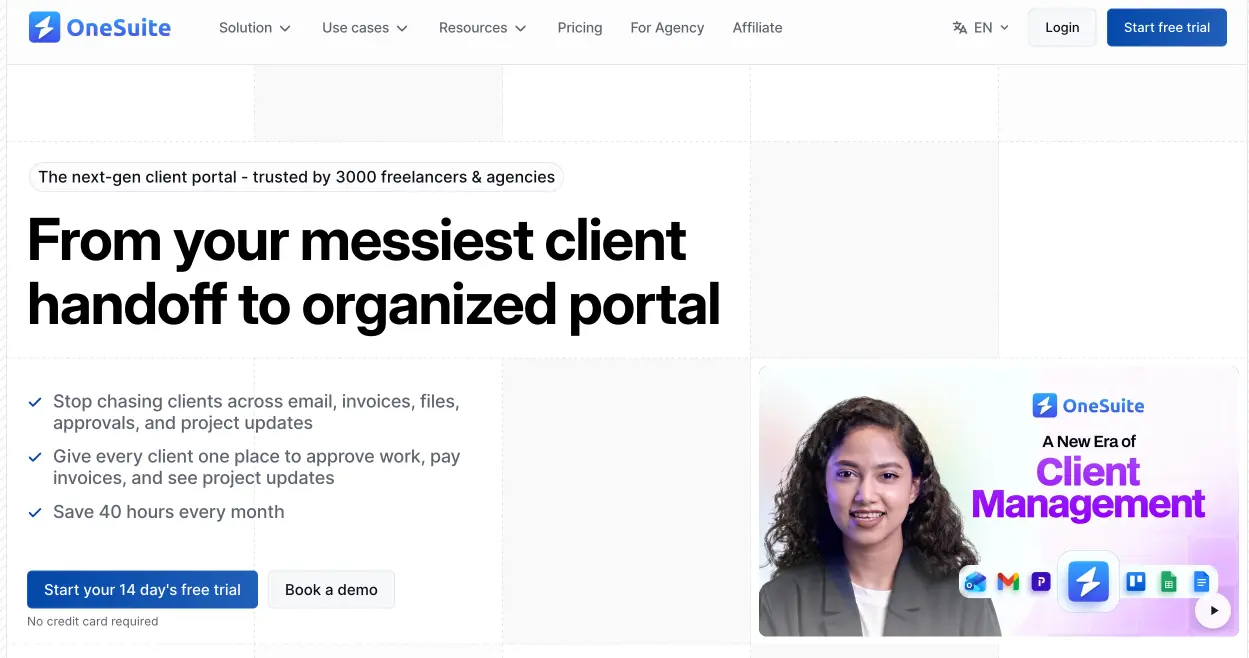
OneSuite is an all-in-one client portal software for agencies. It covers the full client lifecycle, from onboarding to invoicing, in a single portal that replaces a stack of separate tools.
Built on:
Phoenix (initial version). The first version of OneSuite was built on Phoenix, drawing on its prebuilt CRM and project management apps and its authentication pages. Phoenix’s multi-app structure fit a product that needed to combine a client portal, billing, and project tracking under one interface from day one.
Use case
Marketing, SEO, creative, and IT agencies that manage clients, projects, and billing across multiple tools and want them unified. OneSuite gives agencies one workspace for the entire client relationship.
Key features:
- Client portal for transparent client communication
- CRM for managing leads and the sales pipeline
- Invoicing for billing and getting paid
- Document and e-signature for contracts and approvals
- Project management and time tracking for delivery
3. MailBluster: Email Marketing Software
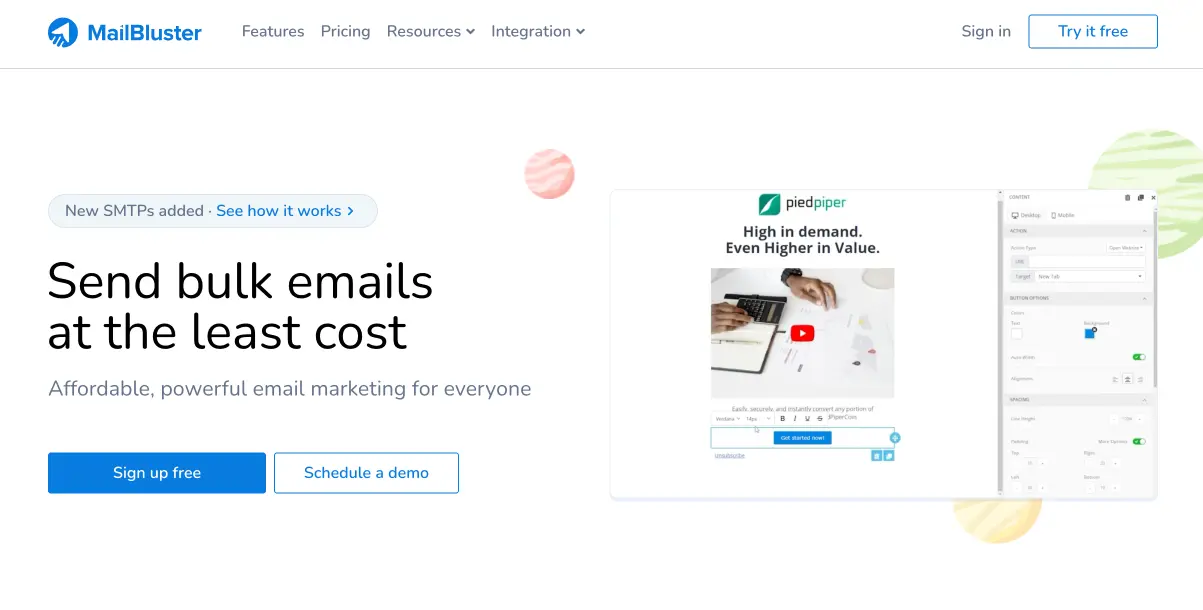
MailBluster is email marketing software built for sending bulk email at low cost. It pairs a full campaign interface with a low-cost sending backend and connects to SMTP providers like Postmark, Mailgun, and SMTP2GO, so businesses send marketing email to large lists affordably.
Built on:
Falcon (initial version). MailBluster’s interface was built on Falcon, using its UI components and data tables to handle subscriber lists, campaign composition, and analytics. Falcon’s component library gave the product a clean, professional dashboard without building those elements from zero.
Use case
Businesses and email marketers sending campaigns to large subscriber lists who want lower sending costs than mainstream platforms charge. MailBluster is trusted by close to 60,000 businesses and email marketers.
Key features:
- Drag-and-drop composer for building emails without code
- List segmentation for targeting the right subscribers
- A/B testing for improving campaign performance
- Real-time tracking and reports for opens, clicks, bounces, and conversions
- Multi-SMTP support for Postmark, Mailgun, and SMTP2GO
- Integrations with WordPress, WooCommerce, Salesforce, Zapier, and Zoho
4. KairosIQ: Real Estate CRM
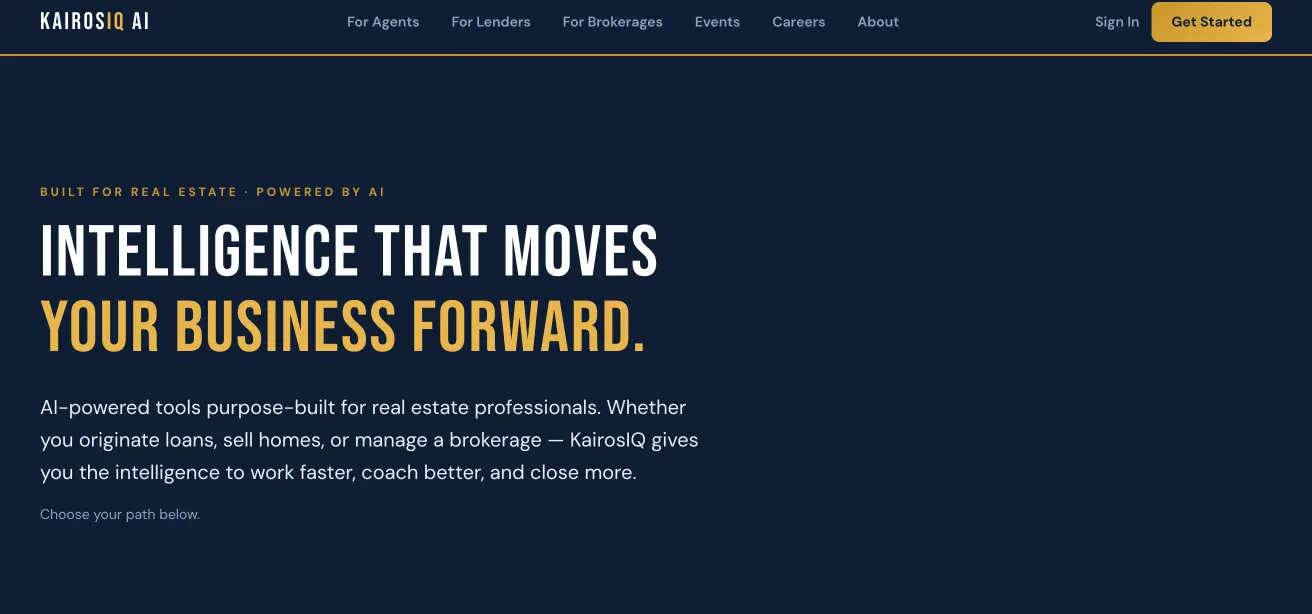
KairosIQ is a real estate CRM built for agents, loan officers, and brokerages. It combines pipeline management with AI coaching and automation, consolidating tools that real estate teams usually run separately.
Built on:
Phoenix (initial version). The first version of KairosIQ was built on Phoenix, using its CRM module and dashboard layouts as the starting point for the pipeline manager and agent tools. Phoenix’s prebuilt apps gave the product a working CRM foundation to extend with real estate workflows.
Use case
Real estate agents, loan officers, and brokerages that need pipeline management, deal tracking, and coaching in one platform. KairosIQ runs on SOC 2 compliant infrastructure and has analyzed over 1.6 million transactions.
Key features:
- Pipeline manager for tracking deals from application to close
- AI search portal for agents engaging buyers
- Brokerage hub for agent oversight and compliance
- AI coaching across sponsored agents and teams
5. Postly: Social Media Publishing SaaS
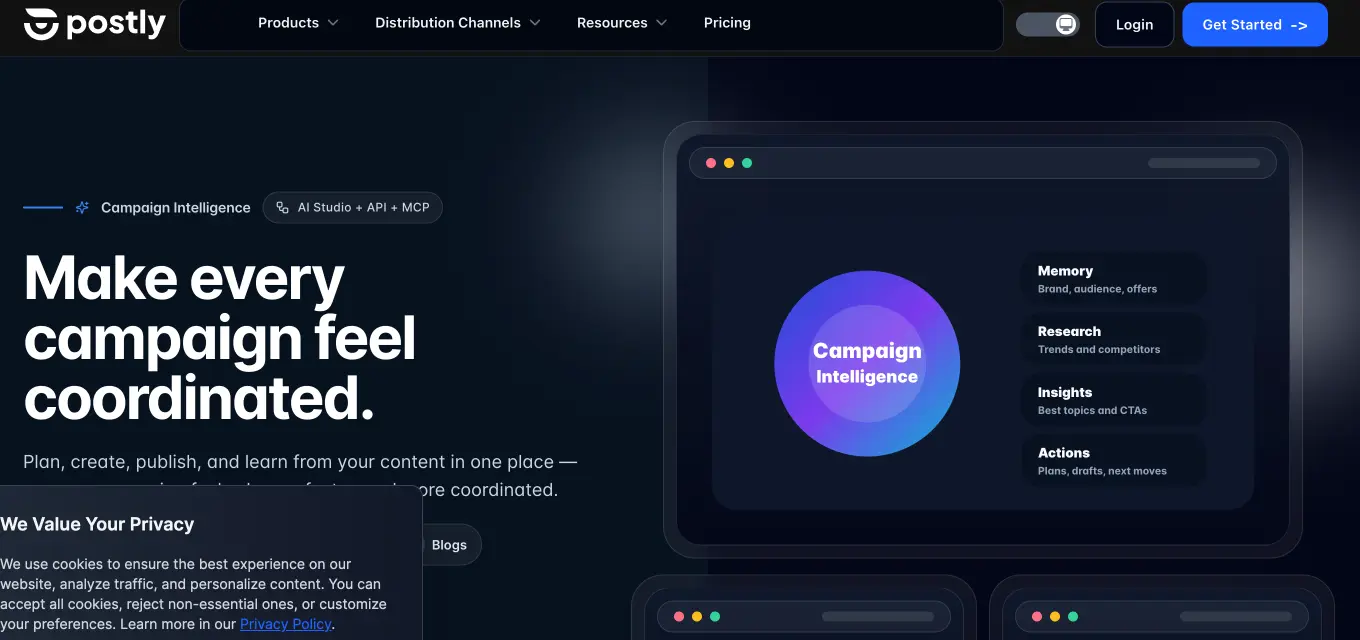
Postly is a social media publishing platform that plans, creates, and publishes content across many channels from one workspace. It combines scheduling, AI content tools, and analytics for creators, agencies, and teams.
Built on:
Falcon (initial MVP). Postly’s first MVP was built on Falcon, which gave the product a production-ready front end fast enough to validate the idea and start onboarding users. From that MVP, Postly grew into a platform spanning more than 19 distribution channels.
Use case
Creators, agencies, and marketing teams publishing across social, email, blogs, and messaging channels who want a single source for planning and distribution. Postly covers 19+ channels from one plan.
Key features:
- AI Studio for generating posts, visuals, and campaign assets
- Multi-channel distribution across 19+ platforms
- API and MCP agents for programmatic publishing
- Bio Pages for link-in-bio and conversion tracking
6. OneDesk: Enterprise Support Ticketing Solution
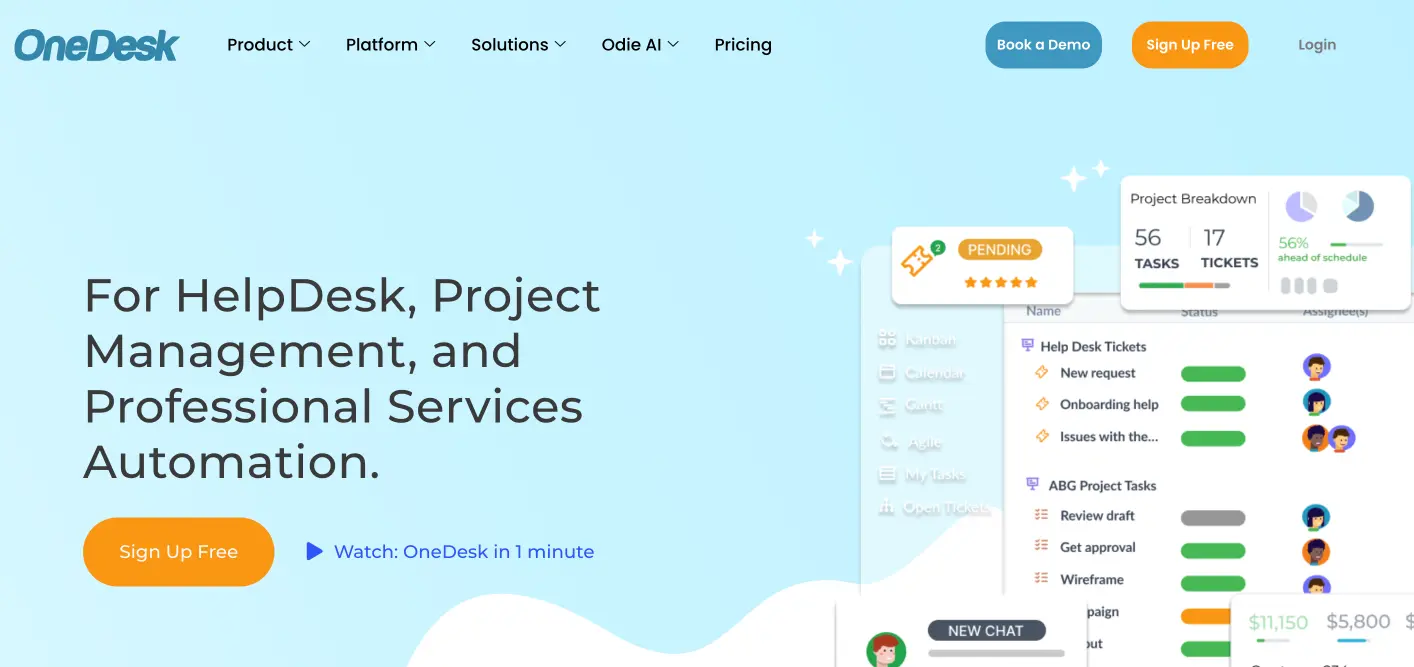
OneDesk combines help desk and project management in one application, so support teams handle customer tickets and deliver projects from a single platform. It covers ticketing, a customer portal, time tracking, and professional service automation in one place.
Built on:
Falcon. OneDesk used Falcon’s support desk module and its component library as the foundation for the ticketing interface, agent views, and reporting screens. Falcon’s prebuilt tables and dashboard layouts fit a product that needed to present tickets, projects, and customer activity in one clean workspace.
Use case
Support, IT, and professional services teams that field customer tickets and run client projects and want both in one tool instead of separate systems. OneDesk serves teams that combine help desk, project management, and billing.
Key features:
- Help desk and ticketing for managing customer support requests
- Email to ticket for turning emails into trackable tickets
- Customer portal and knowledgebase for self-service support
- Project management with Gantt and Kanban views
- Time tracking and invoicing for billing client work
7. A Nasdaq-Listed Business Communications Company
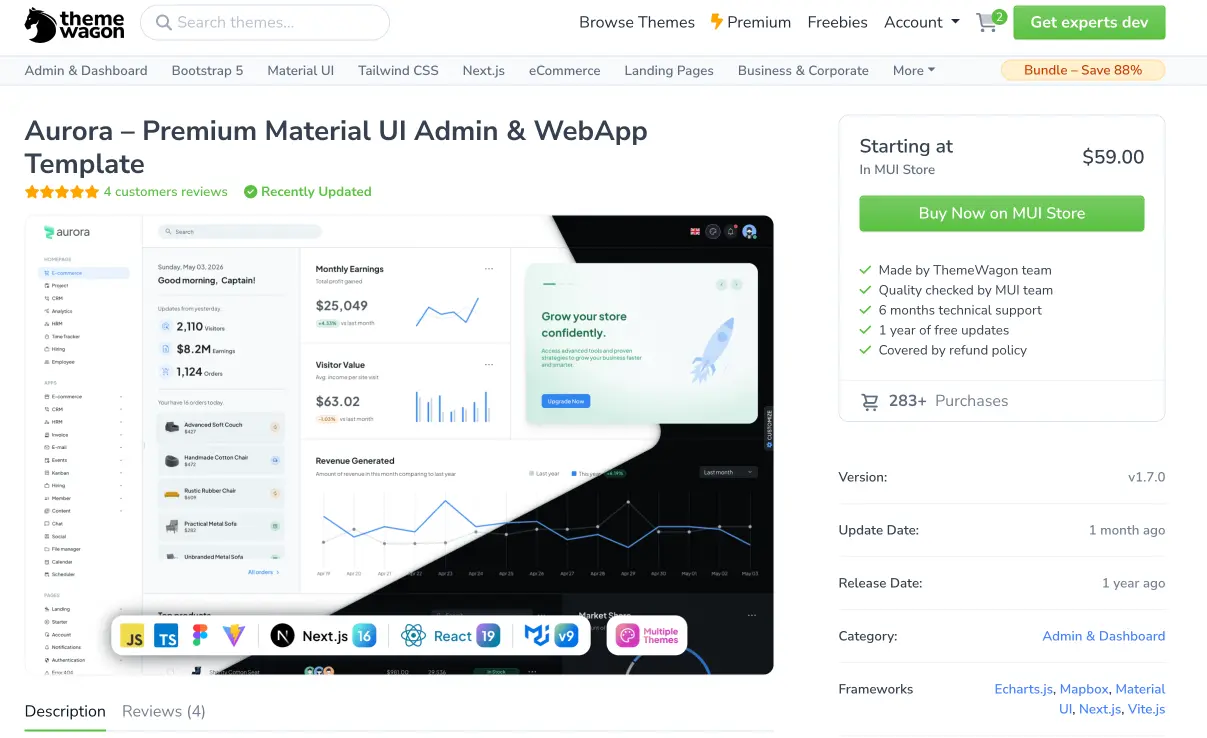
The seventh product is the strongest signal of what a ThemeWagon template can carry. A publicly traded, Nasdaq-listed provider of Unified Communications as a Service (UCaaS) used Aurora to revamp its existing SaaS front end and give it a modern look.
Built on:
Aurora (front-end revamp). This was not a new MVP. It was an established business communications platform modernizing the interface of a product already in market. Aurora’s Material UI foundation, prebuilt pages, and component library gave the company a current, polished front end and a better user experience without rebuilding the design system from scratch. For teams considering a similar move, ThemeWagon documents migrating to MUI.
Use case
An enterprise SaaS company, listed on Nasdaq, that needed to modernize the front end and user experience of an existing communications product. The result shows that a ThemeWagon template meets the standard of a publicly traded software business.
The spread matters here. The same library of templates that gets a bootstrapped MVP off the ground also met the bar for a listed enterprise modernizing a live product. That range, from first MVP to public company, is the case for starting on a ThemeWagon template.
From Template to Production: How Technext Builds SaaS
A template gives you a polished, production-ready front end fast. Turning that front end into a live SaaS, with a backend, authentication, billing, integrations, and the scale to support real users, is the build. Every product above made that journey, and Technext is the team behind them.
Technext builds and ships SaaS products on a full modern stack: React, TypeScript, Next.js, Node.js, MongoDB, MySQL, PostgreSQL, and AWS, with experienced UI and UX designers. The same team that turned these templates into running businesses can do it for your product, whether you are starting from an MVP or modernizing something already in market. Technext also publishes guidance for founders, like this piece on how to hire a software company.
If you want to build a SaaS on a ThemeWagon template, you can hire ThemeWagon’s development team to take it from front end to finished product.
Frequently Asked Questions
Yes. An admin dashboard template provides the production-ready front end, and your team builds the backend, billing, and logic on top. The seven products in this post are live SaaS businesses built this way.
Choose the one that matches your team’s stack. Bootstrap 5 templates like Falcon ship fast with precompiled HTML, while React templates suit teams building a component-driven app. Phoenix offers both, plus Tailwind.
They are production-ready. Gradnet still runs on Falcon in production, and a Nasdaq-listed company used Aurora to revamp a live product. The templates ship clean, documented, W3C-validated code.
Yes. ThemeWagon templates are licensed for personal and commercial use, with unlimited-use options for larger projects. Every product in this post is a commercial SaaS.
Yes. Technext, the team behind these products, builds SaaS on ThemeWagon templates using React, Next.js, Node.js, and AWS. You can hire the team through ThemeWagon’s hire-us page.
Conclusion
Seven real SaaS products, five ThemeWagon templates, one path from idea to shipped product. Gradnet, OneSuite, MailBluster, KairosIQ, Postly, and OneDesk each turned a Phoenix or Falcon template into a running business, and a Nasdaq-listed company used Aurora to modernize a live product.
The proof spans the full range, from bootstrapped MVPs to a publicly traded enterprise. An admin dashboard template for SaaS handles the front-end groundwork so your team ships features instead of rebuilding interfaces.
When you are ready to build yours, ThemeWagon templates and Technext’s development team can take it from front end to finished SaaS. Remember, a quick prototype with AI will help you launch the MVP to test the market, but professionally finished SaaS with great user experience will convert people into monthly paying customers.